Blockquote Did you look under the “more” tab at the bottom?
Thanks for responding!
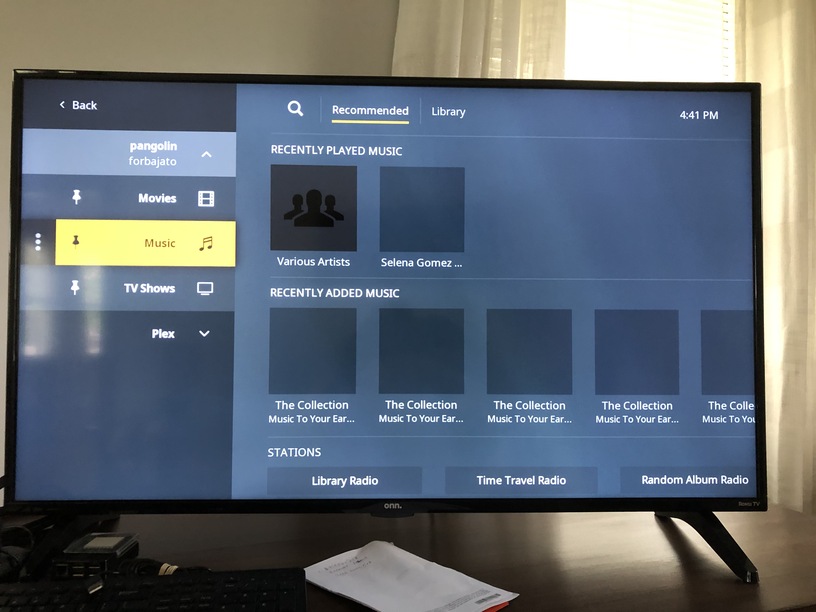
On the Roku app there is a “More” tab, clicking it shows the server’s name and gives a “Sign in” or “Re-try connection” option. When I click “Sign In” I am given a code to enter at a website, entering the code takes me back to the user selection menu, click-rinse-repeat. When I select my daughter as the user, the server appears, all content is available.
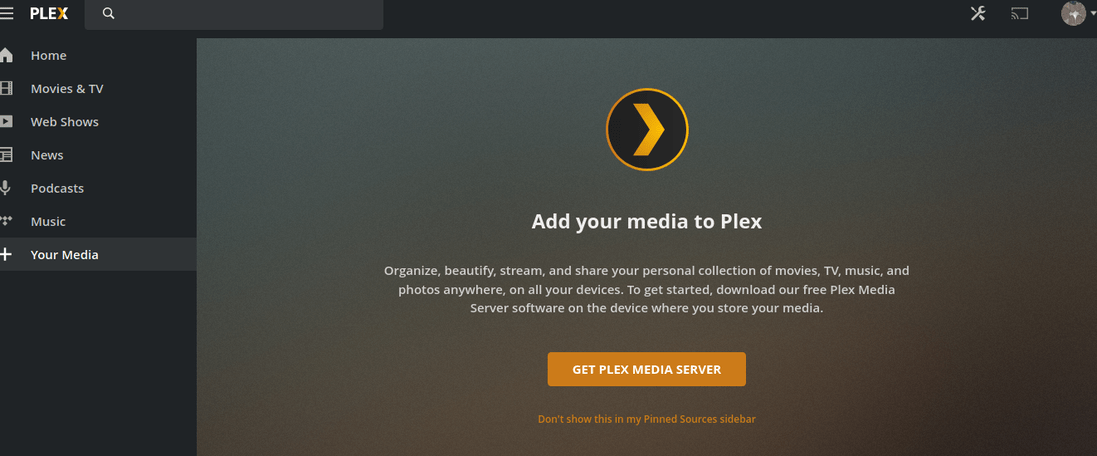
On the Plex-Web interface there is no “More” tab, there is a “Your Media” tab at the bottom of the left side menu. Clicking that tab simply offers the opportunity to “Get Plex Media Server” - something I have obviously already done and am running correctly or my daughter’s user account wouldn’t be able to access the server.