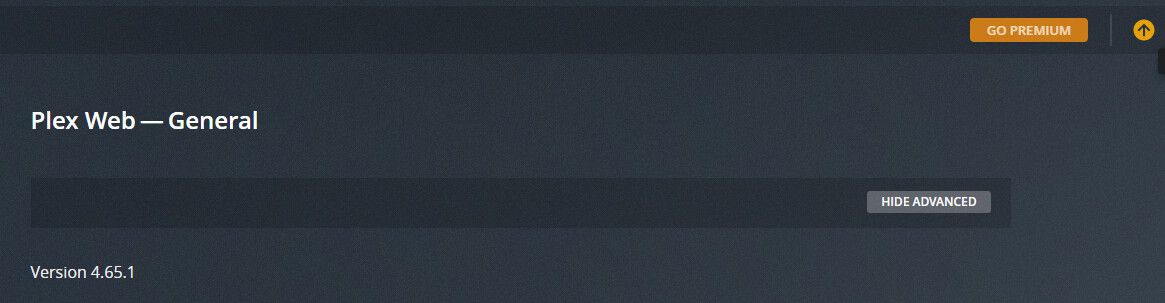
Server Version#: 1.24.2.4973
Player Version#: 4.64.3
Since accepting the metadata agent update last Thursday (and re-massaging the metadata on some of my movies) the Update Arrow has been stuck on without any indication of what it is trying to update:
There is no indication of metadata scanning, no dashboard activity, no update to the server available (I’m running plexinc/pms-docker:beta and restarted the server to update to Version 1.24.2.4973 yesterday).
Any ideas on how to fix this? This is obviously a relatively minor cosmetic issue but the arrow catches my attention every time I load the web app.
Same issue here. Signed in to server about a week ago, was told about metadata Agent updates, accepted & said update all metadata, there was some sort of error that almost immediately went away, and the “update” up arrow on the Activity indicator has been permanently lit up ever since.
I just Reset Defaults in the web app via the Debug menu. I was again prompted to upgrade the library metadata Agents, I again agreed and said update all, I was again shown a vague error message about there having been a problem, and the stuck up arrow issue persists.
Give a shout if there are any logs to submit or additional steps I can take to produce diagnostically helpful info.
EDIT
Just thought of one thing that might be pertinent, or not. Days, or weeks?, before the prompt to update metadata agents, I’d already manually switched my four movie libraries (Movies / Movies 4K/Dolby Vision / Movies 4K/HDR / Movies: Shorts) to using the “Plex Movie” scanner and agent.
Likewise, in the days or weeks before the metadata agent update prompt, I’d already manually switched my three TV libraries (TV / TV 4K/Dolby Vision / TV 4K/HDR) to use the “Plex TV Series” scanner and agent.
If those are the “new” scanner and agent, and if all my libraries were/are already using them, maybe that’s why there’s a library update failure & maybe that’s why we have the stuck update arrow?
But also maybe unrelated / maybe those aren’t the new agents; regardless, hopefully worth sharing.
I’m too having this issue with the presistent orange UP arrow. Same experience for me as well. Got prompted to update my libraries. I agreed, got an error, clicked it away. Did a manual refresh of all libraries metadata. The arrow has been there ever since this update to the metadata.