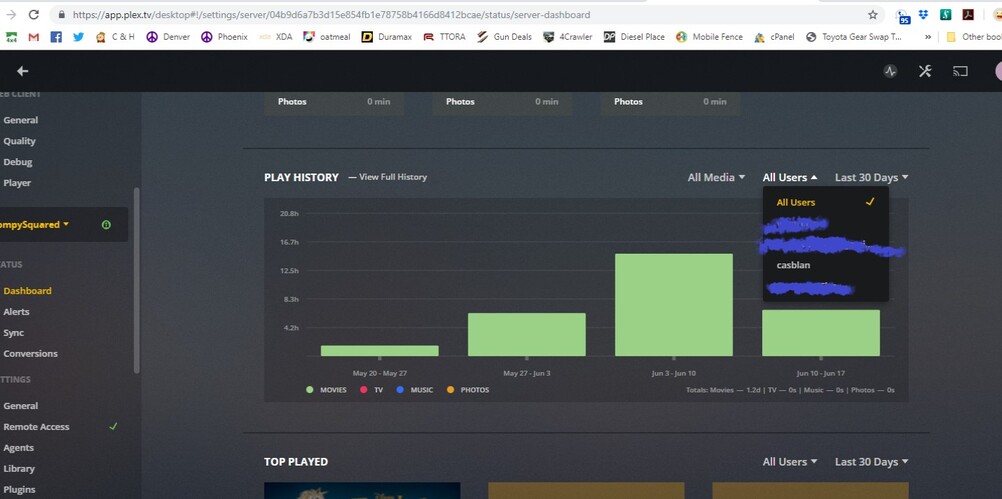
I just was adding one of the kids on as a managed user to Plex and noticed that there is viewing history for a user named casblan, that I have no idea who it is, and they don’t appear on my managed user list? How do I fix this?
1 Like
I do know if this is true but could it be a user you have authorized that has since changed their username?
This user was invited to your account just a few hours ago.
If you don’t know about this, then it is time for you to change your plex account password and unlink all devices during the process.

If you have shared your password with your family, don’t give out the new password anymore. Instead, tell them to create their own plex.tv accounts
and share your server with these.
1 Like
I added a user yesterday, there should be 3 total on my account. But there is a user with the name of casblan that doesn’t show on the user list, isn’t one that I added, and shows viewing history over the last few months apparently? Is changing my password actually going to help if they aren’t even visible to begin with?
Since we don’t know how this user got added, it is better to err on the safe side.
See attached. I am more concerned that said user doesn’t actually show up in my sharing, but shows up for using content.
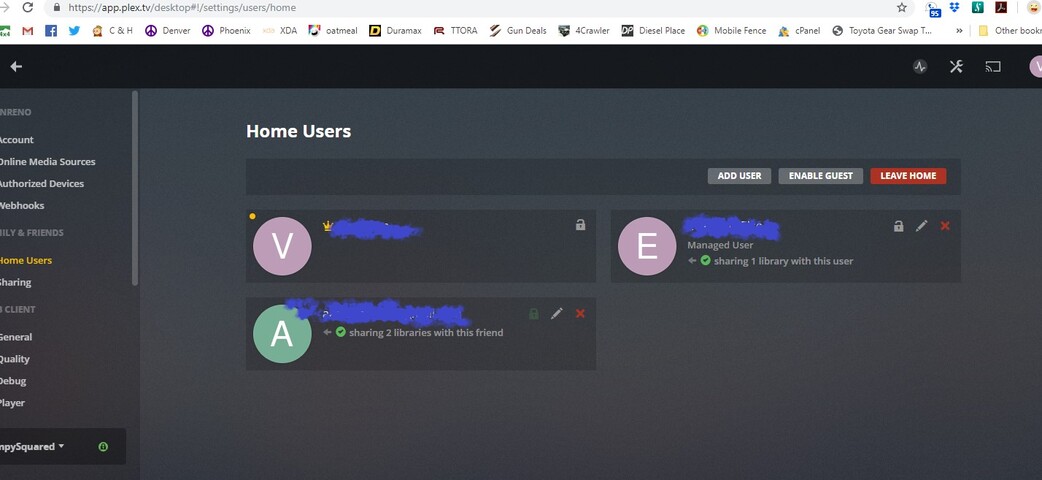
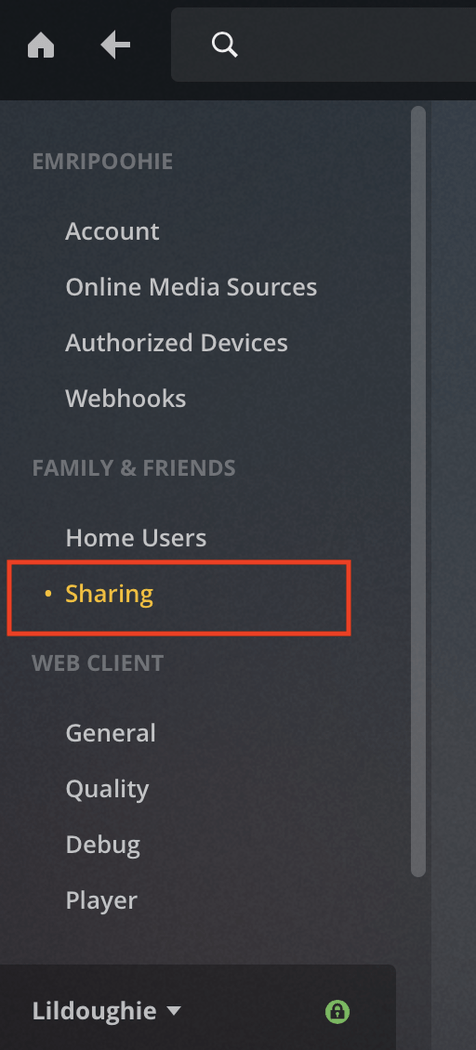
It looks like the screenshot only shows Home Sharing users, have you double-checked the “Sharing” section (see screenshot) as this is tied to other people that are not tied to your general home account.
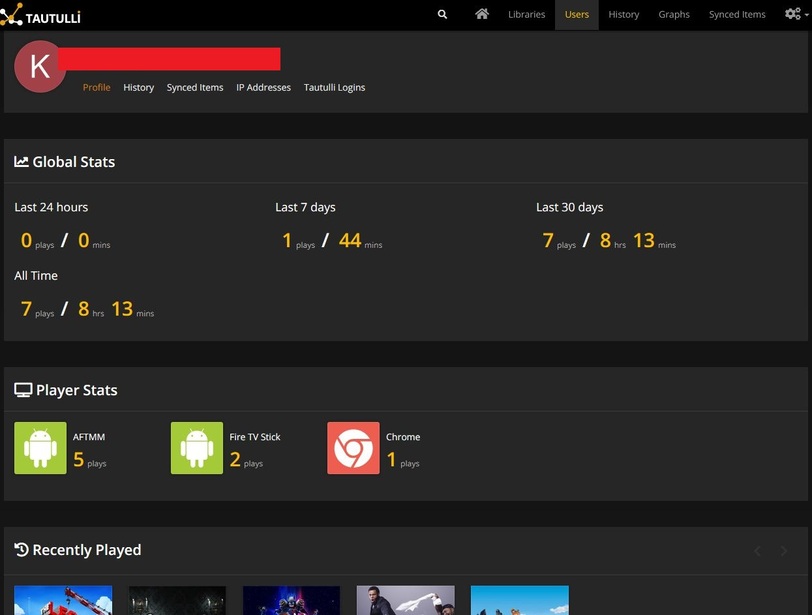
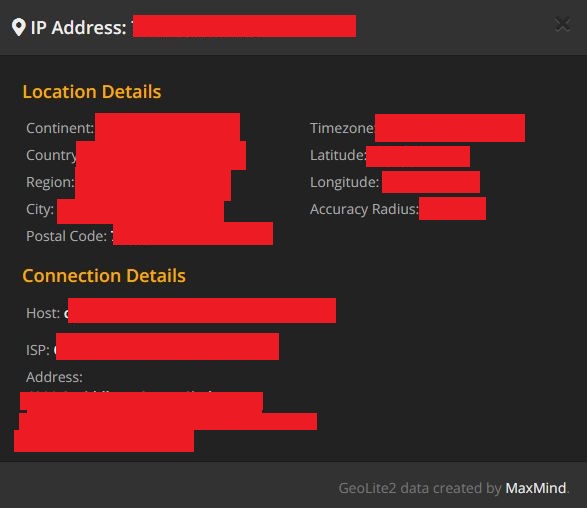
Also, not sure if you use a 3rd party tracking app, but Tautulli (https://tautulli.com/#download) is a great add on and will show you the full viewing history of your account as well as the last known IP address of the users that have viewing access to your account.
Please write to https://www.plex.tv/contact/?option=plex-pass-billing
and describe exactly what you did and did not today.
Tell them the user name of the rogue account.
I checked under the standard sharing section as well, only my son’s account is listed there, as it should be.
I have messaged support as directed, thanks
And I might take a look at 3rd party tracking, though I am not sure how that would help remove a user that doesn’t look to be removable.
Hopefully Plex support can help identity who it is and remove them for you.
You’re right that the 3rd party tracking system won’t be able to remove the user but at least it could identity the individual for you as I believe it’s a lot more in-depth than Plex tracking currently is.
Good luck and hopefully it’s resolved soon!
It may not help there but it will give you a mountain of information about the user such as device use, IP, region, and much more.


1 Like
This topic was automatically closed 90 days after the last reply. New replies are no longer allowed.
