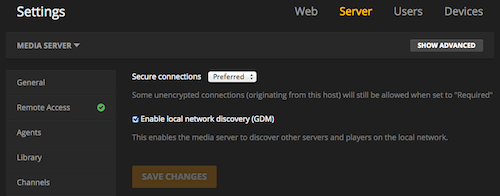
Server Version#: 1.23.6
The port for 32400 is not coming up. When hitting it from a web browser I get “Connection Refused”. I tried renaming the preferences.xml file, and that didn’t make much of a difference. Any clients
From the server itself when I try to access the port I get the following:
plex@Plex01:~$ wget https://127.0.0.1:32400
–2021-07-29 03:16:54-- https://127.0.0.1:32400/
Connecting to 127.0.0.1:32400… connected.
Unable to establish SSL connection.