Server Version#: 1.41.7.9823
Player Version#: Plex Web 4.146.0
Firefox Version: 139.0 64-bit
Problem:
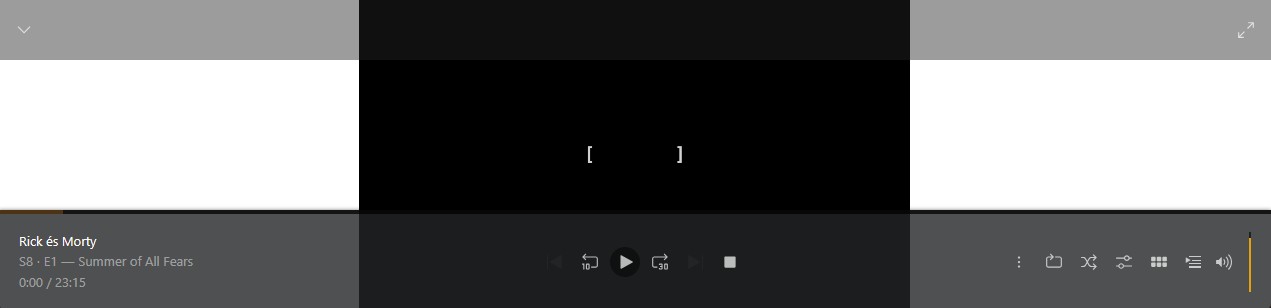
When using local address with Firefox (http://192.168.x.x:32400/web), white bars appear on the sides of the video:
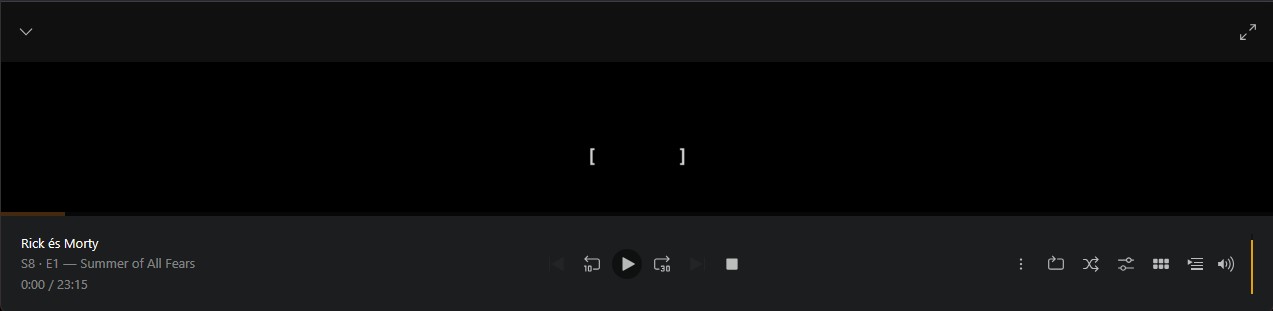
When using the online address (app.plex.tv), this issue is not happening:
Justification: I’d rather use the local version because of unreliable internet connection + why give unnecessary load to the central servers.
Workaround: Setting the “style” property of the “body” html tag to contain “background-color: black” makes them black as they should be.
Please make the local version also have the black sidebars instead of the white.
Edit: This may be a relevant topic:
I also have 21:9 screen, but the white bars appear in any resolution of the window.
