Server Version#: Version 1.43.1.10576
Player Version#: (plex media player for windows Version 1.112.0.359-0d79a49f)
Hello, I have followed the instructions very closely on this page. I want to use local lyrics because I like to rip my foreign albums and put in lyrics that have both the original transliteration, and then the English translation both (usually the included lyrics don’t have both).
I use .FLAC files ripped from my CDs, and then just .txt files with the exact same name of everything but the file extension.

But yet Plex Media Player and Plexamp both, only show the online-acquired lyrics, see “1 of 1” in the screenshot where I can’t choose my local lyric file.

Any idea what I am doing wrong?
However! This is for a relatively new album I ripped a couple years ago to FLAC, and added the .txt more recently. For an older file, an MP3 a friend gave me even longer ago where I have the same setup in the file system:

But here, in the same version of Plex for Windows as the previous Pink Martini song, the local lyrics display fine!
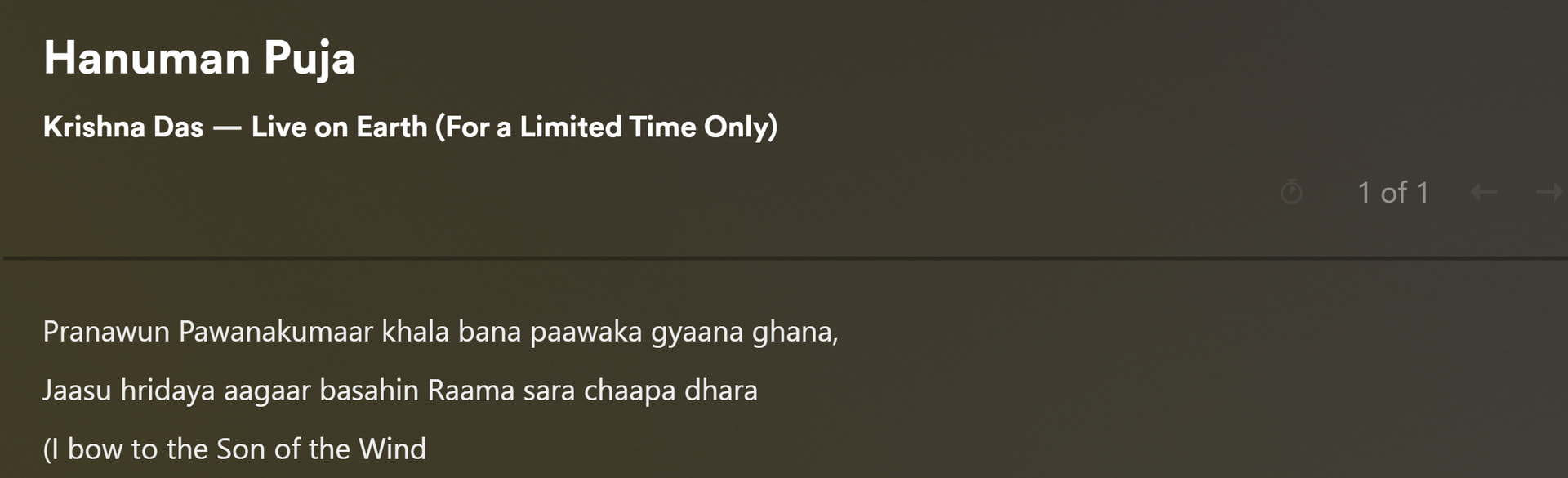
I hope it is not because of mp3 vs flac? I never rip my music in mp3… and the documentation does not mention any issues with using one codec vs another.
