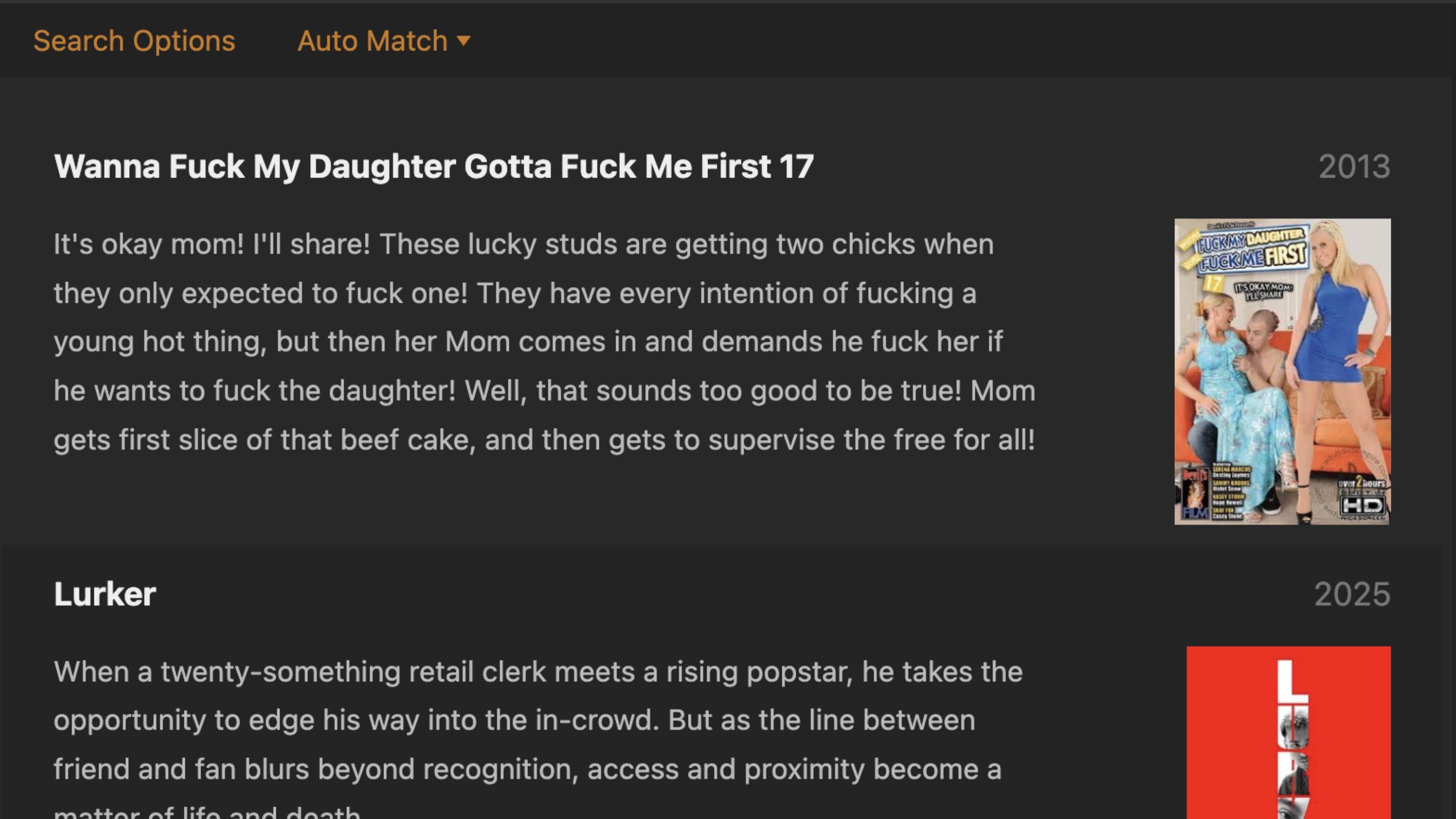
These are not best practices for Plex.
With this naming schema, you will get multiple pairs of square brackets in your file names. Plex will only ignore the contents of the first pair of square brackets, so all the rest can still interfere with Plex matching.
If you want to rule out porn matches in general, disable “Allow matching to explicit content” in the properties of your movie library. Doing so will also enable Discover Credits.
Also important: never point Plex to a folder where in-progress downloads can be found. Always download and extract into a “staging” folder which is outside of Plex’s scope. Only when the file is complete and properly renamed etc, move it into the folder where Plex can find it.
If you don’t stick to this rule, Plex may “recognize” the hash sum of a partially downloaded file and think it’s something completely different.
Thanks for the clarity, appreciated. ‘Allow matching to explicit content’ was disabled for this library already. The automation process of a staging directory is the current server configuration.
I copied a dummy mp4 file to “Lurker (2025).mp4”. For me, Plex matched it correctly. I’m seeing the red movie poster that is in your attached screengrab.