I try to start a movie but it goes into a loop, how can I solve it?
After yesterday update i can’t connect to my server.
All I got is: "Aw, Snap!Someting went wrong” message .
If I am exiting from app is asking to insert pairing code again.
Then it starts over again with same issue.
By the way. Im on 2.715.530 version.
I have updated to the latest version and now I can’t start any movie, it enters the loading loop. can anyone tell me how to solve or if another update will come? thank you
Hello, bubblecoffee and everyone!
Webos 3.something (LGB7) and Xplay 2.715.601 here.
4K media isn’t stuttering anymore now, I think (used Wi-fi to stream, so… Hummmm… Sounds good).
But…
Settings are not being properly applied anymore…
Everytime I turn the TV on I have to change my language, subs color and so on…
Aw, snap!
Email with video set to your xplay@itkey.ru address…
I have been using version v2.715.601 on my TV and can’t play a majority of videos anymore. It’s stuck on the red circlespinning really fast. At first I thought it was my server having performance issues but it seems that the connection doesn’t even reach my server (at least from what I can see in the plex console and task Mgr).
Please advise or let me know what you need to troubleshoot this issue.
Greetings, rbnmk
Hello @bublikoff 
I made my update 2.715.530
No problem with my videos
However, the translation into French is still not corrected
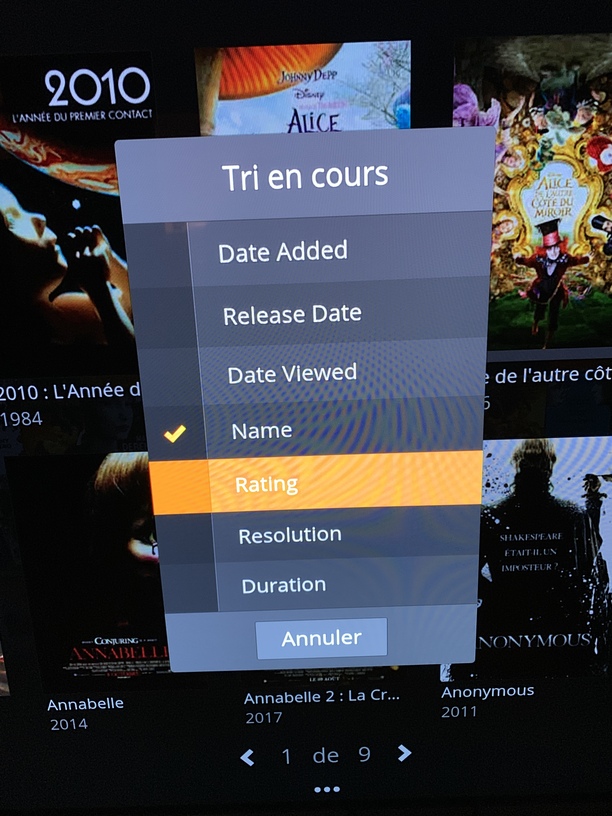
i have the same problem, any solutions ?
any solutions so far?
that happens when u rely on amateurs and servers, just more than 4 tb useless , cant watch any ■■■■.this world is ruled by noobs
Same error than some others above. I can not connect to my NAS anymore. I’m on the most recent version, updated today. Please fix it!!!
Wow, this thread has properly escalated.
Please can the other ‘professional’ developers in the room remember a few things:
- English isn’t his native language, presumably. There’s going to be some explanations lost in translation even with the tech stuff
- They’re not just going to let him deploy a -legacy subset of his application because from the perspective of LG they have to QA this and it just adds to the stack of stuff to manage for what is ostensibly the same app. They don’t want it forking off.
- LG are notoriously tricky to develop for because their browsers do crazy stuff all the time. I say that as a long-time professional mobile developer who has had to deal with crazy broken stuff in their browsers / stack for ages. Their implementation of the stock browsers is particularly shocking.
- Rolling back to an old version may solve a problem for your specific OS / TV, but for most it probably won’t. If firmware A and software B works and firmware A and software C works it’s not always possible or feasible to roll back to B. Especially if it’s known to not work with later firmwares that you’re just a click away from. He’s not in control of the deployment processes or anything, he is basically at LG’s mercy on this.
- He’s one guy, developing for a wide set of TVs, server versions and home security configs. Spending the price of two cups of coffee doesn’t automatically give you the right to turn into little bitches. Dealing with LG is not the most fun in the world. Lack of remote debugging can be hell. Cool your tetas, guys. He’s not ripping anyone off, he’s currently having his will to live vacuumed out by LG’s deployment/QA team. Dude’s trying to get stuff done.
tl;dr, cool down, the guy is trying; he’s one guy, an indie doing it on his own and you’re all acting like he personally stole your life savings. Chill the hell out.
Same prob Here
Version before Update did it‘s job wonderful
for all with the problem “Aw, Snap!Someting went wrong” message, read post of “djvas335” and it will resolve ur problem
Well after finding some fixes that made the last version work great for me, the new version…well, every single time I start the app it asks me to link again via plex.tv/link.
When I do link, it works fine, but on starting the app again later it asks me to link again.
Every time…sigh. Any fix for this? 
yup, mine is doing exactly the same thing. red circle and wont play anything.
so my LG tv is having the same issue as others. cant play any videos, just a red circle. it connects just fine and I can browse to videos, but not play anything.
Sigh… i’m in the same boat yet again. To repeat what i said above:
I literally only bought this because i wanted a reliable and easy way to just play my 4k content easily from my plex server. So, from my perspective, it went from an A++ app that perfectly served its purpose without me ever having to think about it, to basically being not useful, and just being something try out in the hope that it works, but almost always cannot use. I then have to go use teh LG dlna player. It perfecctly plays the content, but has the absolute worst UI ever for navigating content.
This is why i constantly harp back on having v1. The primary reason i want it is just so i can go back to not having to care about this product . I want to be back in the state where it just sat there, doing it’s job great, day in and day out.
Heck, here’s how valuable it was for me. @bublikoff I would give you $100 usd to have v1 of the app again if it just worked out the same way as before. That’s how useful and how valuable that app was. A great UI, perfectly reliable. No 4k problems whatsoever. No constant issues with subtitles. For example, if i change subtitles now in the middle of a stream (because halfway through the movie someone started speaking a foreign language), then the movie restarts from the beginning. Gah! These sorts of constant bugs are so frustrating given how good this all used to work!
I will pay you to return it so i can just use have something that works reliably again.
I’m not kidding either. I paid around that much to get a Plex lifetime pass. I would pay that much to just get a reliable app again that does it’s job and isn’t touched.
I’m seeing a new issue. I have three accounts: myself, my wife and my daughter. For some reason, when I log into my account I see my name at the top, but my daughters library access. However, I can log into my wife’s and daughter’s accounts and they show their proper libraries. It’s only my account that is for some reason replicating the views and libraries my daughter has.
same issue here. Just wrote an email to the provided contact address. Hope this will be solved asap as this is making the app useless… maybe a rollback to prev version would help ?
