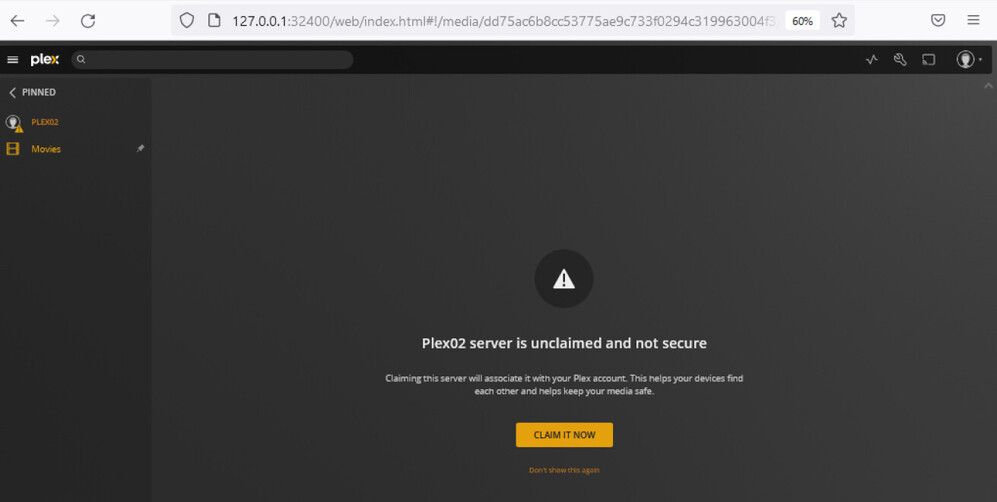
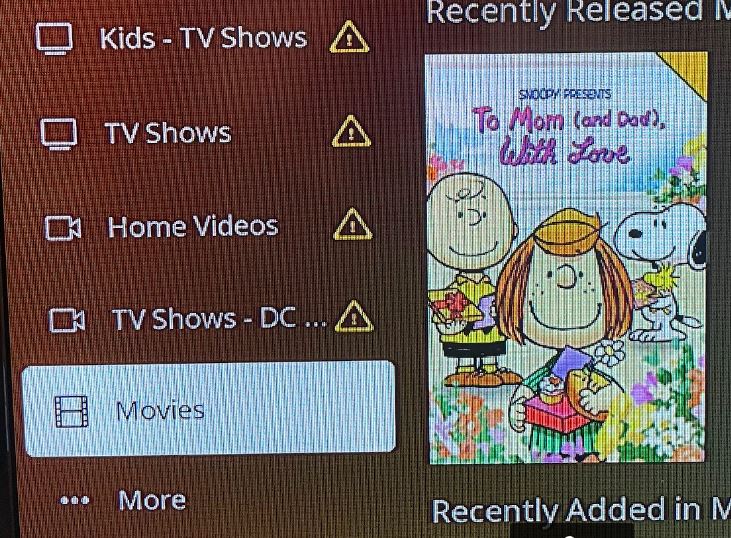
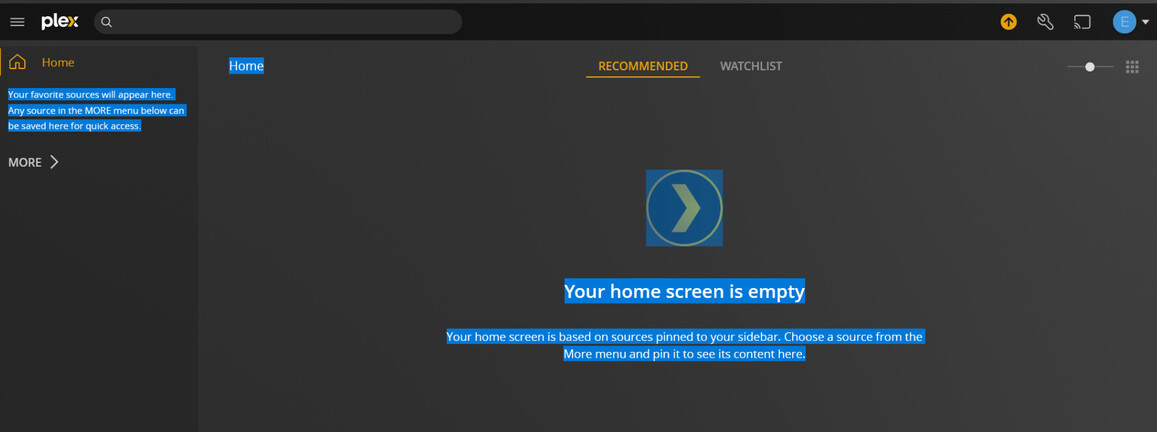
Server Version#: Windows Server Plex v1.28.1.6018; Linux Plex v 1.28.0.5999
Picture Below
Player Version#:
When calming the movie server Windows I loss the TV-Show server which is Linux how can I fix this. If I uninstall the Movie windows server everything works great. Logs Below in Messages. Both server are on the same Plex Account, Same Network different Names and different IP’s. Windows (Plex02) is on 192.168.2.6 and Linux (Plex) is at 192.168.2.7.
Thanks dbirch, but that doesn’t work if you look at the first picture both server were claim and I kept losing the other one. So either one or the other but not both. Once I logged out and turned off the new server the old one came back to life after restarting the plex services in ubuntu. So claiming both kills one. I am wondering if it’s because they are both different OS.
It happens on Roku too, but I will try I will keep you posted thank you for helping me with this issue. I used to have two before but that was back in 2006. Another thing that I am using and maybe that is causing it, is that I have local users in Plex for the kids to keep track on what they have watched. They lose everything too, and I did give them rights to the new server using the young and teen options.
Kill the whole configuration of one server and re-do it completely. If you copied any of the config from one server to another it may think it’s the same server. If not re-do one anyways. Literally go into the filesystem and delete the config.
Make sure to log it out via Authorized Devices section in the web app. You could also try this first. Remove everything from Authorized Devices and re-claim everything one by one.