I have a tiny portion of media files that plex fails to correctly match, and I noticed that the IMDB numbers are nearly identical. Is there a typo somewhere I can’t find?
example #1
file is “/data/Movies/Room (2015)/Room (2015) {tmdb-264644} [Bluray-1080p HEVC AAC-5.1].mkv” this is the movie with Brie Larson.
I believe the root and file name are completely acceptable, it even has the cheat code of the tmdb number in it.
Plex auto-matches a 2014 movie called walls. seemingly unrelated except for the fact that this movie is tmdb 265644 VERY close to the correct one above.
Still looking for any suggestions here.
I use Radarr to create the folders correctly and name the files correctly, including the tmdb reference
I correctly have my country (Canada) specified in both Radarr and Plex in case it matters.
This issue impacts less than .5% of my files
Using the TMDB got me to 99.5% accuracy, so I would like to stick with it if I could. I use automation to have completely consistant standards. this is my test.
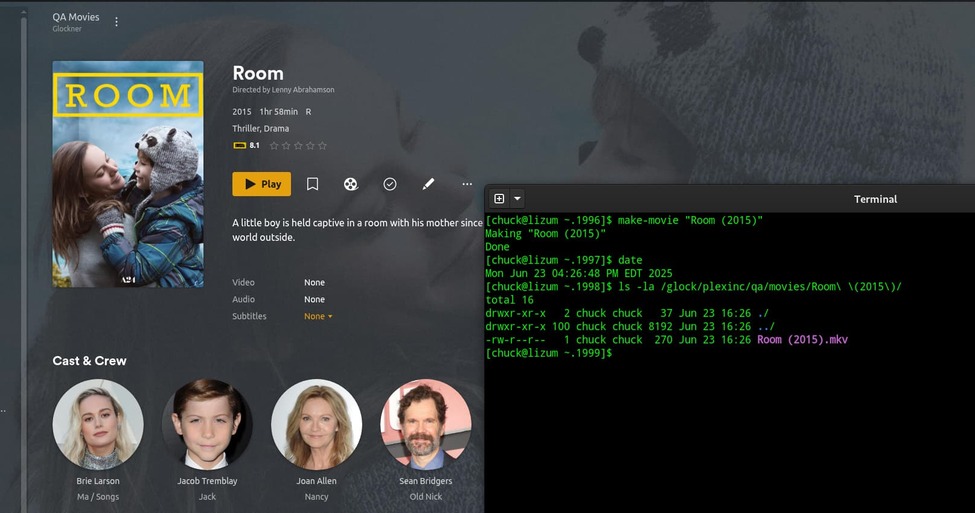
in plex scan library, clean trash
into movies folder, movies library using Plex Movie Scanner and Agent
add folder name “Room (2015)”
contains filename “Room (2015) {tmdb-264644} [Bluray-1080p HEVC AAC-5.1].mkv”
confirm on tmdp that the number is correct " Room (2015) — The Movie Database (TMDB)" and indeed it is.
look at Plex and bingo, it was correctly added and correctly matched
look at Radarr and import movie, matched correctly, test the preview rename function, and it confirms that no rename is required
confirm in plex by unmatching and rematching and indeed the correct match is at the top.
so now I will wait, and see if anything changes in Plex, and it decides to (again after a while) rematch it to walls 265644 despite the folder/filename/tmdb
ps there is no plexmatch file for movies like there is for TV .. is that true?
If it remains stable then the issue would be solved … but for whatever reason I have seen Plex re-evaluate and change its mind and rematch to the wrong movie. I am using v 1.41.8.9834 (under TrueNAS if it matters) under scheduled tasks I have everything selected. I will refresh metadata to see if that has an effect and report back if I see anything change. If I do I will repeat with the simplified name as suggested.
OK … It has already gone wrong … something changed the filename to “Room (2015) {tmdb-265644} [Bluray-1080p HEVC AAC-5.1]” the wrong TMDB number. As I understand it, you cannot configure Plex to rename a file, so it can’t be Plex that is the problem. If that is true I have been looking in the wrong place.
Just closing this up that it was not Plex. Tdarr was to blame. it renamed files to correct codec changes and 264 was changed to 265 in the filename regardless of position.