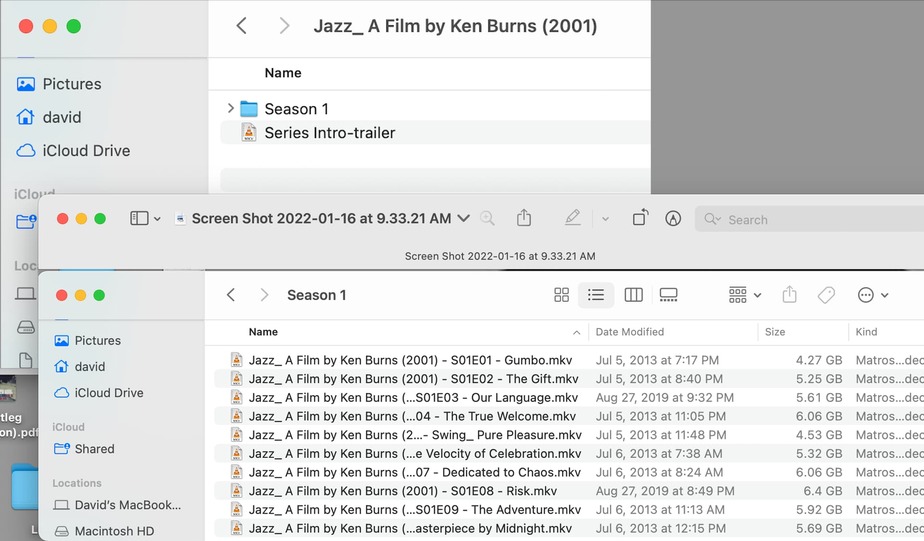
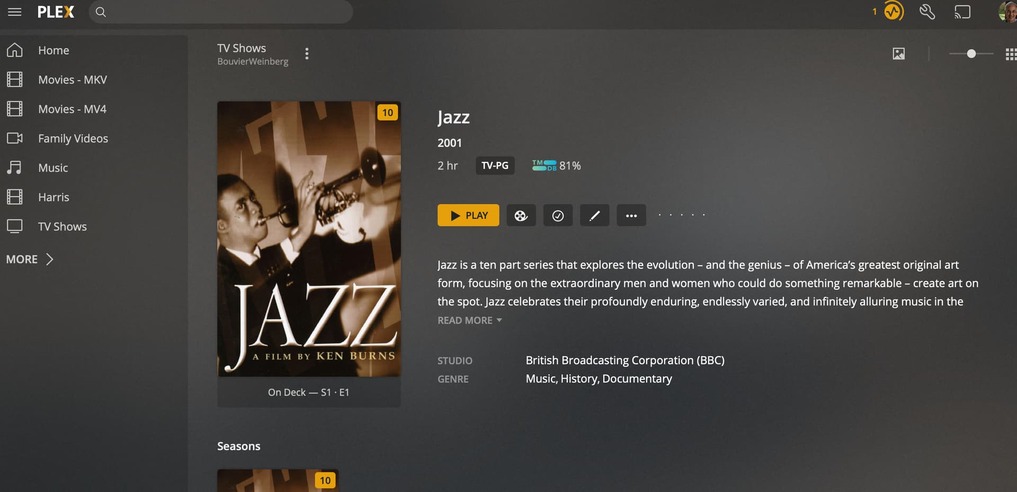
I was trying to view Ken Burns’s Jazz documentary the other night and only a few of the episodes were visible on my iPhone using Plex (I used VLC as the alternative).
Today, I renamed that series following these naming conventions. After moving/renaming the files, nothing appeared in Plex:
The library type tells PLEX where to go to get the metadata for the files. That is the first step. If it is a movie library it might go somewhere like IMDB but if it is any multi episode media like a tv series of documentary like what you have, it needs to go to a source like THETVDB or other similar source. If you tell it to find tv shows in a movie library it will think you have a dozen individual movies in there and try to locate each one and not think of them as episodes of a single show.
Thanks for the guidance. I moved those folders to a new directory on my NAS (note that even though the left column is labeled “David’s MacBook…” it is a mapped drive to my NAS:
After that, I went through the steps to add the library in Plex. I have had trouble with this in the past for other libraries. They mostly stuck after a lot of repeat steps, but not so with the newly created TV Show library (sorry for the small images):
Given the Add folder dialog doesn’t show any content as well, I suspect you have yet to grant permission to see the Share to the system user running the Plex Media Server on your NAS (that’ll slightly vary depending what version of DSM you have on your NAS)
When I started adding videos to my NAS, I ripped everything using the MKV format. For remote use (and lower bandwidth as I understand it), I used Handbrake and made a m4v copy. I have since upgraded my NAS to a Synology DS920+ and find that I no longer need a lower bandwidth as the upgraded NAS delivers videos without delays.