Server Version#: Version 1.23.6.4881
I’ve a music library for radio shows. Normally these are in m4a format but i’ve been filling gaps with mp3s.
On adding mp3s to the folder, on the next rescan it first split them into separate album artists (all > albums > album artists view) - I merged - then navigated into it, and it’s ignoring the title tags for the m4a files now:

Clicking edit against one of them shows the title tag is missing?!
Here’s a screenshot of a screenshot sent to a friend where the 2020-02-* ones were correct prior to adding mp3s:
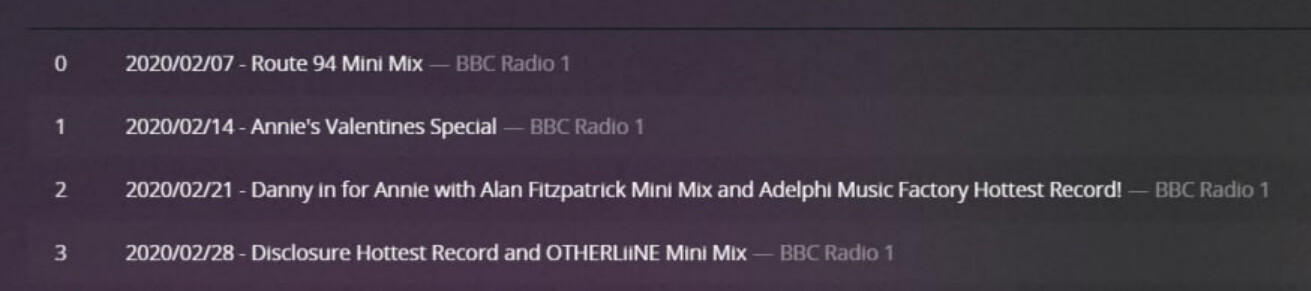
The files are edited and tagged exactly the same for every tag you can think of, except the title.

Library settings:
Prefer local metadata: ON
Genres: Embedded Tags
Album Art: Local Files Only
Any ideas?
EDIT: Just scanned again and it’s removed the title for everything.
