Server Version#: 1.41.7.9823 running on Synology DS244+
Player Version#: Plex Web 4.146.0
Hi,
I’ve followed the ‘Adding local artist and music videos’ docs, but am running into a problem. I’ve placed all the music videos in a single MusicVideos directory, & have set its full filepath in the Global music video path settings field. I’ve named all the files according to the doc spec. All the files have the same permissions.
What I’m seeing is that the plex scanner refuses to find any files that have a filename containing a -Video_Type suffix. For example:
The Chemical Brothers - Glastonbury 2019-concert is not found, but The Chemical Brothers - Glastonbury 2019 is. Likewise,
Depeche Mode - Depeche Mode at the BBC-live isn’t found, but Depeche Mode - Depeche Mode at the BBC is.
Is this a bug, or have I missed something? Any advice appreciated - thanks!
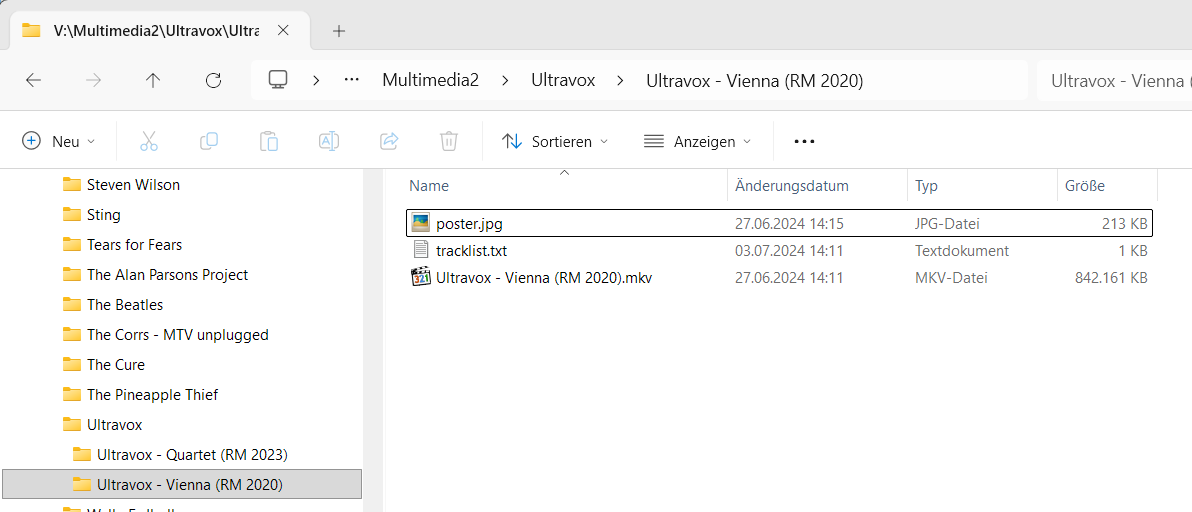
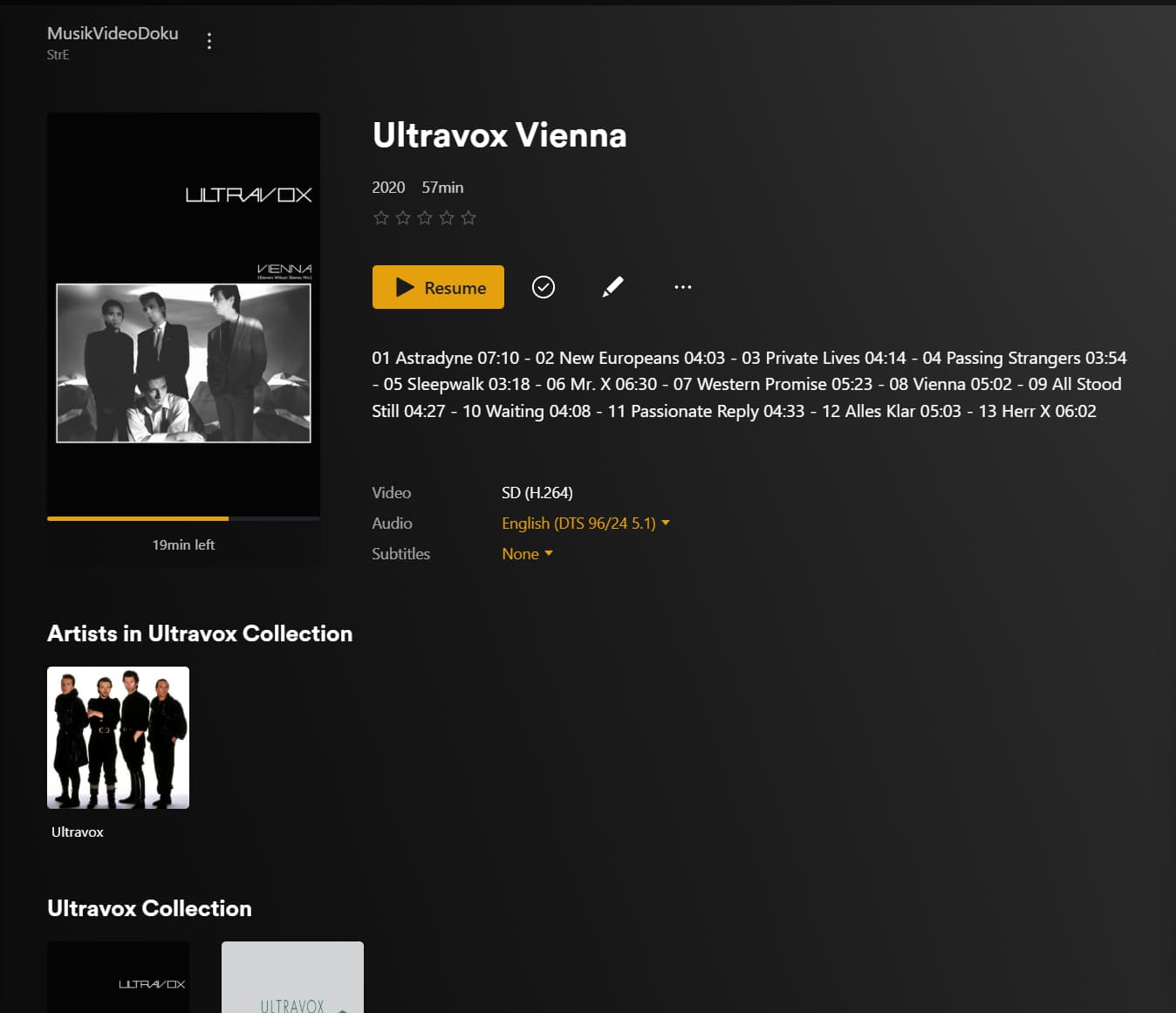
If you have a library which consists solely of that kind of content, you don’t want to use these suffixes.
Just treat your concerts etc as regular movies. For some of them (at least when they are available on DVD/Bluray) there might even be metadata available on TheMovieDB.org
For all the others, you will have to supply your own metadata, poster etc.
Thanks both for replying. @OttoKerner I’ve renamed one of my files with an imdb id using the format specified here - e.g. Depeche Mode - Devotional 1993 {tmdb-tt0276902}.mkv - but when I try to ‘fix match’ using the Plex Movie metadata agent, it doesn’t resolve. Any ideas about this?
@OttoKerner apologies, this was a typo. I’m using the correct notation e.g. Depeche Mode - Devotional 1993 {imdb-tt0276902}.mkv but no joy when trying to fix match.