Hi guys
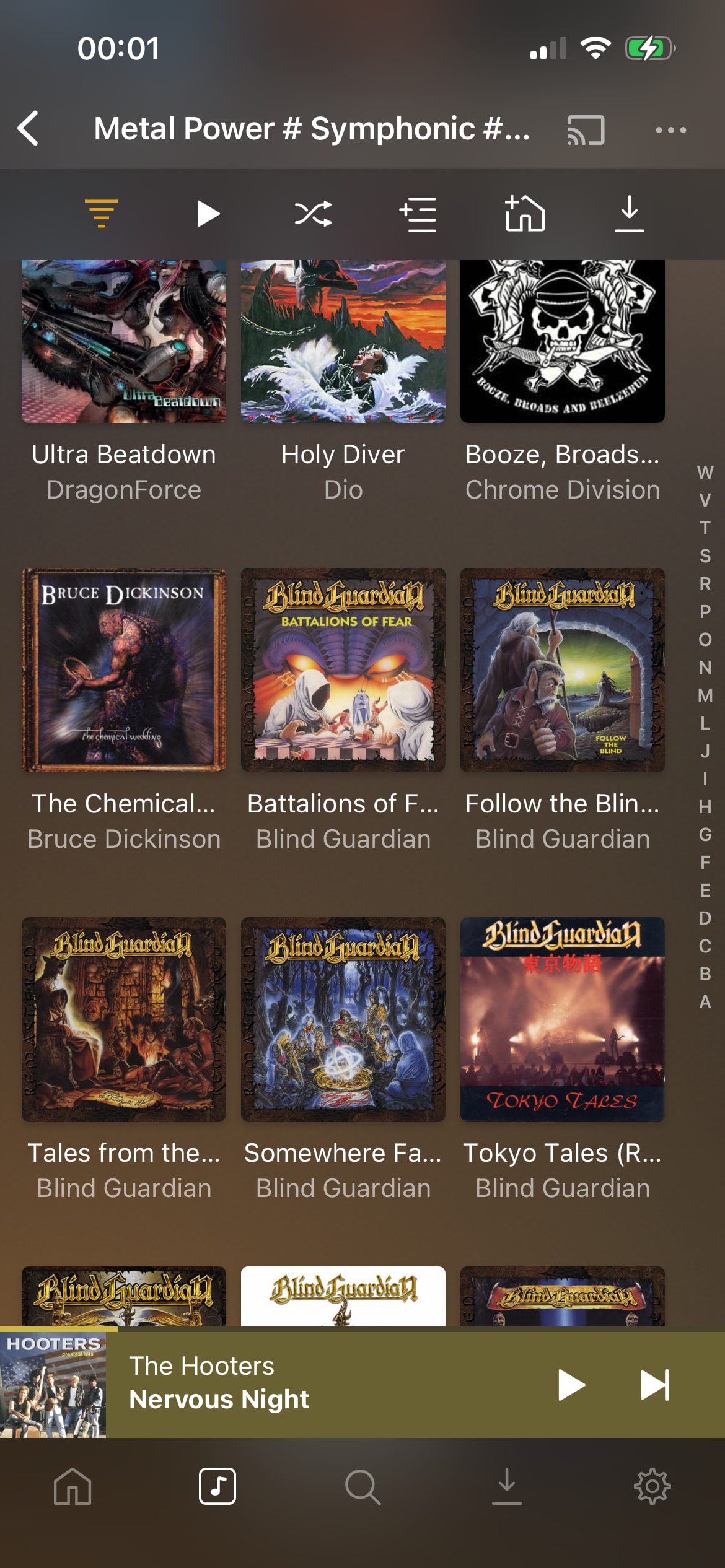
I have the the issue that my albums are by default sorted in reverse alphabetic order (see screenshot).
I need to change the order to “album artist” A-Z every single time.
how can I make regular alphabetic the default again?
thanks
Hi guys
I have the the issue that my albums are by default sorted in reverse alphabetic order (see screenshot).
I need to change the order to “album artist” A-Z every single time.
how can I make regular alphabetic the default again?
thanks
Click the yellow lines / upside down pyramid in the upper left hand corner.
thank for the reply!
If I click there I see the genre filter, but no way to change sort order. :-/
I also tried long-pressing the icon. Phone vibrates briefly, but sort order does not change either
My bad I really thought that was it. OK I assumed it was it.
Click the three dots in the upper right hand side then click Album Artist so the the arrow points up or down. That will change it.
Sorry if I keep bothering.
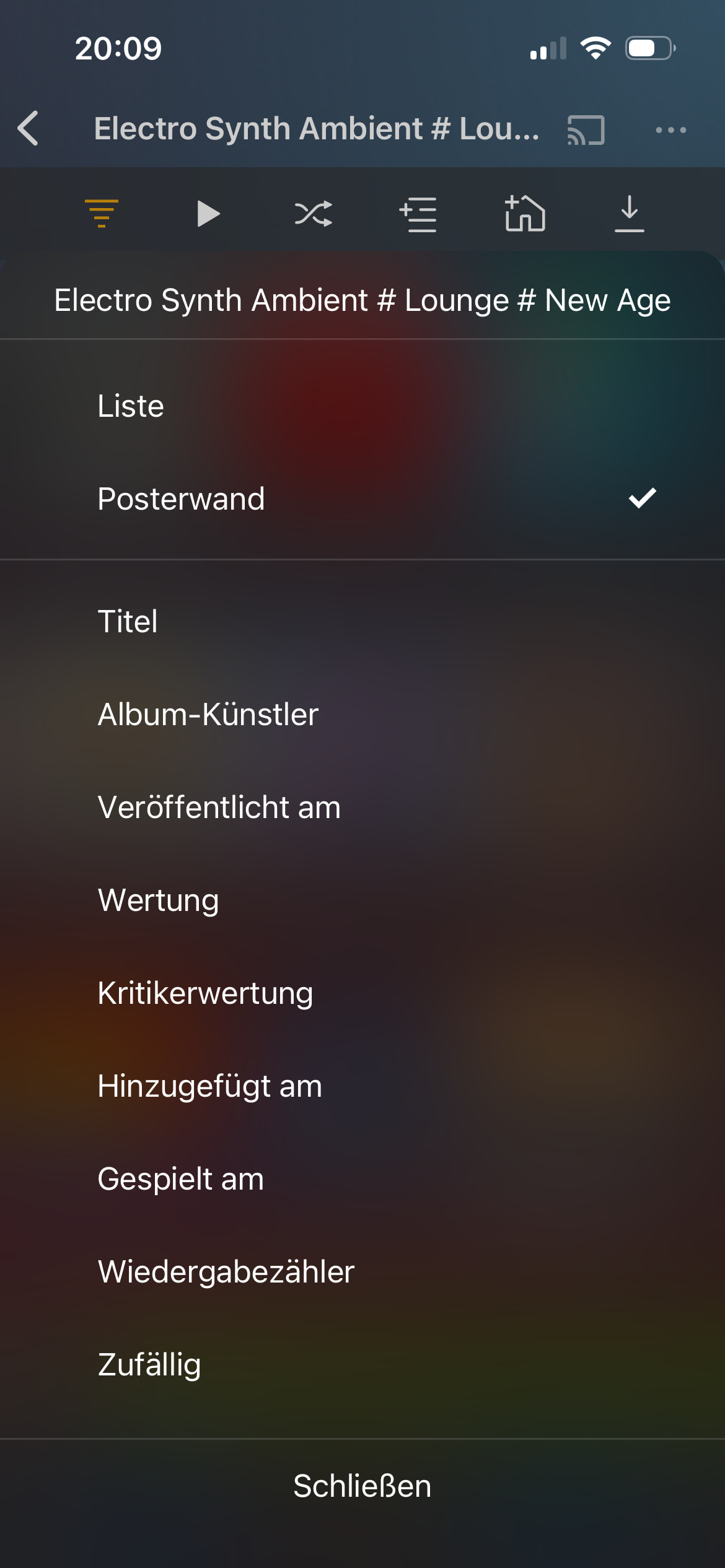
the three dots are where I looked and IIRC the album artist used to be the default. But now nothing is selected (see below). If I select “album artists” the order is correct… BUT if I leave go back to the genre selection and back into the same genre, the order selection is back to “nothing” (which for me end up being reverse alphabetical)
the way I understand you guys is that for you the order setting is saved, so when you come back it’s still the same right?
That would mean my app has a bug. Which is sad because Plex doesn’t offer technical support :-/
Your last screenshot shows that there is no sorting criteria set at all.
How are you entering this list?
When I go via Library tab > Albums, the sorting is set to Album-Artist.
If I enter via “albums” ordering is correct. It even saves the sort order.
it’s reverse only (or “has no setting by default and does not save if I change it”) via “album genre”, “style”, “mood” and “record label”
I don’t really care about the latter three. But “album genre” is my absolute main way to enter my library. That’s why it soooo bugging me
Appreciate the support
I just tried this (on Android) and experienced the same behaviour you described. Then I tried it on desktop (linux flatpak) and experienced the same thing except it kept reverting to random sort order, rather than reverse alphabetical.
I could SWEAR this used to work not too long ago…
Probably before I brought Plex Pass :-p
I don’t think the behavior has changed.
Sorting is set via the upper right … menu, and is remembered per type, generally (artist, album).
I have some enhancements (half done) which allow for adding sort criteria to the filter screen which should make it more explicit , but I can’t reproduce the issue. I have filtered by a genre, and now when I visit the Albums screen, I see it sorted by whatever I left it sorted it last time (title ascending or descending).
It’s only occuring if you enter the library via
“library” tab → Album Genre → [genre]
In this case, there is no sorting criteria defined. (At least there’s no check mark on any of the listed sorting options under the … menu.
Hi Otto
that is absolutely true. There was no default sort order and if I did set it to anything the setting was gone when I came back.
I was very close to fiddling with the database and the preferences.xml.. but then tried a good ol’ reinstall.
that did the trick. Case closed