Currently, when I am using PlexAmp, either through iOS natively, via CarPlay or on the desktop, or using Plex via iOS, GoogleTV or on my desktop, the wrong albums or artists get included in a given alphabetical glyph’s group.
For example, if I jump to «Г», some albums or artists starting with «В» show up. This is applicable to whatever letter is jumped to. («В» is just an example. A few items starting with “F” show up when I jump to “G”. ) In every case, albums or artists that do not have the glyph in it are listed as if they do. However, they should be part of the previous glyph’s set.
This makes it very difficult to find the artist or album I am looking for on CarPlay especially.
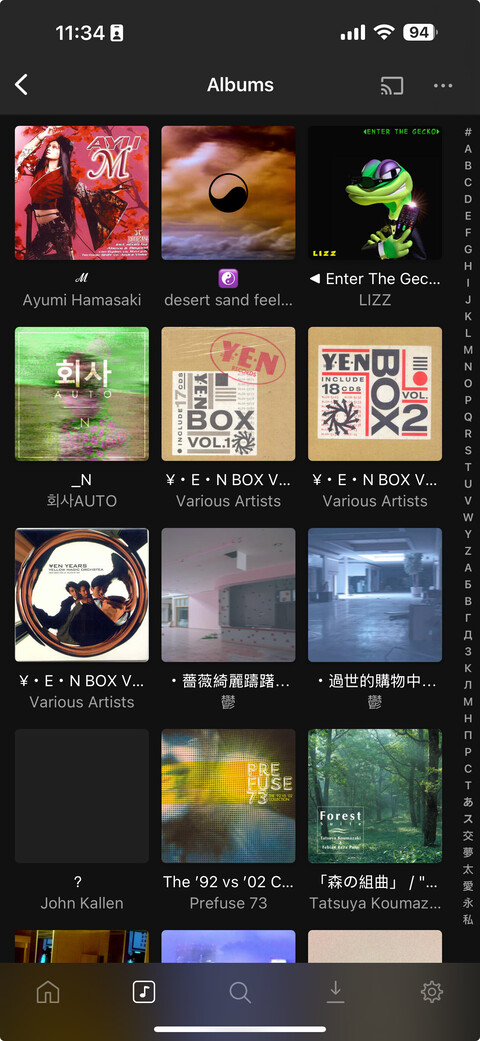
I don’t think I can reproduce; here on iOS, e.g. is tapping on N. There is one item starting with M listed first, but that’s because it’s maintaining the overall layout of the full set, and there are even/odd number of each glyph set.
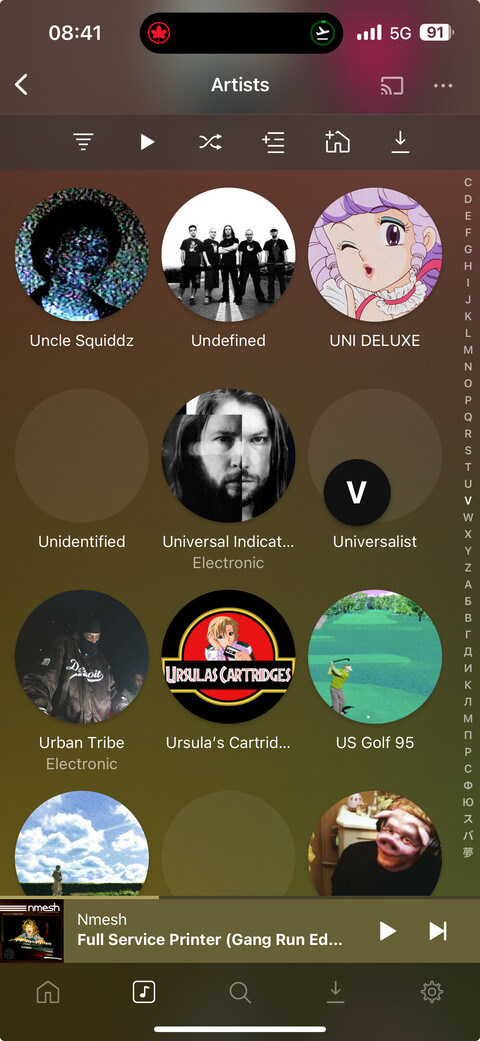
As you can see, there are no artists with “V” in that screenshot, even though I’m quick scrolling to the top of “V”.
Edit: Actually the very last two artists do start with “V”, but I would have thought that they would have showed up at the top of the jump, not the very bottom.
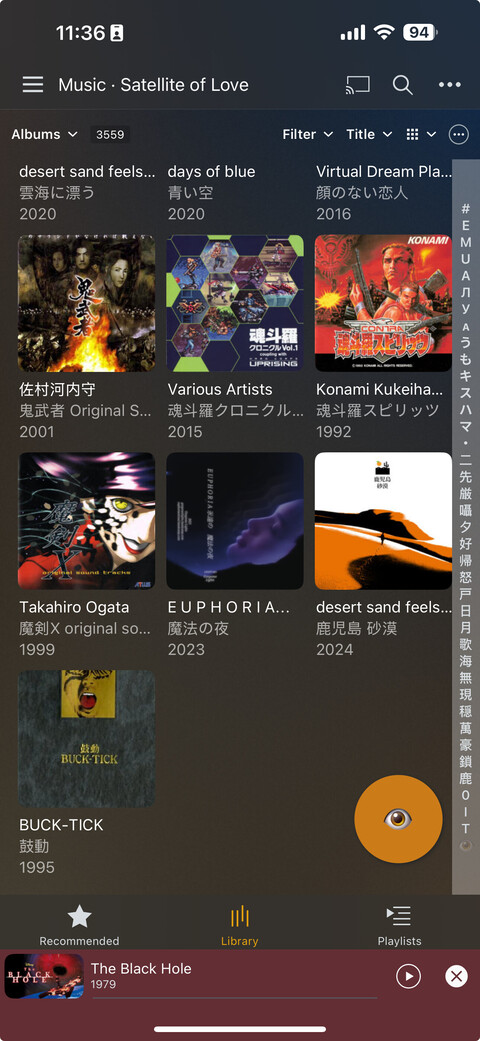
I’ve jumped to “Л” but only the very last artist that is barely showing in the bottom right starts with “Л”. All other artists do not start with that letter.
Actually, I stumbled on to something that may be causing the issue.
I have a number of albums that are being sorted as being in the category “#” but aren’t starting with a number. They use either emoji or other Unicode characters.