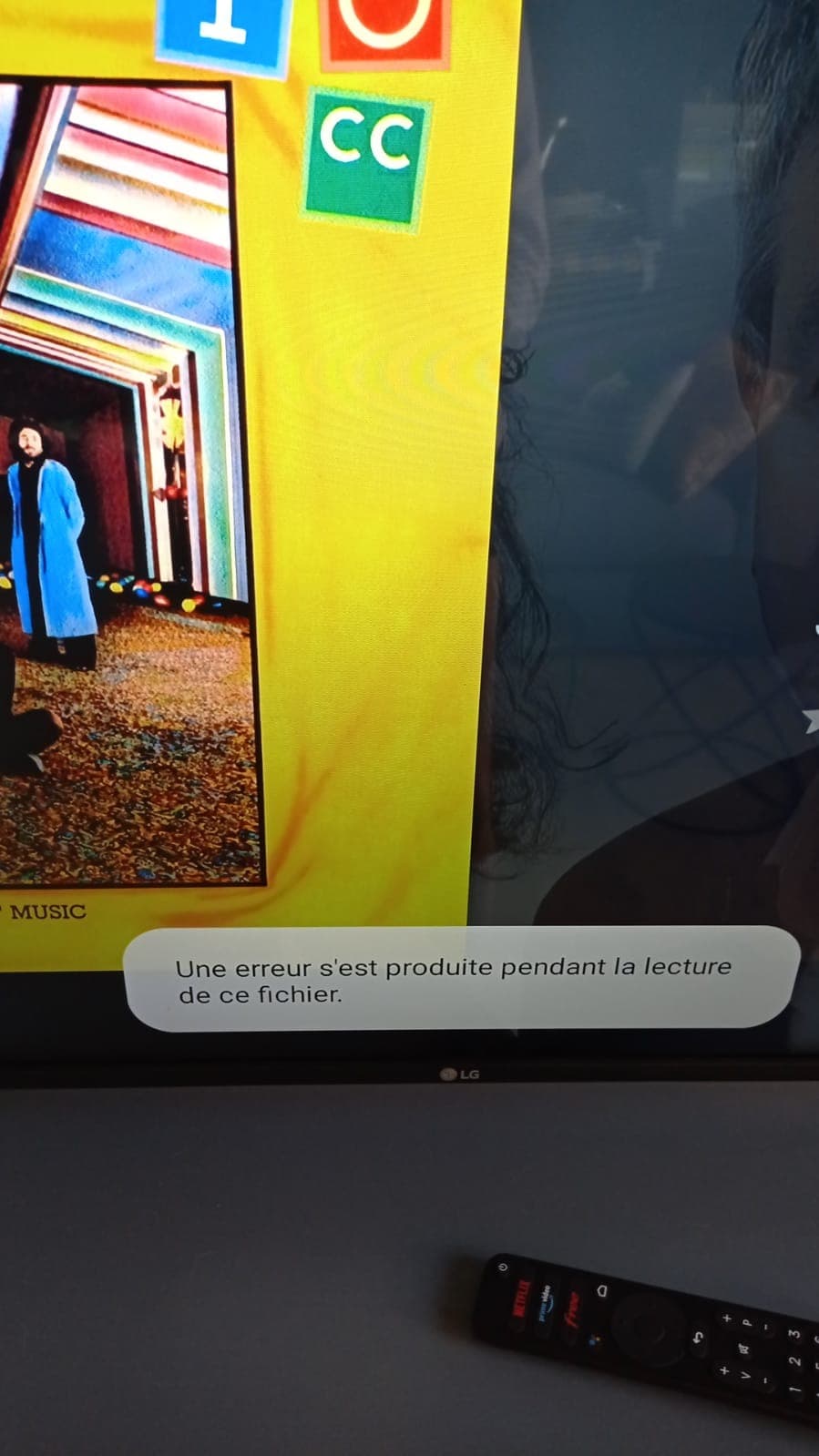
Are these users with the problem “Home Users”, “Friends”, or “Managed Users”? Do they have special player restrictions in their player (such as asking for video “original quality” or “240p”)?
Can you get ANY movie at all to play on their account, or only some specific shows/movies? Perhaps you have a restriction on their account that prevents movies of a certain rating to play?
No restriction. The unique parameter i modify is setting quality to max everywhere to avoid transcoding.
The same player on the same device used with another account is OK.
The problem exist only when playing all the music. Films and tv shows are OK.
It is OK with PlexAmp on the same device.
I haven’t made any restriction regarding rating in no account. Does it exist on music ?
i’ll check to be sure to not have made it accidentally.
Thank you for your questions to try to advance my research …
Oh, this happens only when playing music using any non-plexamp app? That is a whole different area to look. Hmm.
If you go to the web interface for the server, Click the settings wrench up top right, then on the left-hand list go to [Account-Name] > “Users & Sharing”. It should be about 5 items from the very top of that list. Click on the user name of the account having this issue. While you’re in the “SHARED LIBRARIES” section, double check that you have given permission to the account to see and play the music library. I you are allowing all libraries, it should say “All Libraries” which is fine.
Account “restrictions” are still a thing for music as well. Along the top, click on “RESTRICTIONS” to see if you are restricting their account from being allowed to play particular files types. At the bottom, click on “Music” to check that both “Label” fields are blank. If anything is in there, then there is an account restriction for music for that type of “label”.
If all this fails to yield anything of use, I’d go with server logs. Attempt to play a song on an affected device/user, and when the error plays, let’s go get those logs. Click on the Settings gear icon along the top, and scroll down the list on the left-hand side. For me, third from the bottom is labeled “Troubleshooting”. Click that, and it should show some buttons in the center. The one labeled “Download Logs” is of interest to me. Download it somewhere on your computer, then upload that to this forum. You can just drag and drop it into the reply box here and it should handle uploading and linking it.
I may glance at the logs, but I am FAR from being able to understand it all that well. But if someone else in these forums is interested, they may be able to find out if there’s a problem.
Ok. So you were disallowing downloads of media for the users in particular? Very strange. I cannot get that to happen on myself. If I disallow downloads, I am still able to play music files using the Windows player.