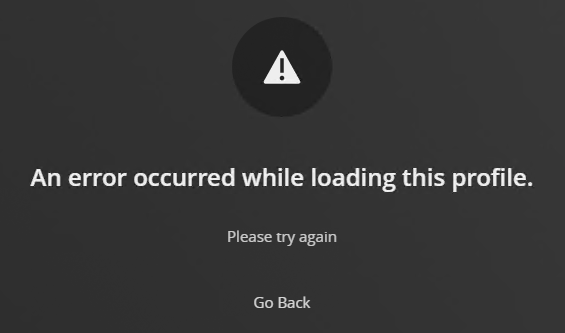
Server Version#: Plex 4.87.2 running on Windows 2022
Player Version#: not applicable
I’m attempting to adjust my users access and it’s giving me an error when I click on the user.
I’m running on Windows 2022.
I did have an update and which I installed and restarted Plex. I also had Windows updates. I updated and restarted the server. Still no luck.
I’ve included the logs.
Plex Media Server Logs_2022-12-14_11-13-10.zip (840.8 KB)
Nothing in the logs sticks out to me but I’m not sure what I’m looking at.
How do I troubleshoot this to find what the issue is?
Use the hosted web app.
Then go by https://app.plex.tv/desktop/#!/settings/manage-library-access to manage users who currently have access to your server(s).
If you already have “Plex friends” who do not have access, click on their profile picture in this list https://app.plex.tv/desktop/#!/friends
then on the vertical ellipsis ⋮ on top and then “Manage Library Access”
That was simple enough. Tyvm!
Question, why wouldn’t it work on the local server where it’s installed?
The version of the web app that’s included with your Plex server is older. It’s only intended to be used for setting up the server and signing it into your account.
Quite alot has recently been changed in the user/friends management, so the hosted web app is considerably more up to date.