Despite having selected that seasons be hidden for single-season series, when adding a show to the library for the first time (and possibly every week when adding the latest episode, I haven’t been able to test), it appears on the home screen (under Recently Added TV) as the default tvdb.com Season 1 poster because I haven’t included my own.
There doesn’t seem much point in opting to hide season 1 posters if it isn’t also hidden on the home page where you’ll be staring at it for the first couple of days.
@drzoidberg33@adriana we noticed today that S05 of Regular Show is not pulling the correct episode order from TVDB for either aired or dvd. It’s getting the order from TMDB. My library is set to TMDB but this show it is set to TVDB (aired).
Looks like the episodes called Terror Tales of The Park III, The Thanksgiving Special and Skips’ Story are 20 minute long single episodes on TVDB but have been split into two parts on TMDB. Even with the Episode ordering set to TVDB its not getting it right. Tried a full unmatch and rematch but did not fix it. Can provide logs if you want.
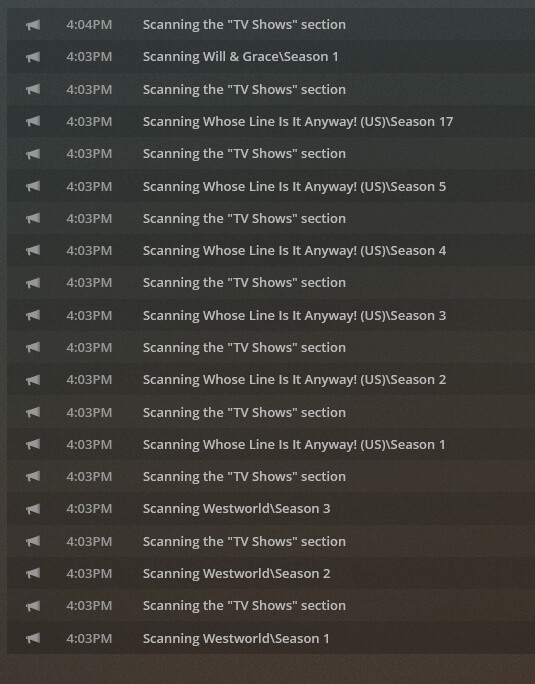
Your logs don’t go back far enough for me to see the time from your screenshot, but in the one log I do see that we’re detecting a bunch of changes the the file paths again, e.g.:
	Line 44666: Mar 29, 2021 02:46:05.430 [4152] INFO - Library section 1 (Movies) will be updated because of a change in "\\Media2\Movies\TINA (2021)"
	Line 55991: Mar 29, 2021 03:15:18.561 [8120] INFO - Library section 3 (TV Shows) will be updated because of a change in "\\Doris4\tvarchive\The 100\Season 1\The 100 - S01E01 - Pilot.mkv"
	Line 55992: Mar 29, 2021 03:15:18.623 [8120] INFO - Library section 3 (TV Shows) will be updated because of a change in "\\Doris4\tvarchive\The 100\Season 2\The 100 - S02E01 - The 48.mkv"
	Line 55993: Mar 29, 2021 03:15:18.675 [8120] INFO - Library section 3 (TV Shows) will be updated because of a change in "\\Doris4\tvarchive\The 100\Season 3\The 100 - S03E01 - Wanheda (1).mkv"
	Line 55994: Mar 29, 2021 03:15:18.716 [8120] INFO - Library section 3 (TV Shows) will be updated because of a change in "\\Doris4\tvarchive\The 100\Season 4\The 100 - S04E01 - Echoes.mkv"
Something on one of your systems that is connected to this share is making changes to these paths and because you have automatic library scans and partial library scans enabled we’ll just queue up every on of these and scan them, as it’s a lot of scans it will take a long time.
I’d suggest opening up a separate thread for this and maybe somebody that has had this happen to them before can help. It’s not related to the new agent as the file watcher code isn’t part of and changes made for the agent.
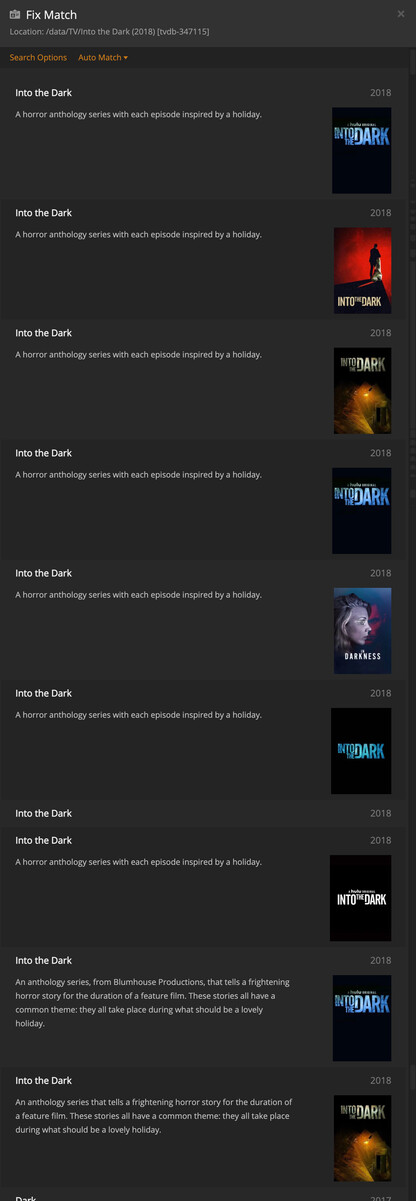
Having an issue with the show Into the Dark (2018) [tvdb-347115]. Season 1 & 2 matched as different shows (both Into the Dark), then whenever I went to manually fix the match I noticed there were 9 different options for the show.
Oh. That’s a tad annoying gonna have to start renaming stuff again
I assumed since square brackets were supported on the new movie agent they would also be supported on the new TV agent.
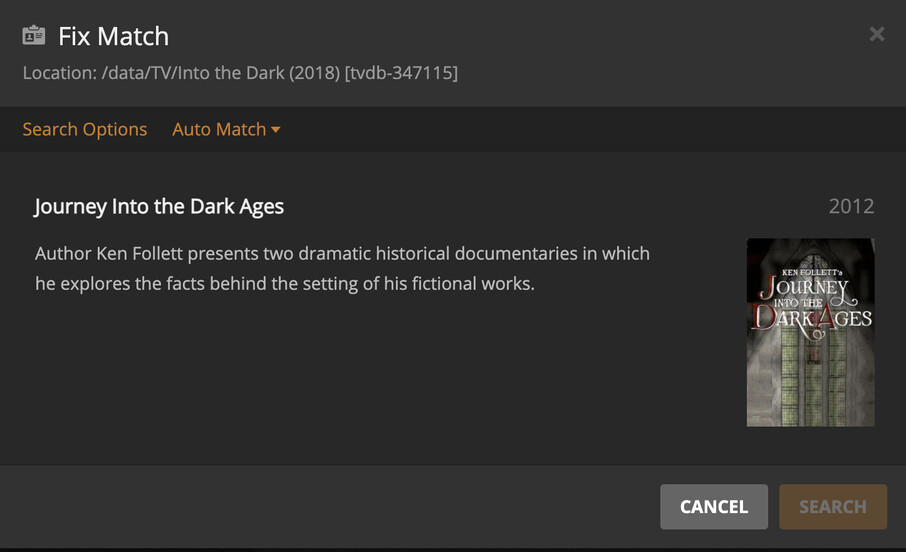
Yeah for the second part that’s what I was talking about, just doing a manual search with the ID (no brackets) it returns with the wrong show.