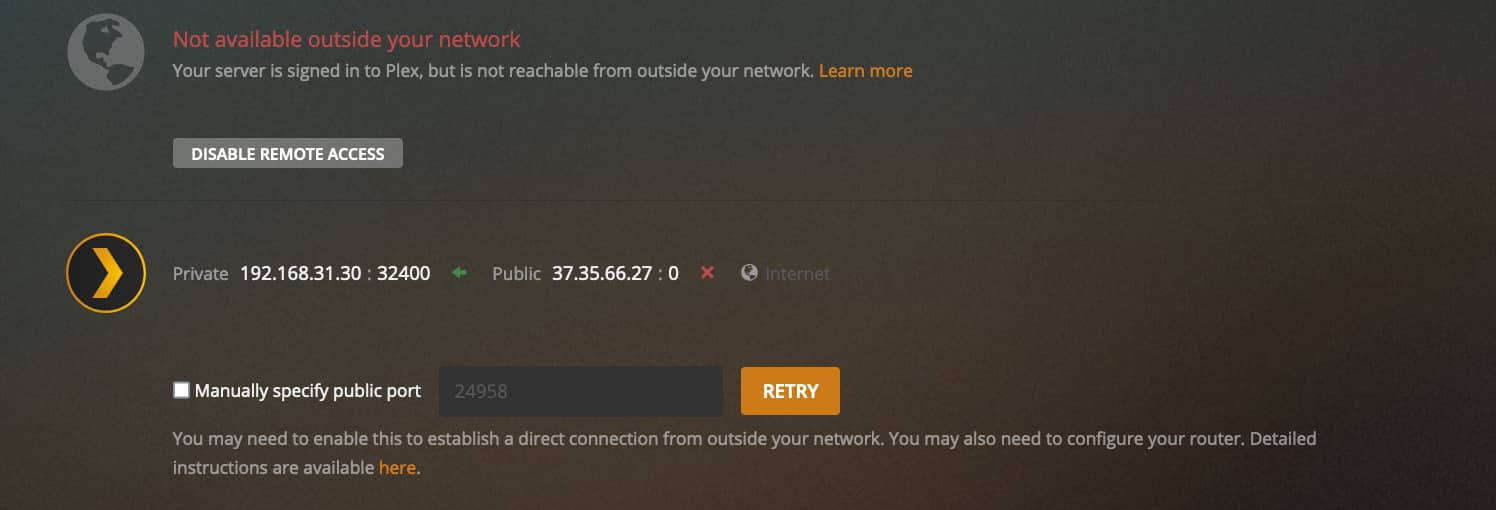
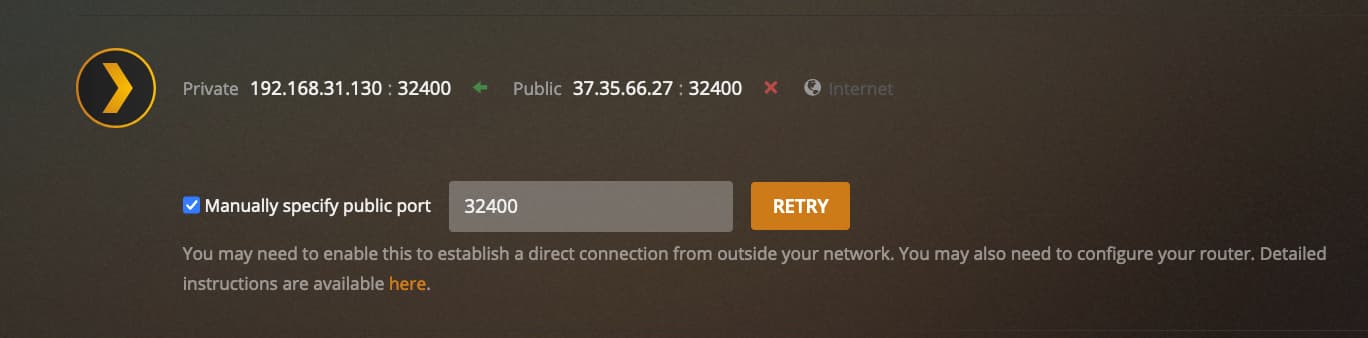
So I have changed the Internal/Private IP addresses in their forwarding settings on both routers to the IP my Plex server has (192.168.31.30) and manually specified the public port on Plex (32400).
So used an online checker for ports and it looks like it’s closed. I guess this means that the port forwarding on the external facing router doesn’t work? Or more likely hasn’t been set up correctly by myself.
So the only port I’m using is 32400 so that’s set. Below is the external router settings.
The IP address of the external facing has a private address (192.168.0.1) and a public one (37.35.66.27)
That rule looks ok. You could try using a different public port to rule out your ISP blocking that particular port (or port range).
If that doesn’t work you might want to contact your ISP to confirm if they block certain ports (and if they can unblock them for you or tell you which actual range is blocked to pick a different one).
I think he’s running one gateway (from his ISP) and one router, so the ISP gateway should forward to the router witch in turn forwards it to the Plex server (Atleast if he’s running things like I think). I just don’t understand why the ISP gateway aren’t in bridge mode?
Or it could be two active internet connections, but that’s not an easy setup.
I see now that my mac has (I think?) and IP address for ethernet 192.168.31.30. as well as wifi 192.168.31.130. and I’m not sure if I have to chose which one Plex operates on?
I hope this helps.
As for turning the ISP router to bridging mode I couldn’t figure that out as it needed to clone a mac address and I wasn’t sure what to do with that.
And this one has a DHCP server that allocates on 192.168.31.X?
But you are aware that doing this way put you behind “Double NAT”?
This says 192.168.31.130.
And this says:
192.168.31.30.
They should be the same…
I see now that my mac has (I think?) and IP address for ethernet 192.168.31.30. as well as wifi 192.168.31.130. and I’m not sure if I have to chose which one Plex operates on?
You should only be using one network card - wireless or lan. and lan I think is preferred.
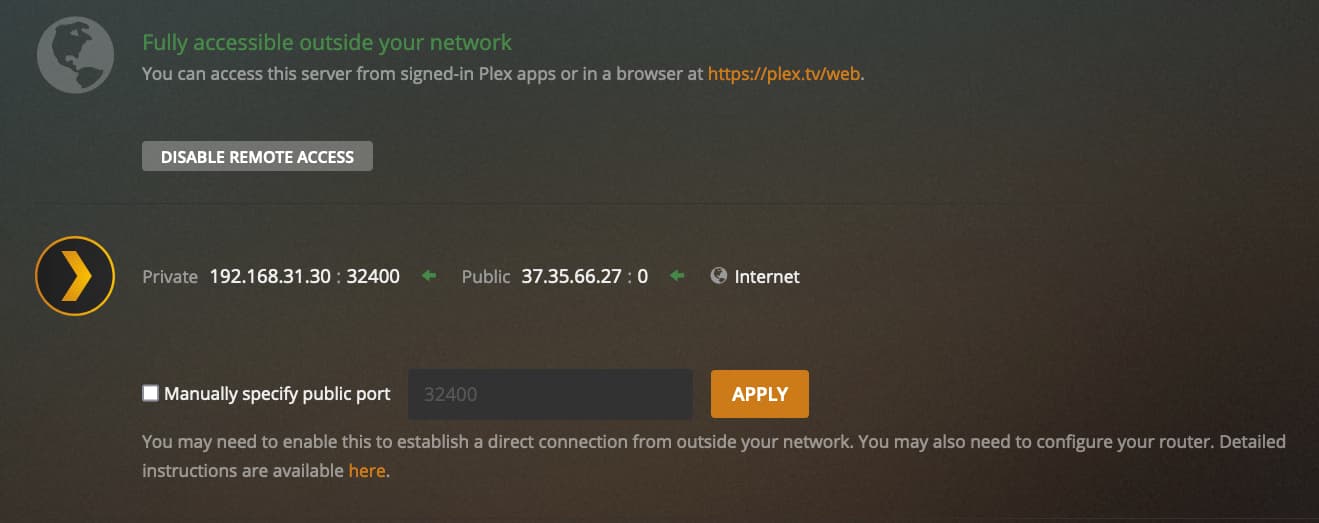
I’ve altered things as per above and now it looks like it’s available outside my network but is missing the IP addresses etc. I presume even though that info isn’t there it is still all good?
As soon as I close down the PLEX settings page and go back to it the connection has gone.
I do not understand why this is happening.
I have tried to clone the mac address of the internal router with the ISP one to make a bridge - it’s enabled in the ISP settings - but that does not seem to make any difference.
This is the reason I asked if you were sure you wanted to do double NAT - it complicates things… but anyhow.
If the lan cables goes from the ISP router to the internal routers Wan port, then the ISP router should forward packets to the ip adress of the internal router, the internal router then forwards it to the ip adress of your Plex server. Remember that you need to restart the Plex media server application after changing ip settings
To avoid double NAT:
I would suggest that you disabled the DHCP on the internal router and then connect it to the ISP router though one of the Lan ports instead of the Wan port.