Cannot add library

Server Version#: Plex Media Servier 1.30.0 (installed on QNAP)
Player Version#: web version (and iOS, and tvOS)

Hey,
Something really weird has happened, I can watch my shows on my iPhone and AppleTV, but when i try and log on via PV (tried in Edge and Chrome browsers) and am logged in as my Plex Pass user (with crown / admin) i have no option to mange or add libraries or server?!
logging into http://xxx.xxx.x.xx:32400/web/
What am i missing?

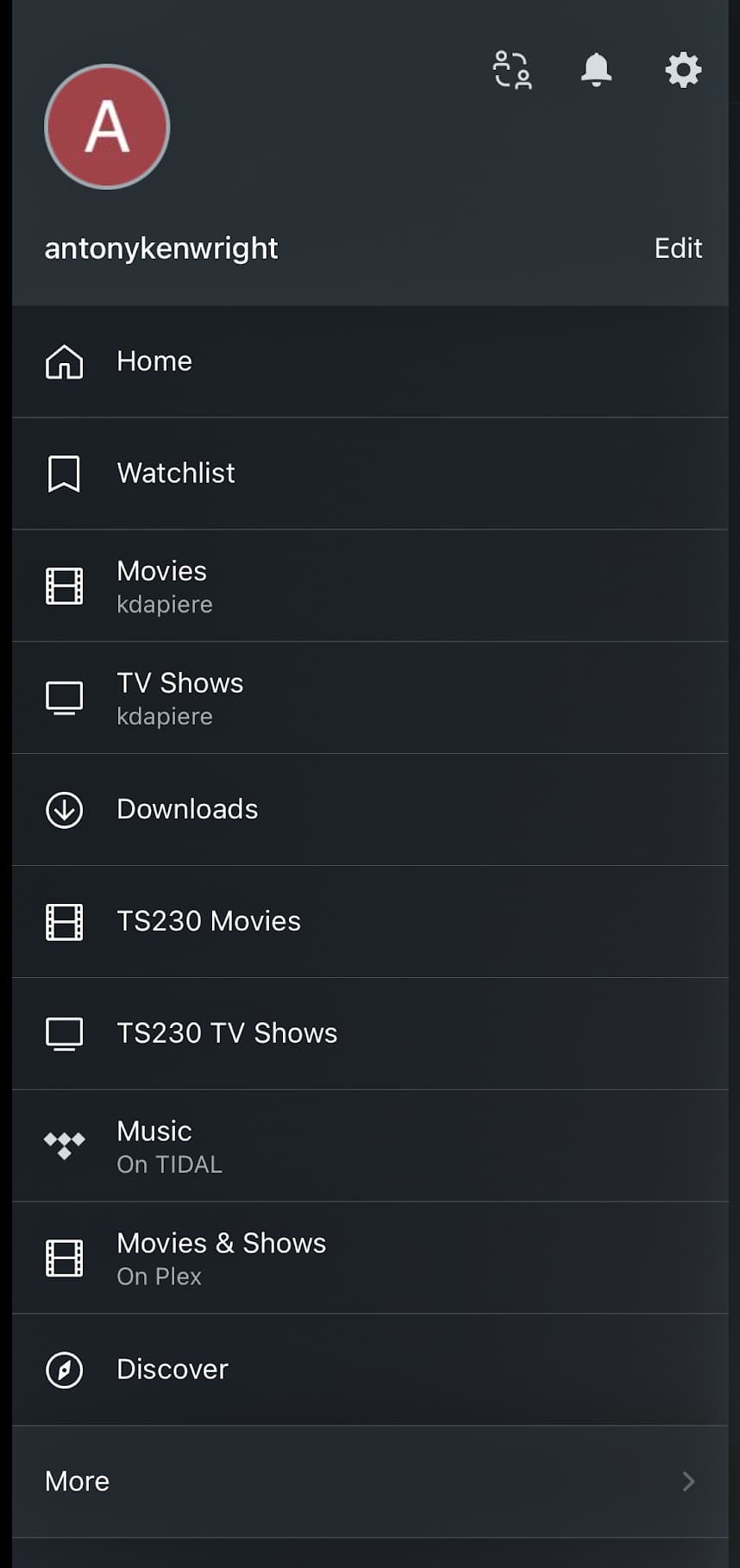
iOS : Where i can watch, with no issues -

Browser, where i cannot manage my libraries.
image
image

1 Like

Add library sections in the Plex/web browser.

  1. Click “More >” to expose everything.

  2. Hover over hostname to expose the “+” above library sections
    Untitled

  3. Click the “+” and you’ll create the sections

Thanks @ChuckPa ,
After clicking "More > " i see my neighbours server, but not mine, and no “+”.
image

Are you using the same account in Plex/web as you are in the mobile app?
( Check that because there is no difference for you as the server owner )

I ended up -

  1. deleting the Plex Media Server app from my QNAP.
  2. Restarted my QNAP.
  3. Reinstalling the app.
  4. And then relinking my existing folders into a new library.

I lost all watch history, and messed up the ‘recently added’, but didnt lose any content…

This topic was automatically closed 90 days after the last reply. New replies are no longer allowed.
