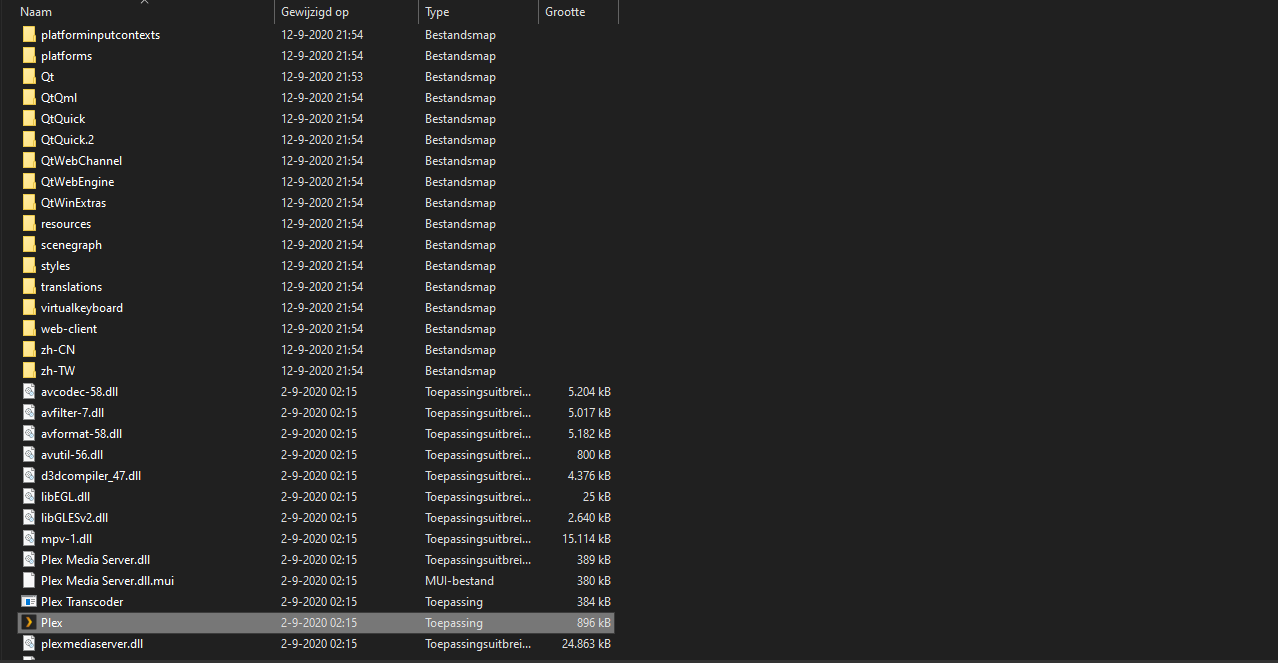
There’s certainly none showing in that screenshot of yours.
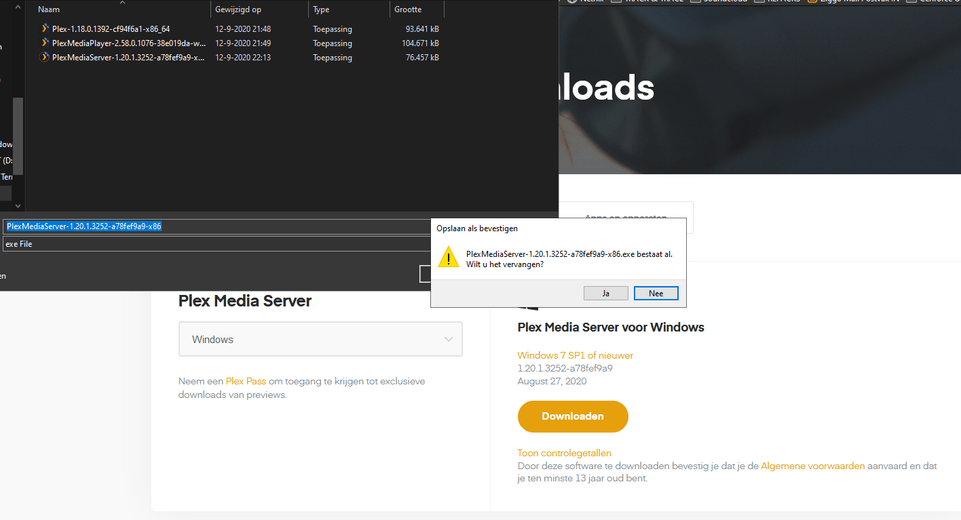
Do you get any error messages when you run the installer you downloaded from https://www.plex.tv/media-server-downloads/ ?
I don’t have Plex installed on Windows – from what I remember, there should be an own “top level” folder for the Plex Media Server (next to Plex and Plex Media Player).
are you using the default install location or did you change any option during the install?
you mentioned there’s no error messages during installation – does the installer give you a positive confirmation that the install has completed? (checking if the installer might be blocked by some rogue security app or AV software that mistakes it for malicious software)
When you got the initial error message… are you clicking an old shortcut ?
1: Deleted PLEX app
2: Deleted PLEX server
3: Deleted PLEX Media Player
4: REBOOT!
5: enter regedit and search for Plex.tv and delete all remaining (except location where the downloaded install files are)
6: Type C:\Users\YOURNAME\Appdata in the directory browser
7: Click in C:\Users\YOURNAME\Appdata now on Local and deleted all PLEX.tv
8: Click in C:\Users\YOURNAME\Appdata now on Local Low and deleted all PLEX.tv
9: Click in C:\Users\YOURNAME\Appdata now on Roaming and deleted all PLEX.tv
I’d check the RAM and the hard drive for defects.
A RAM test is built into the Safe mode of Windows (AFAIR) and (unless C: is an SSD,) you should also perform a “surface test” with CHKDSK.