run the installer and install Plex Media Server on your C:\ drive (keep the data on the USB… the installation goes to C:)
after the setup is completed, run the Plex Media Server app
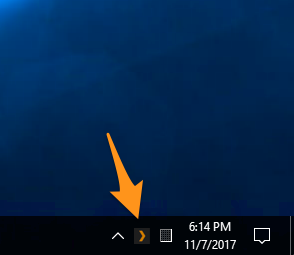
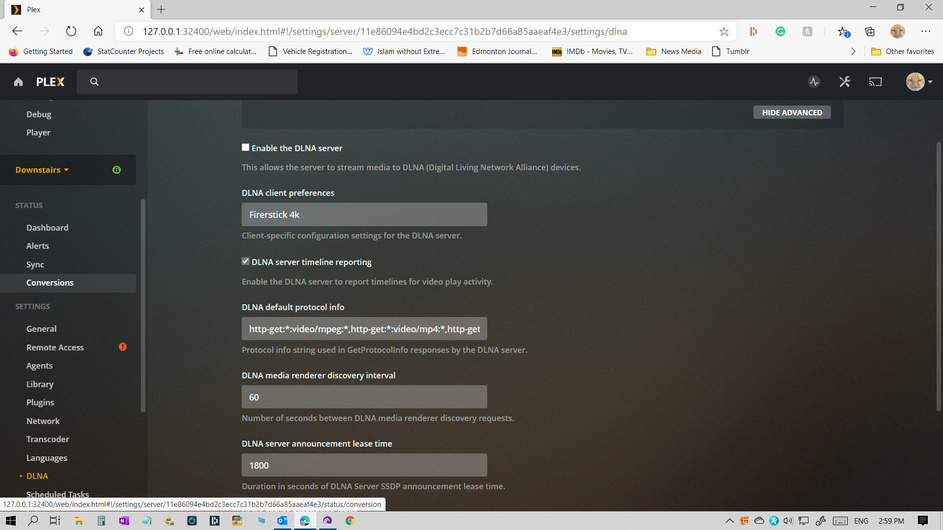
open your browser (Edge, Firefox, Chrome) and go to http://127.0.0.1:32400/web – alternatively you should be able to look for the Plex icon in the system tray, click on it and select “Open Plex”
Let us know how far you get in this procedure so we can proceed with the troubleshooting
Right now we’re not (yet) dealing with the “Plex” app (desktop player).
From your previous post I think you’re still jumping between installing/running your Plex Media Server and running/updating the Plex desktop app.
the linking on Chrome worked! back to a sign in page. My desktop (downstairs) shows and there are pictures on the title page from my Drive C: However I see nothing to hook me up with Drive H: where there is 4 TB of movies and TV shows. Months ago, when everything was working I had that drive in my catalogue and it was searchable from the Firestick 4K. Now, I can’t see any way to access it. That has to be our next problem. It is now an external drive plugged directly into the computer easily accessed though MS OS.
Do you already have any libraries in that “Downstairs” server?
Do you get to edit one of those (or create a new one) in order to add those folders from your H: drive (see below)