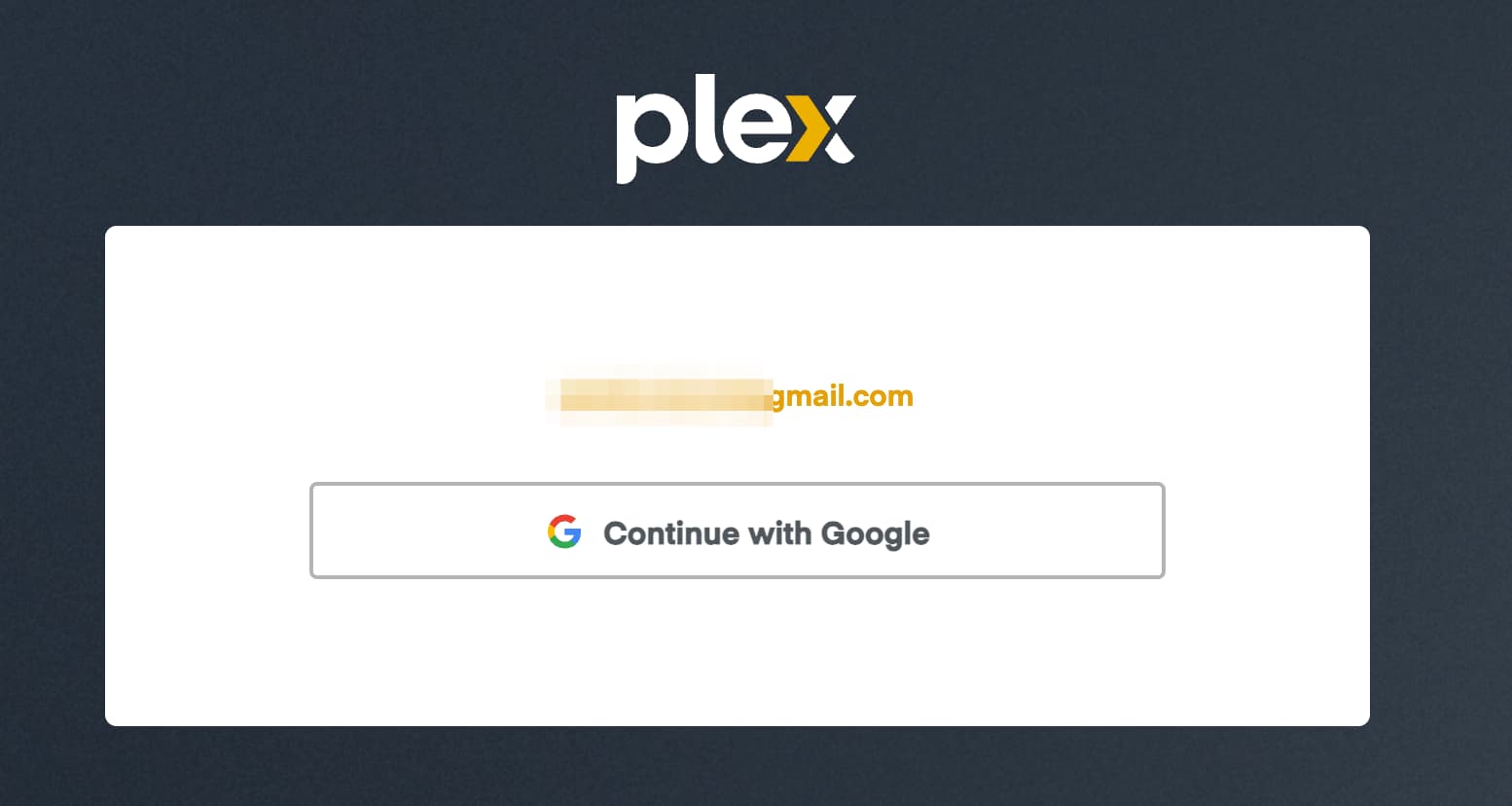
There does not appear to be any support option for my account so I need to post it here for some reason.
When I created my Plex account I used my Google account as the primary login method, I did not create a password to my knowledge. However I recently received an email saying that I needed to change my password. therefore I went through the steps needed to change my Plex password.
However I realize that after this that I want to log in via my Google account. However doing so did not work initially so I went into my Plex account and unlinked my Google account.
However when I attempt to link my account to my Plex account again it fails without any message. It seems to be “working” but I have let it sit for a half hour without any result.
I attempted to log into my account via my Google account on my shield however it said that the account was already associated with a Plex account. That account should be my account because I unlinked in attempted to link back to it immediately.
What I have attempted so far:
I have attempted to log in and link my account via several different web browsers each without any prior login.
I have attempted to disconnect Plex from the Google side and then attempt to connect.
I have attempted to wait some time for the Google account to connect.
This is not a Plex server issue rather a Plex account issue and I have no other means to debug it except for to post here. I hope to hear back from Plex on this matter soon.
I asked someone about that and they mentioned it usually happens with browser extensions doing something funky, ad blockers or similar or things like Pihole. They suggested trying in an incognito window.
Those were on windows 11. But that’s unlikely to be relevant since I get the same result on Firefox for Android. I did manage to finally login/link by using Firefox on my Linux laptop, but I feel that would not be a reasonable alternative for others.