Server Version#: 4.29.2
Player Version#: 1) Roku V7.0 build 13 and 2) Plex HTPV v1.21.2.3158-331d3308 and 3) PMP v4.29.2
Tuner Make/Model: HDHomeRun Extend HDTC-2US Firmware 20220203
Guide/Lineup name:
Using XMLTV?:
Channel number/Name:
Multi-Part Episodes Recording Schedule
There seems to be a conflict in setting up a recording schedule for a TV series that has 2-parts with similar names (see below). I’ve tried the following methods as a work around with little success:
1) setting up the program as a series - results in only one of the episodes getting recorded - usually the first part.
2) setting up each part as an episode (after deleting the record series programming) - same results only records one of the episodes.
3) created a second folder in my library for second part “TV Shows Parts"- Then set the part 2 episode to record to the second library.
Methods 1 & 2 fail consistently with only one episode (usually the first) getting recorded.
Method 3 works about 70% of the time, but setting it up can be tricky. I’ll set “Part 1” to record as episode (not series) that set to record “Part 1" to “TV Shows”. Next I’ll set up “Part 2” to go into “TV Shows Parts”. Setting “Part 2” recording schedule causes “Part 1” record indicator/schedule to drop. Then going back to “Part 1” to reset the recording schedule causes “Part 2” recording indicator to disappear.
I believe the problem is that Plex is confused over these different parts as they are not unique references in code and therefore setting up the second episode overwrites the schedule for the first.
Ideally I should be able to set up a multiple part TV show as a “Series" and Plex would record both episodes (both Parts) into the same folder. If anyone has an idea how to solve this I would appreciate it.
Episode 1 - goes in library “TV Shows” (method 3 above)
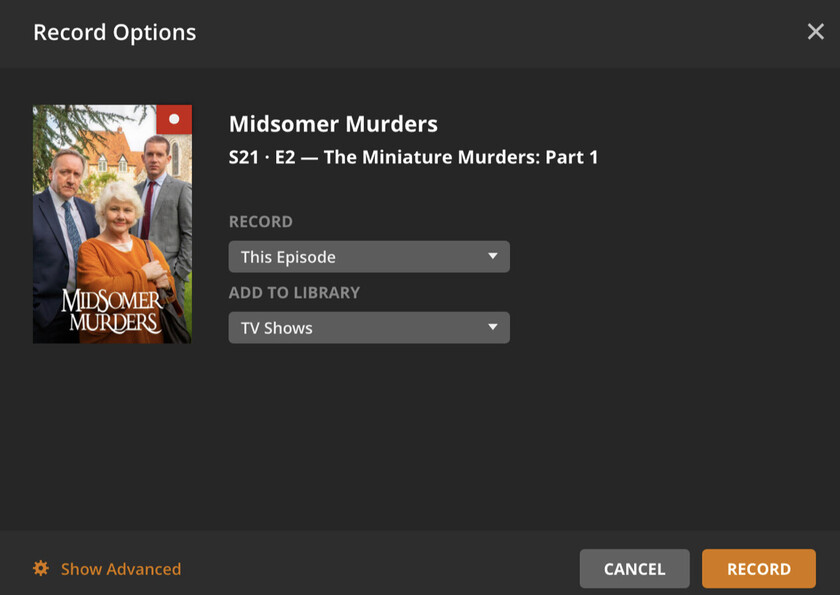
Episode 2 - goes in library “TV Shows Parts” (method 3 above)

On Plex HTPC - Although both episode of “Midsomer Murders” show they will record, setting the “Part 2” to record to “TV Series Parts”, it also changes “Part 1” from “TV Series” - This causes only one of the parts to get recorded.
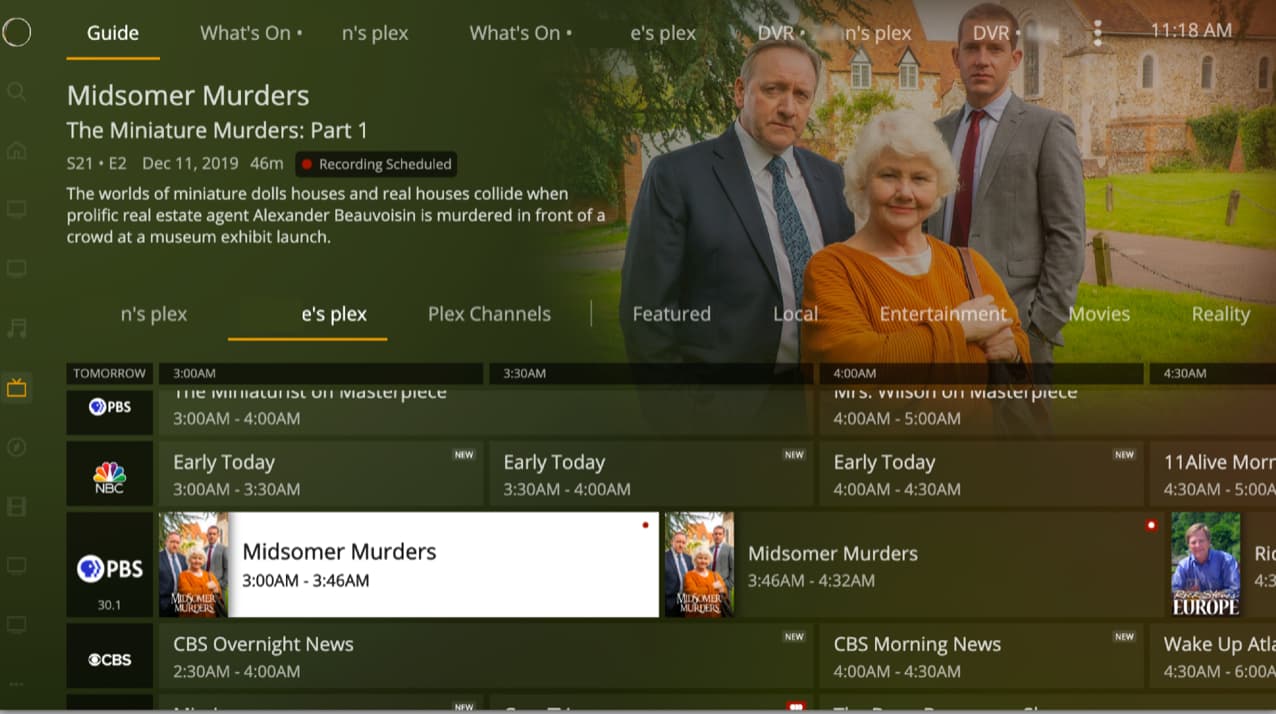
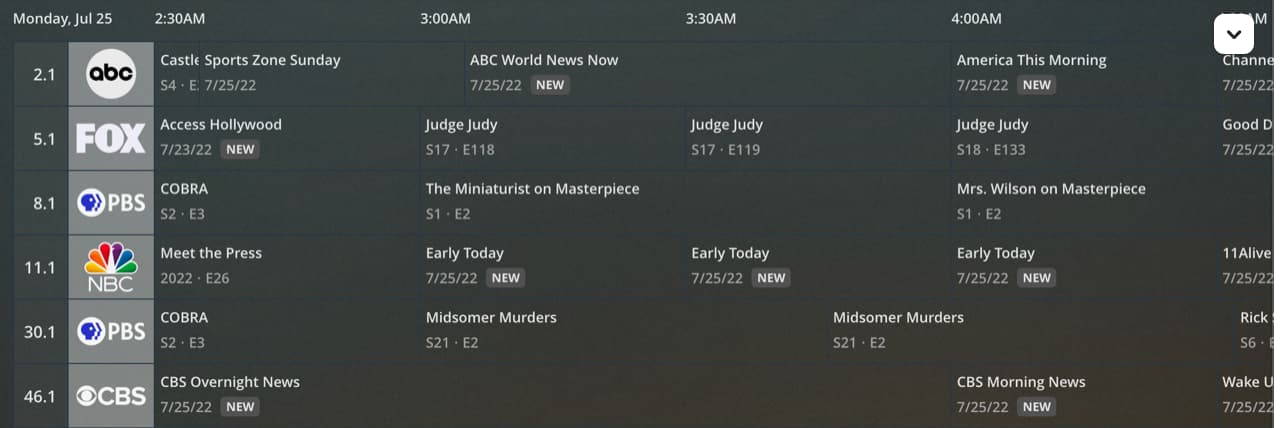
Roku "Live TV”
Another separate issue from above I’m seeing is having both of my Plex servers under “Live TV” on Roku that lets you select which Plex server you want to schedule. That part is nice, but switching between servers, the guide may show the schedule for the first server and not the server you’ve selected, or worse it may not show the previously setup recording at all. I also get “problem scheduling” screen for multi-part episodes or when opening up a schedule on previously set recording that doesn’t appear on the guide on a Roku Plex client.

