Synology Version: DSM 6.2.4-25556 Update 5
Plex Version: 1.25.2.5319-6000
The other day, I simply turned my server off, moved it across the room, plugged everything back in as it was before, and started it back up. Suddenly, I lost all access to Plex.
Here is my basic troubleshooting steps:
- I restarted PMS through the Synology package center
- Uninstalled and reinstalled (manually) same version
- Uninstalled, and installed through the package center
- Uninstalled and tried an older version
- Removed Synology as an authorized device (I can’t add it back at all anymore)
Before I removed Synology as an authorized device, I could still use Plex locally on my TV and phone (when connected to WiFi only). On my server, locally, on the Plex page, it showed the server but said I wasn’t authorized.
Now, when I view it on my phone, it shows my libraries but says they have no content, and on my server, or on app.plex.tv, or anywhere else, it doesn’t even show my server as an option.
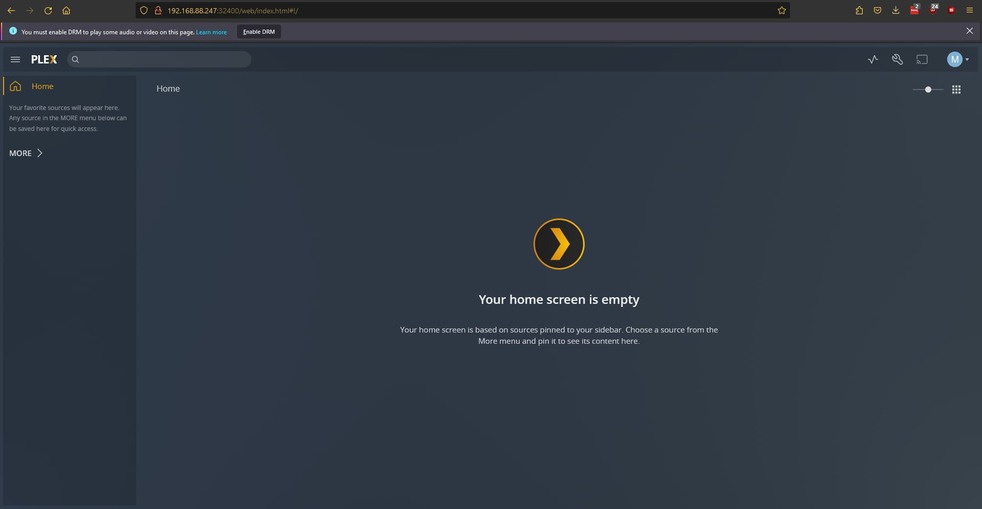
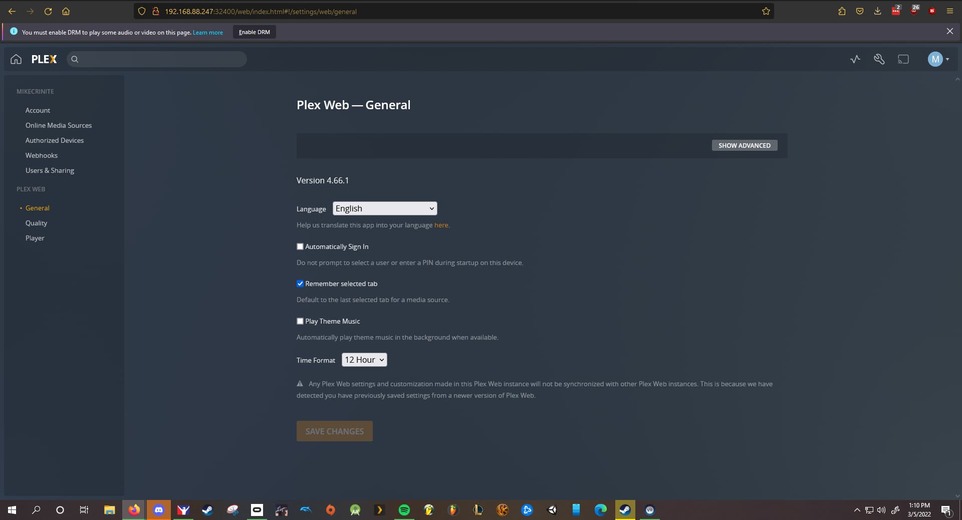
In the settings, there’s not even a section for me to change server settings. It thinks I have no server. However, when I go to the Home & Library Access section, it shows everyone who has access to my libraries, even though I myself can’t even see them.
This happened before after I moved my server, so I should have expected this. That time it simply resolved itself after a day or two and I still to this day don’t know what ended up solving it. However, I can’t wait for it to resolve itself again as people need access to my server now. Plus it’s worse this time, maybe due to my own “troubleshooting”
Reinstalling PMS doesn’t do anything, as it never even prompts me to claim a server or to set up a new server. It simply refuses to acknowledge that there was ever a server, except on my phone where I can still see the libraries (but none of the content in them)
