I can’t figure out how to change certain posters in my Plex account. I’ve never added image files into the folders for all of my content. Instead, I just drag images into the UI of the Plex media server. (I am on a Mac btw). And it usually gives me the results I want. However, for certain items, when I am looking at them using the Apple TV Plex App, there are screens where the poster art is different. I don’t know how or where to change these posters.
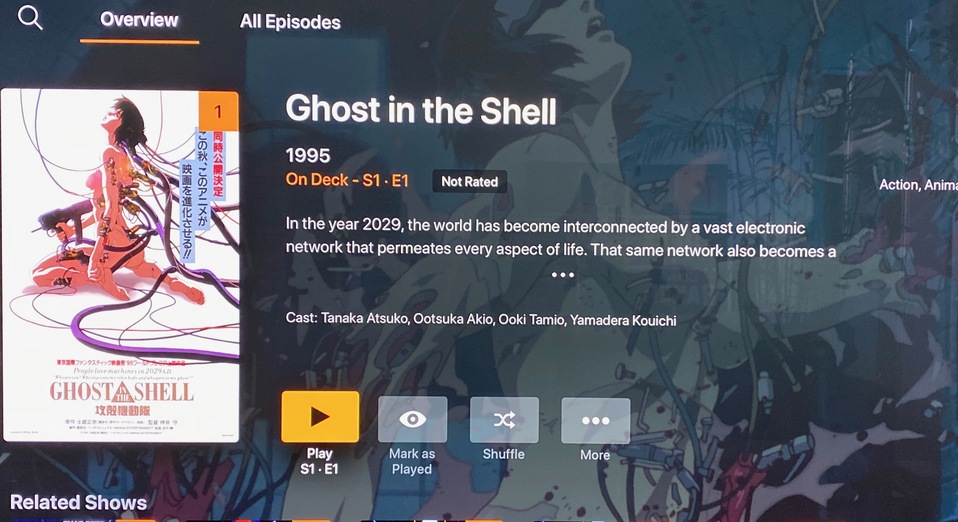
I am attaching screenshots to show what I am talking about:
In this first shot, the poster art displayed is what I want and I was able to change it in the plex media server on my computer by dragging it into the show poster art section:
But then, when I select the episode view and go to MORE, I get this screen, which has a different poster art that I did not choose and was never given the option to choose:
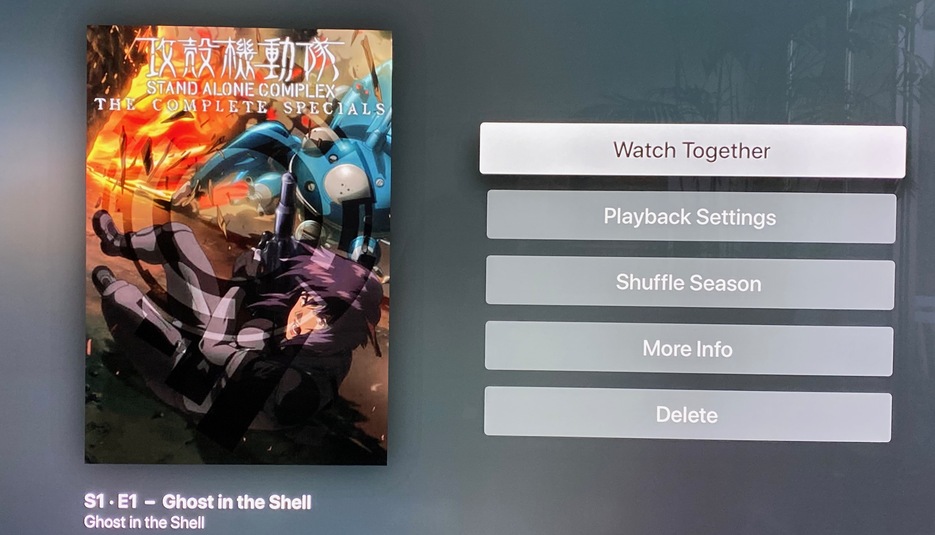
I want to know, how can I manually change this art? Any help would be much appreciated! I am having this issue on a few other titles in my library.
Thank you!
Server Version#:
Player Version#:
