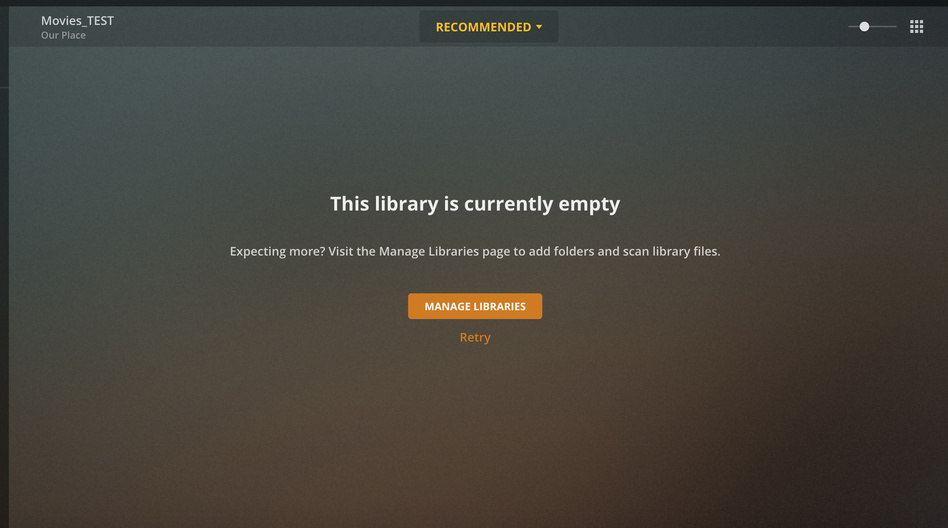
I’ve been running Plex for several years with no issues. All of a sudden new movies aren’t showing up in my main library. The library is on a NAS and shows /volume1/music/iTunes Media/Movies as the target path. I’ve created a 2nd library and copied the above path and after a scan nothing shows up. Also when adding a folder I can’t see any local drives or network drive paths other than what’s in the image. Note that the existing movies in the above library play and can be searched.
Network shares that you’ve authenticated into, for example an AFP share named “MyNasFilms” would get mounted like this:
/Volumes/MyNasFilms
You may just need to follow The Plex Dance because you’ve moved things or altered how things are organized, but your database was not massaged to reflect those changes.
For organizational purposes, because PMS searches all subdirectories below the one that’s at the top of each Library path, I never let films live below music. Do you have that happening?
If you’re running the Plex Media Server on the Synology NAS, you probably want to change the “server-mac” tag for this thread to “server-synology.” Having it tagged as “server-mac” implies that PMS running on your Mac, which it doesn’t sound like is the case.
Having said that, what role is your Mac playing in this? Is it just a client from which you’re accessing PMS via a browser? Are you just using it to mount the share on the NAS and move media to it?