On macOS, I accidentally put Plexamp into fullscreen mode by opening Mission Control and dragging my Plexamp window onto another, already-fullscreen app. This put Plexamp into Split View with that other app:

After closing the other app, Plexamp is left fullscreen, and I’ve no way of resizing it. The title bar has no buttons, and the only entry in the Window menu is “Minimize”, which does nothing:
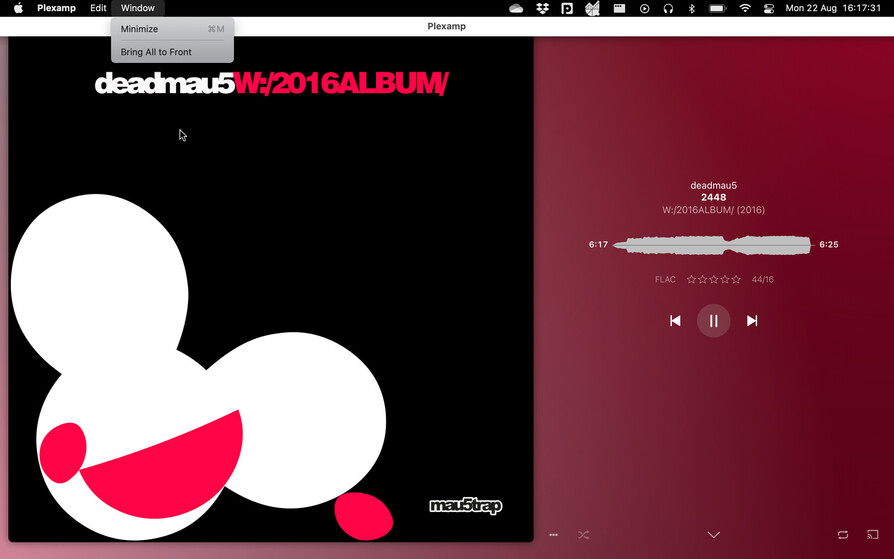
Admittedly, the now-playing view is pretty cool, but the library view leaves something to be desired:

Any ideas for getting out of full screen? Quitting and restarting the app just opens in full screen again.
