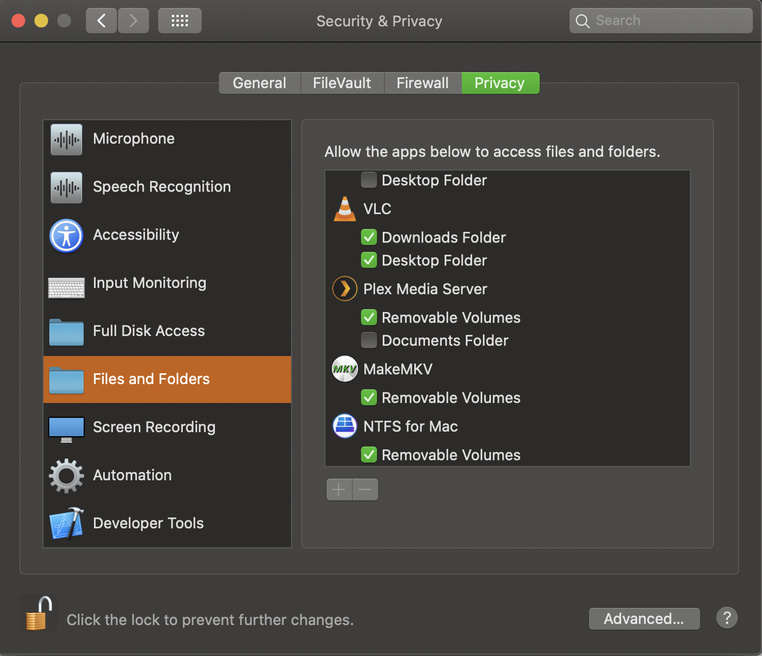
I don’t know what I’m doing wrong. I’ve followed all the steps and watched all the tutorials, but I simply can’t access the Sever Setup. Here’s the wall I keep running into:
- I downloaded Plex Media Server (on Mac Catalina)
- Installed it.
- Clicked on the icon to “Open Plex”
- I’m then automatically directed to http://127.0.0.1:32400/web/index.html (which is the homepage)
- I click on “Your Media”
- Tells me to download the “Plex Media Server”
I can never find the “Sever Setup” as directed on their Help page. It never takes me there. Nor can I “Add Libraries”, that option is not listed at all. What am I doing wrong? Can someone please help walk me though it?