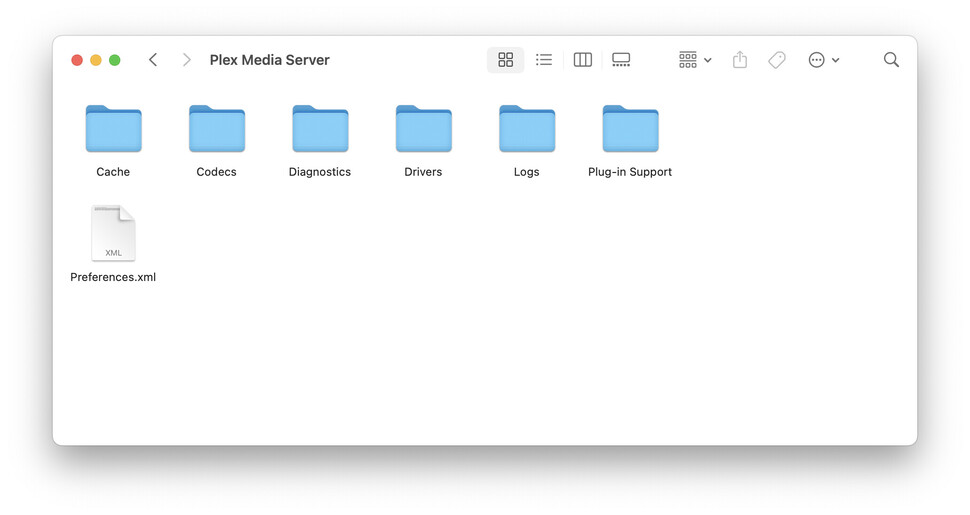
I am just created an account using Safari on macOS. Downloaded the Plex Media Server for MacOS v.1.41.6.9685-d301f511a April 9, 2025. Installed the app and launched it, signed in and closed the Safari window as told. But there is not Setup Wizard. How can add media? I cannot find anything in the Settings that allow me to add to point to a source?
I’ve tried signing out, deleting the app along side ~/Library/Application Support/Plex, ~/Library/Cashes/Plex. Signed in again, but the same. No wizard. How do I do this manually?
Server Version#: Version 1.108.1.307-dd5b87aa
Player Version#:
[
{
“type”: “info”,
“host”: “”,
“userAgent”: “Plex; 1.108.1.307-dd5b87aa; macOS 15.4”,
“browser”: {
“platformVersion”: “0”,
“id”: “unknown”,
“name”: “Unknown Browser”,
“version”: “0”,
“platformID”: “unknown”,
“platform”: “Unknown Platform”,
“platformModifierKey”: “ctrl”
},
“version”: “4.145.1”,
“username”: “nikken_a”,
“cloudUrl”: [
{
“scheme”: “https”,
“address”: “clients.plex.tv”,
“uri”: “https://clients.plex.tv”,
“testState”: “connected”,
“isBundled”: false,
“isFallback”: false,
“relay”: false,
“isUntested”: false,
“isPending”: false,
“isConnected”: true,
“isUnauthorized”: false,
“isUnavailable”: false,
“isFailed”: false,
“isAborted”: false,
“isLoopback”: false,
“isPrivate”: false,
“isHttps”: true,
“isSecure”: true,
“isPlexDirect”: false,
“currentTest”: null,
“sources”: [
{
“id”: “internal”
}
]
}
]
}
]