Dear members,
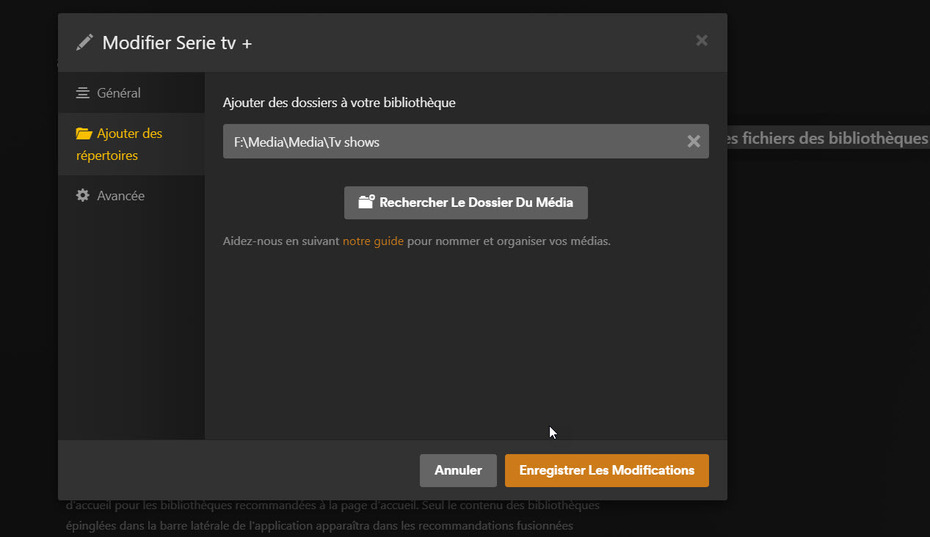
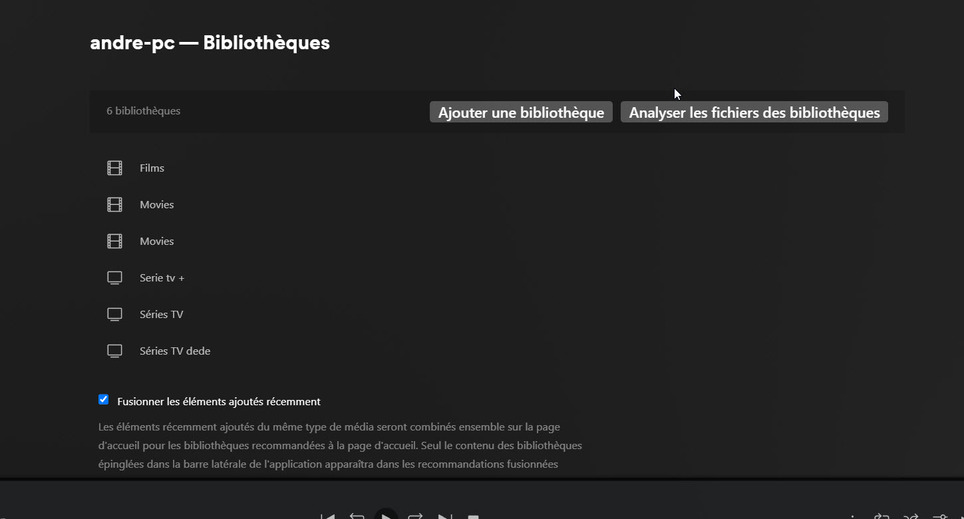
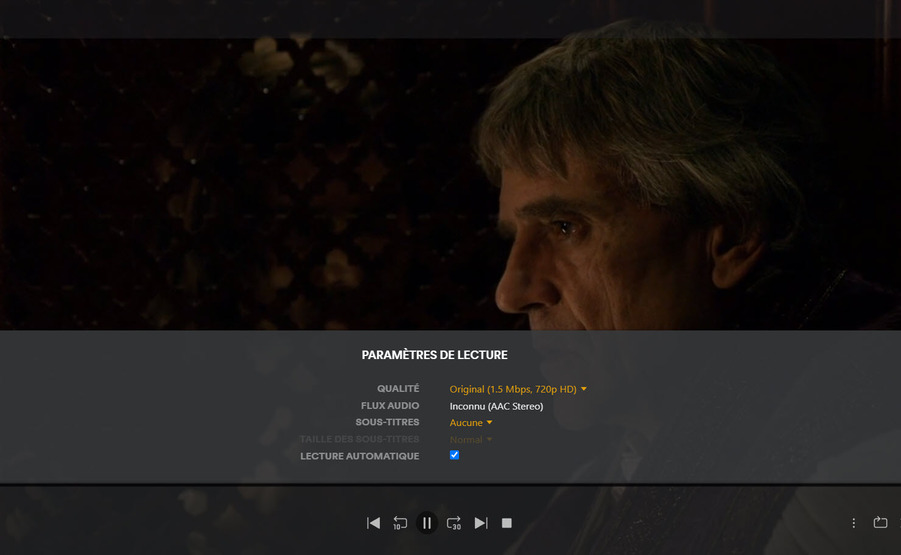
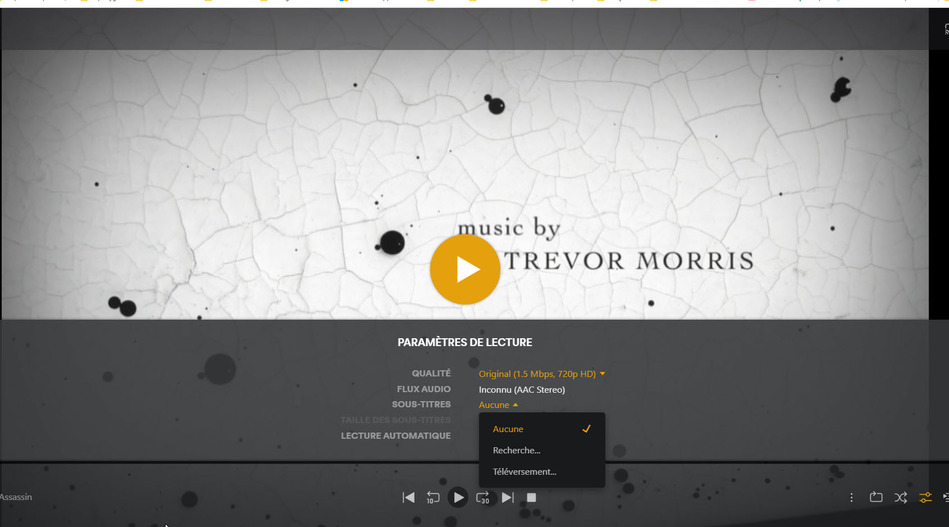
If you could verify with my pictures Why I cant read my subtitles ?
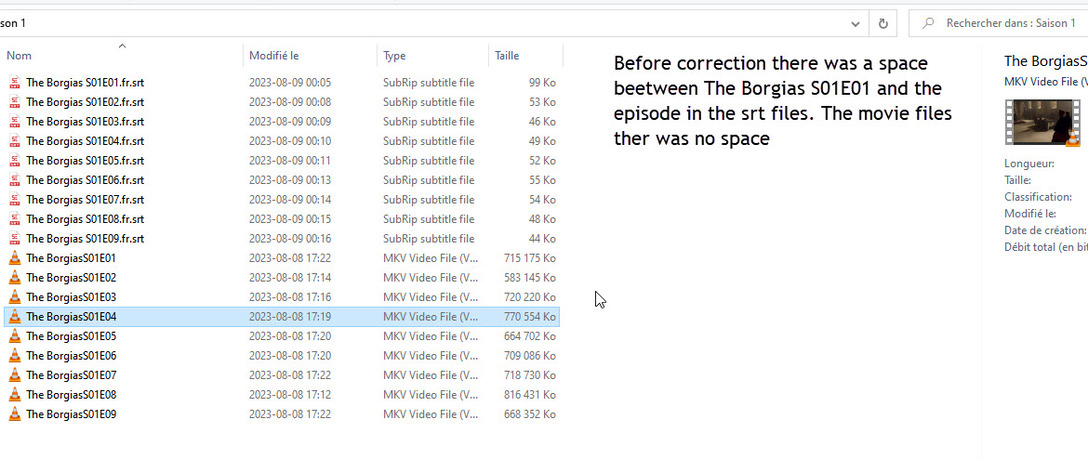
Your episodes are labeled correctly with s01e01 but your subtitles are named S1EP01
Dear Jay,
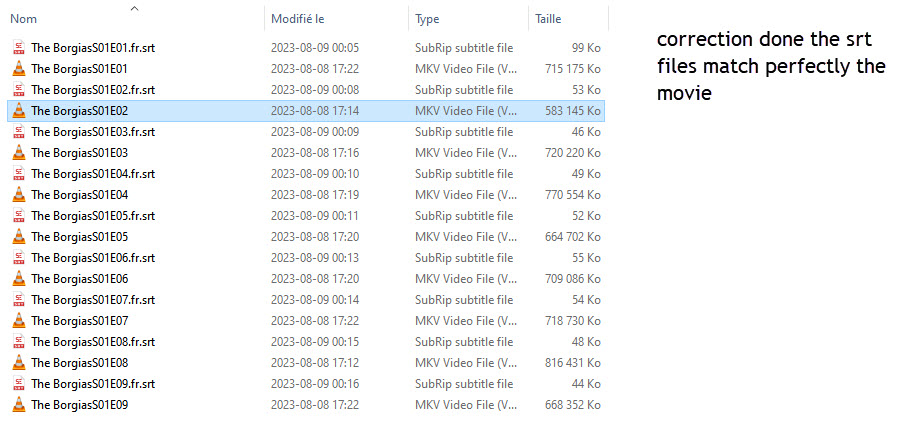
I correct the syntax of my subtitles (you can see the pictures join) but I still cant see my subtitles
Your subtitle files need to match the video file name exactly with the only addition being the language code.
So for episode one it should be (using the recommended naming convention):
The Borgais - S01E01.mkv
The Borgais - S01E01.fr.srt
After that, do a refresh metadata (you might be able to do it at the episode level, otherwise the season level) and then you should see your subtitles.
You can view the recommended naming conventions here: https://support.plex.tv/articles/naming-and-organizing-your-tv-show-files/
Your naming conventions might work now, but there is no guarantee they won’t break in a future update to PMS, so it’s a good idea to follow it unless you have a good/compelling reason not too.
Edit: It’s also a good idea to show file extensions in Windows. To do that open up Windows Explorer and go to the View tab then check the box I put a red square around in the screenshot.
This is good for safety reasons (something says it’s a PDF but it’s actually an EXE or some other executable file) and also to make sure you aren’t putting an additional “extension” on the file.
In your case, I think the latter might be happening because for your video files you do not see the .mkv extension but for your subtitles you see the .srt extension.
My guess is when you show extensions, what you will actually see for your subtitle files is the following:
The Borgais S01E01.fr.srt.srt
That will also cause issues with Plex properly matching the subtitles to the video file.
-Shark2k
Hi, thank you verry much you find my issue there where some syntax diff. between the subtitles and the movie as you can see the correction.
This topic was automatically closed 90 days after the last reply. New replies are no longer allowed.