Can't view/add libraries to plex home users

Server Version#:1.41.8.9834-071366d65I am having a weird issue after having to build a new computer and start a new server. I can add a new plex home user and grant access to libraries, however When I go to view the libraries I have added to them, it displays this:
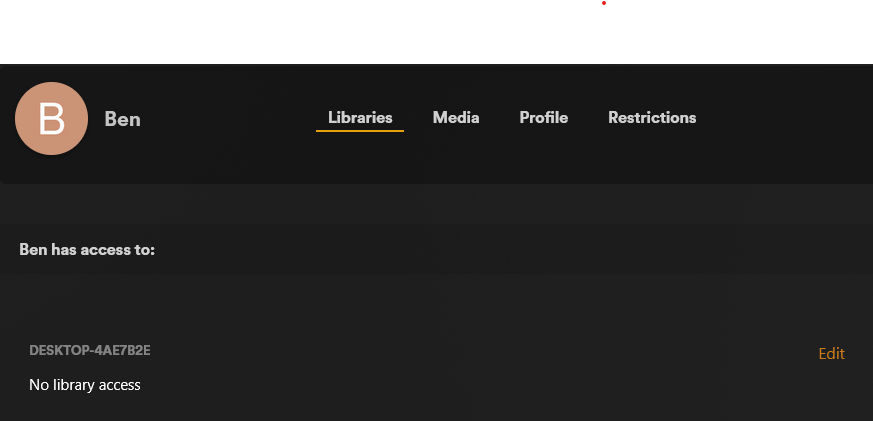
When I click the Edit button, it only displays one library as seen here:

And if I were to try to check either “All Libraries” or “Movies” and click save changes, it gives me:

Any ideas on how to get this resolved. It appears if I log in on one of my TVs, I can see the libraries I had originally assigned but with it acting like this I can’t modify or add libraries to any of my plex home users.

Are you using the hosted web app for this?

Does one of your library titles contain a special character, or even an emoji?

Do you use a web browser with browser add-ins?
Or maybe a browser which was build to supress parts of web sites by default (Brave etc.)?

Are there any kind of “internet filters” in use in your home network or on your computer?

Do you use a web browser with browser add-ins?

Yes I use Firefox with uBlock Origin. And this seems to be the cause of the issue, I disabled it for the dashboard and it seems to be working now. Thanks for your response

This topic was automatically closed 90 days after the last reply. New replies are no longer allowed.