Change to new user on plex media server

Hello,

Because the absence on plex marketing to keep loyal users I was forced to use a promo code for plex pass on a new account.

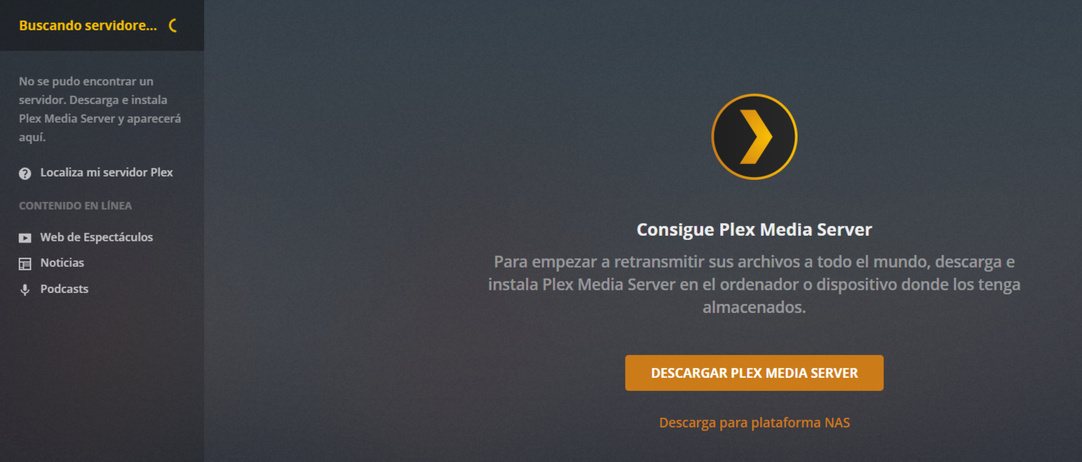
I had a previus server ready and working, and i’m trying to switch my server to the new accound.

The first question is, could I keep all my libraries? If not, how do I do a clean reinstall of the Plex media server? it seems if I uninstall from synology’s package center and reinstall it keeps the libraries for the old user and if i login with the new user it doesn’t recognice the server.

I hope it was a clear explanation but I doubt it. If you need further explanations please feel free to ask.

Thanks

all you should need to do is,

  • log the SERVER out of your old account
  • log the SERVER into the new account

do note, the server log in is something separate from plex web login.

server
image

web
image

of course you will need to re-invite and setup your users all over.

and they will lose play history etc

Yep, that was my first try, but new user does’t recognize the server

Actually, i realized too i have only few options on settings menu too

qqq

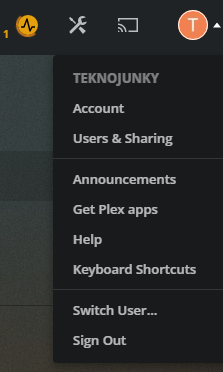
I signed out from old’s accound but i dont know how to sign in in the new from settings pannel

you probably need to go directly to the server ip

something like http://192.168.168.4:32400/manage/

put in the local ip of YOUR server/nas.

Thanks, is it ok to access trough synology DNS like xxx.synology.me:32400/web/index.html?

I cannot access locally since im out from home

no i don’t think so, you can only log in/claim a server from a local ip on the same network as the server.

I would suggest that you never attempt to make major changes away from your server, otherwise you risk losing access to it until you are back home.

Wise words, should have think about it earlier.

Thanks for the help, i’ll try this tomorrow at home

It is possible to also claim the server via SSH-Tunnel.

  1. If using Linux/Mac, ssh -L 8888:127.0.0.1:32400 ip.addr.of.server
  2. In Local browser open http://127.0.0.1:8888/web

Hello, just updating to say it was ok through my localhost, the problem was not being in the same network.

Thanks too for the SSH-Tunnel tip, didn´t tried but it’s good to know.

1 Like

This topic was automatically closed 90 days after the last reply. New replies are no longer allowed.