I am currently running Plex on my Windows Desktop.
I am adding a WD server with Plex Installed on the server.
In Windows I have a “Tray” items that offers the option “Check for Updates”.
Where is the equivalent on the server version?
How do I “Check For Updates” on the server?
Thanks
In the server settings if you are running on some linux distro on a computer
If you mean you are running in on a Wester Digital NAS then that is done via the WD app store on the device.
Yes, it is a Western Digital NAS. I should have been more specific.
There doesn’t seem to be anything offered on the WD screen other than “Configure” which puts you right into the Plex interface.
It’s currently on 1.32.5.7358
I will ask WD.
Thanks for the help.

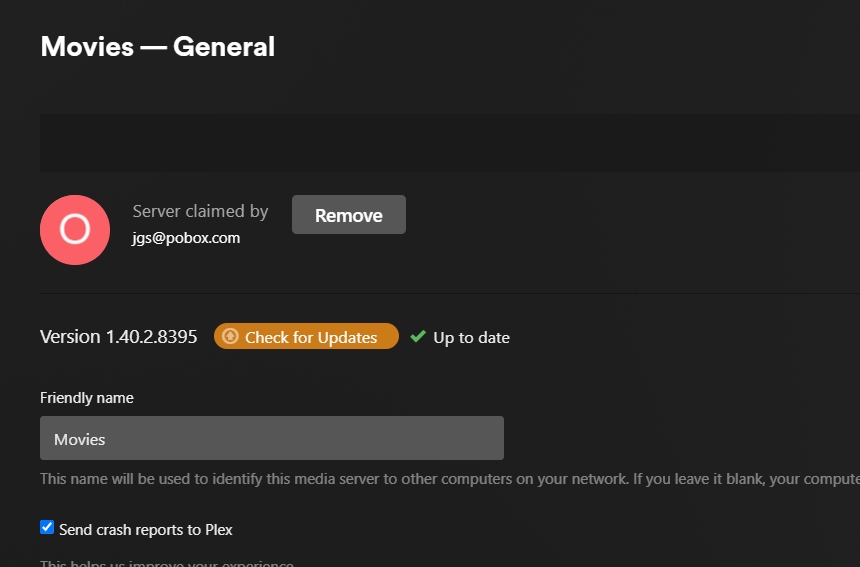
I have a further question. Please reply.
I’m waiting one of our QA guys that has a WD Nas to come online so I can ask them about it. what was your other question?
I was just referring to what i had posted above about the difference in the interface.
All I really want to know, is how to perform the update within the MyCloud environment.
I spent 90 minutes in chat with a WD rep who had no idea at all how it would be done.
Thanks for you kind assistance.
Hi:
Were you able to get that information about updating Plex on WD MyHome NAS?
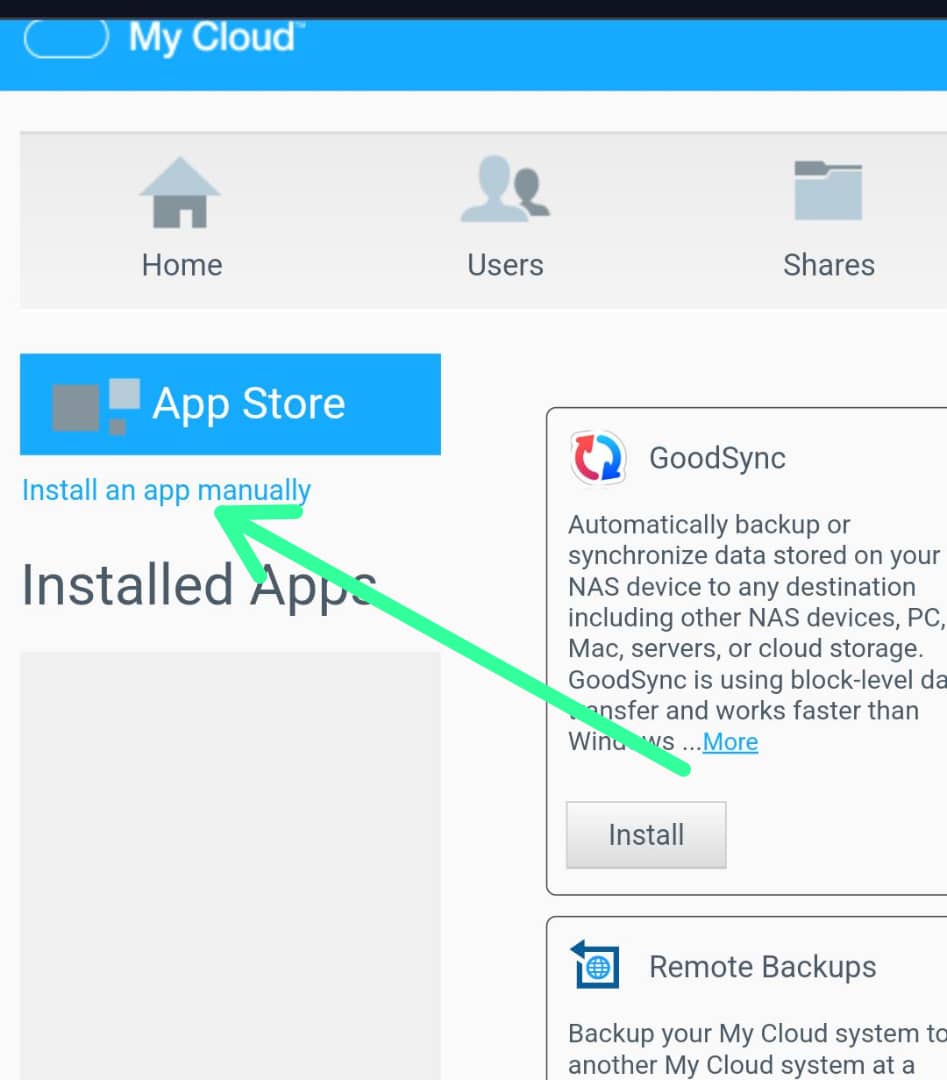
Check here…
If your version of MyCloud doesn’t support manual installations then you have to wait until the next firmware update from WD.
Unfortunately the QA guy I pinged was off the the end of this past week. I believe they will be back next.
But I do know that WD is often late with getting updates to their store anyway so manually updating is usually needed if you want the latest
Thanks so much for responding with this help.
Unfortunately, I am using the latest version of MYCloud Home, and that Manual Install interface is not available.
Sigh.
