Collections aren't showing up on Plex on Android TV

It did used to show on Shield and all Android TV devices. Fire TVs technically run FireOS which is a modified Android and have a different APK because of it but that is mostly due to playback support differences.

Anyway thanks all for reporting this.

1 Like

Shot just now on a Shield (2017)
Plex app 7.28.0

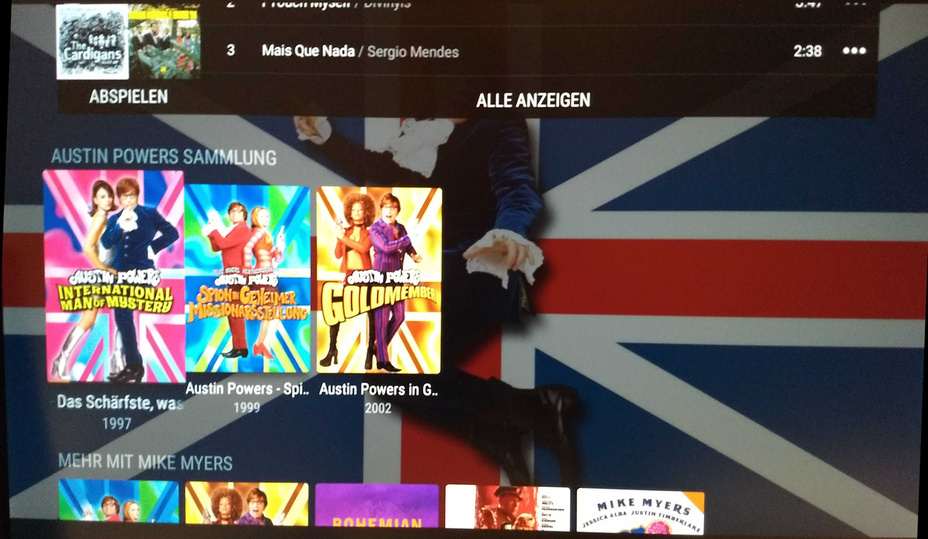
yes collections/related movies/actors etc are missing from the android tv PRE PLAY SCREEN

ok edit appears to included both release/beta.

i’m on beta android tv/shield and it affected me all weekend (un sure of when started).

OP is not a beta tester.

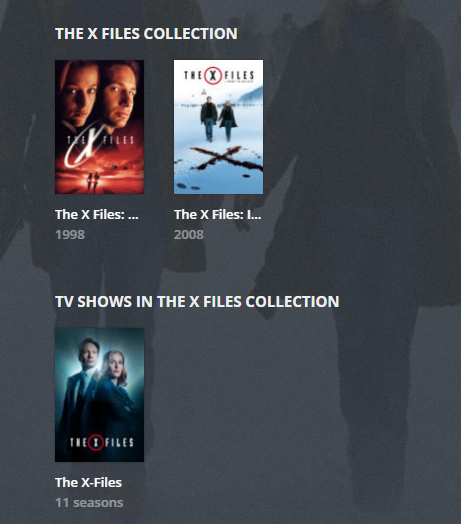
This is the regular preplay screen of a movie which is in a collection, scrolled down (past the critic reviews and the sound tracks)

if it is a server issue, i was on beta server 1.18.7.2415

i’ve updated to 1.18.7.2434 but not at home to check shield

@chenks it is definitely the pre play screen for me. It annoyed me all weekend.

What else?
The collection view as in the 1st screen shot is just as it’s supposed to be.

the collections and related movies are normally below the reviews section

that is what is missing.

Well, that is the “preplay screen”.

Idea: Did you disable “Include related external content” in the preferences of your library?

They were there.

Related movies

Actor movies

collections

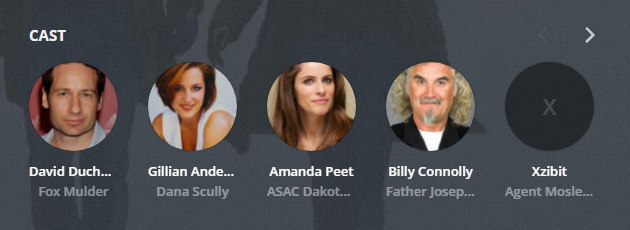
what has always been missing is the ACTORS headshot sub-hub.

otto I have not made any server/library changes.

In my experience it also matters how you got to what you think is ‘the’ pre-play screen.

I see a bunch of inconsistencies if you, say, come in the back door.

Start at the same place
Go to the same place
Look at the same screen

Then play - What’s wrong with this picture?..lol

yes for reference, plex web pre play screen has

cast
image

related movies
image

collections
image

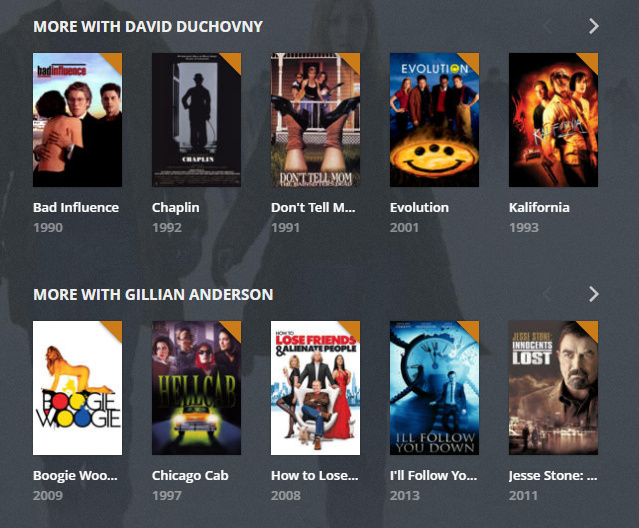
more with
image

movies you might like
image

I entered the preplay screens via the full library list.

HOW you get to the pre play screen, should be irrelevant.

the same content should be shown no matter where you have navigated from.

I normally navigate from the home screen via hubs.

1 Like

Exactly the same way I got to my screenshot, which obviously shows something different.

I think that we have found a bug - not all Android TV devices display the same “pre-play” info - and I’m pretty sure it’s already been passed on to the devs for a fix.

I am here to tell you - it is not.
FireTV and Roku are all over the place.
AND
Hubs act differently in Recommended - than they do when they get pinned.

But, as long as you start at the library and hit the collection - that’s the ‘front door’, as it were.

I can see the same behaviour in one of my libraries.

Is this a collection which has content from several libraries or just from one library?
Could you compare several collections of both types?

So much for that theory.
I can definitely see collections in one library, but not from another.

That is a good catch.

I have seen inconsistencies when the same collection exists for Shows AND Movies.
Intermittently.

I have only one Movie Library, however.

you are persistant
Certified Google TV Spreadsheet - select the Pay TV Providers at the bottom if it doesn’t come up right away, scroll down to item 129 - SaskTel

I can’t load “phone” apps on the device, only Android TV apps from Google Play. Yes, it’s a cheap device, but it is a certified Android TV, and not a device with an Android based operating system (AOSP), like some TV’s and devices have.