Is it possible to add my Collections to the left pane and inside that have all my different folders?
Collections
007
Chuck Norris
Steven Seagal
Is it possible to add my Collections to the left pane and inside that have all my different folders?
Collections
007
Chuck Norris
Steven Seagal
You can’t add the collection to the side bar
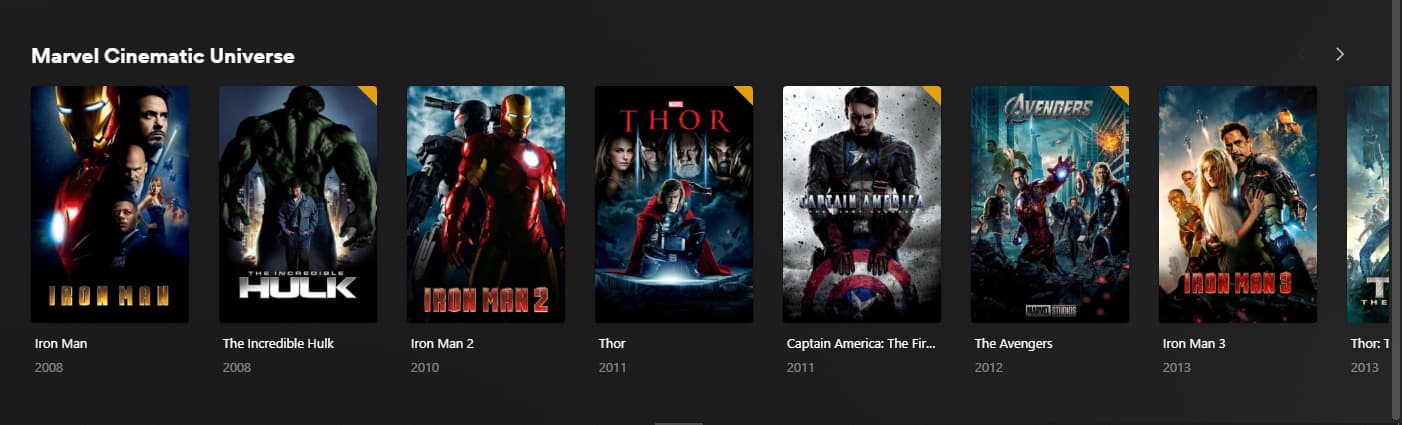
You can however make that collection visible on the home screen as it’s own row just like your continue watching or recently added
Click the 3 dots on the collection poster → Visible on → Home/Friends home

Sorry if you knew that and it’s not what you’re looking for
Just giving you the option in case you didn’t know
Thanks J
What you suggested, Instead of show individual Movies can I show just the folder only? I guess not
How do I edit the Home screen?
No unfortunately when you choose this option and display the collection it shows all the individual movies inside it as a row, not just the main collection poster
You can adjust the home screen under settings → manage recommendations
Thanks for that, so many features still to explore,
They show up on my Home on the Computer browser but not on the Apple TV, am I doing something wrong?
Going through the Home section on the Apple TV there is so much junk showing Trending this Trending that, Oscar Nods, Recent Channels, Women making history, how do I get rid of all that?
This usually means that you’ve unpinned the library that contains the published collections. By pinning a library, their recommended hubs should also show up on the home screen.
As for …
Oscar Nods → You can disable the category Seasonal Movies in the library recommendations settings.Trending this Trending that, ..., Recent Channels, Women making history → Those should go away if you unpin the related online media sources from the app’s sidebar.Thanks it’s showing up now, as they say in the Computer business if something don’t work restart everything