Hi there, I need some help, which is probably very simple for someone here.
I have reset my PW as requested and set up the two-step verification on my PC no probs. I logged on and it showed the QR thing and my iphone recognised it. I went to settinges\passwords\plex on my iphone and the codes automatically appeared… impressive… BUT
When I later tried to open plex on my iphone it asked for a code… !
“Use your authenticator application to view your verification code or use a stored recovery code.”
I went back to settinges\passwords\plex and it was no longer generating codes…??
So what is my “Authenticator App” and where is it…?
Apologies for my dumbness…
don’t apologize… this is a message that will not help you…I just read it and when I enabled 2-step auth…everything worked EXCEPT anything IOS…Roku’s worked…laptop, browser, etc…but Iphone and Ipad would not connect to Plex… I had to disable 2 factor auth… I asked about that on here and you know what answer I got? (Disable 2-factor auth)…
Yikes… that’s not good.
I am concerned that I will use up all the downloaded codes pretty soon… cheers
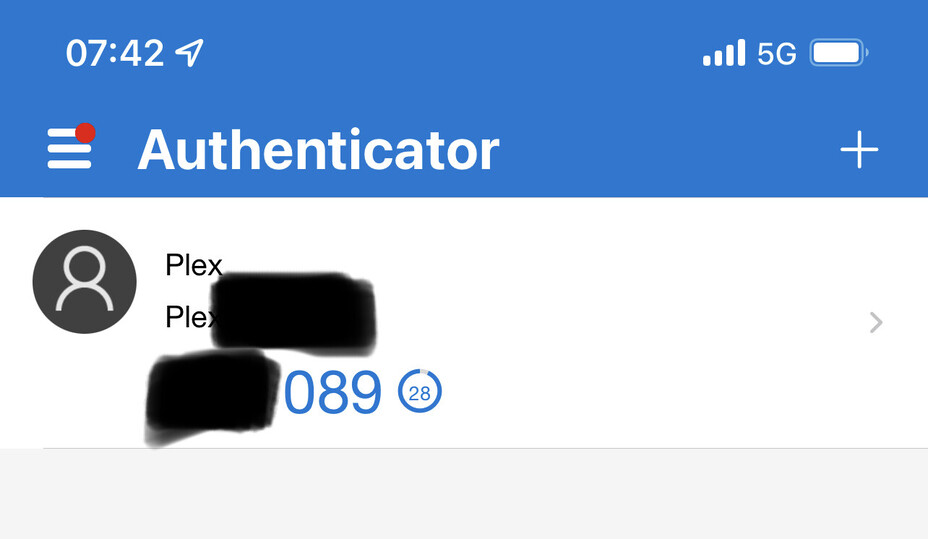
Thanks for that, but how do I get the QR thing back?. having already used the downloaded codes (which are running out)… cheers
