Server Version: 1.21.1.3876
Player Version: 4.50.1
Server logs: Plex Media Server Logs_2021-01-17_14-06-15.zip (2.3 MB)
Server Specs:
OS: Windows Server 2019 Standard v1809
CPU: Intel Xeon E3-1275 v6
RAM: 32GB DDR4 @ 2133Mhz
NIC: Intel X710-DA2
Disks:
2x HGST HUH721010ALE600 10TB
1x HGST HUH721010ALN600 10TB
1x HGST HUH721010ALE604 10TB
RAID 0’d using Windows Storage Spaces
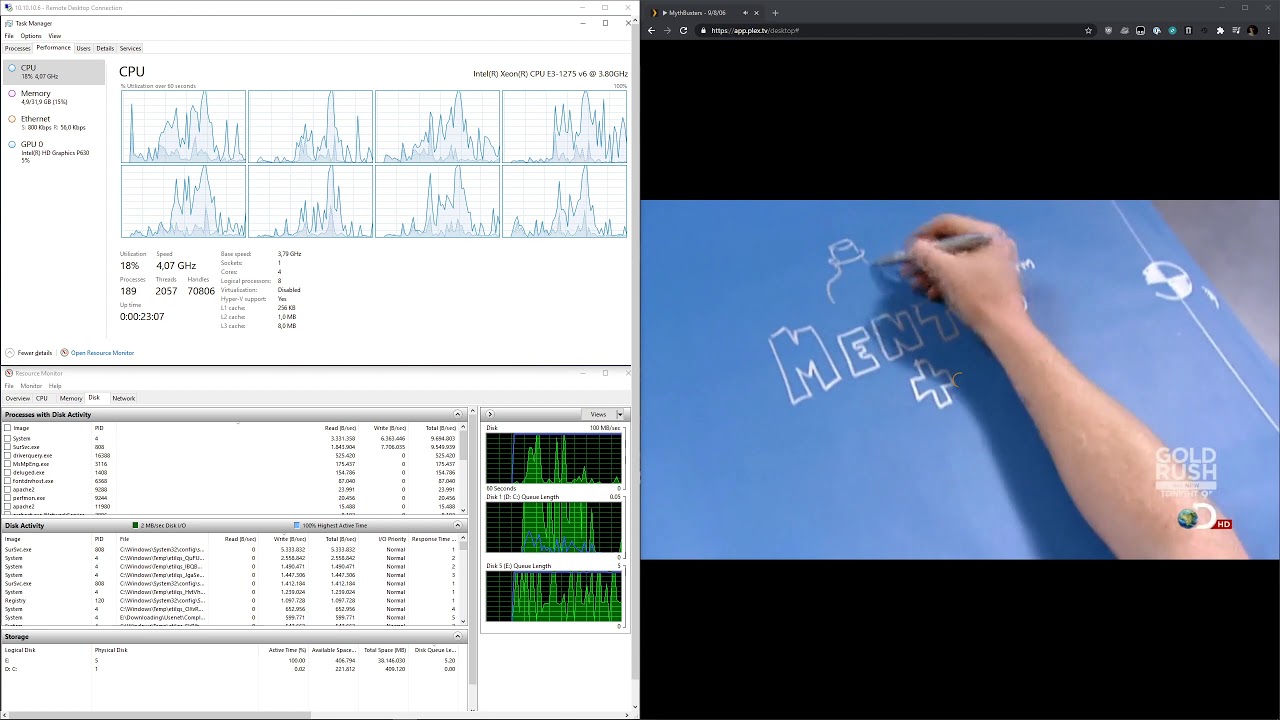
All my clients, whether it be local or remote and smart TV’s, iOS, Android or web, are experiencing buffering every few seconds of play - even when direct playing or direct streaming. This server has been running fine for about two years now without any issues, these buffering problems seem to have cropped up within the last five days. See the video below for an indication of what the clients are seeing with a side-by-side of my server resource usage.
Strangely, there’s no indication of CPU, disk or network being congested. My LAN-side is all Ubiquiti gear with full 1Gbps up to the router, which has residential 1Gbps fibre service. Speedtests performed on the server indicate minimum uploads of 300Mbps, so that shouldn’t be the issue.
I’ve already turned off Large Send Offload, checked for SMART errors, rolled back to PMS 1.21.13795, rebooted the server several times and installed all the updates Windows Server 2019 had to offer me, but no dice. Seeing how this issue cropped up just a few days ago I’m thinking it’s an update to Plex or Windows that caused this, but I’m hoping someone more knowledgeable than me could shed some light on this.
Since everything is having issues including the remote. I would focus on the common connections such as routers, switches, NICs and the server it’s self. I know you said you tested your network speed but be sure to test with various devices to make sure that it is not a network issue. Test your hard drives as well. I personally don’t like to get anything bigger the 4TB. The larger the drives are the less tolerances you have which can equate to easier damage to the drives. If a drive is damaged the system may be making multiple passes to read the data which is why your video stops. I have also had switches and routers fail giving me network issues on some of my devices so you might try resetting everything if you have not done that already.
Good suggestion. I’ve rebooted all my network equipment, switched out the X710-DA2 for the on-board NIC and ran a speedtest using speed.cloudflare.com on my desktop and phone, but all of them produce similiar values. Your note about drives lead me to run a crystaldiskmark test on the storage pool and the performance is absolutely garbage, basically unusable:

I ran the Drive Fitness Test provided by HGST to do a deeper check for SMART errors, but nothing came up. I’m guessing this is an issue with Windows Storage Spaces, so I’ll investigate further and update this thread if I come across a solution.
Yeah looks like you defiantly have an issue there. Let me know what you find out.
I’m gonna chalk this up to a drive failure - one of the drives in the pool had an astronomically high pending sector count and is most likely dying. I still have 9 months of waranty on that one so I’ll give it another spin and hope it doesn’t die on me again.

For the record: I had to wipe my entire media library and zero out the offending drive to reset all the pending sectors.
I just fixed my buffering issue. You say that you have Direct Play and Direct Stream set on the Server. What are the setting on the client? My solution. This issue never happened before; however, I was having the same problem on my Roku and a new Android TV streaming device on my LAN. I did all sorts of troubleshooting like everyone else. I thought by purchasing the newer Android TV device for $59 with a faster processor and ethernet connection than my Roku would solve the issue - it didn’t. I also use Ethernet over Power / PowerLan devices instead of a home run ethernet cable. My solution was to Force Direct Play on the main Plex menu of the client. Go to Settings/Video/Direct Play -> force. Now everything works like it used to - actually even better. The videos don’t transcode, and I don’t have to go into the settings of each of the videos each time I go to play. Also, invest in new High-Speed HDMI cables - if you have a new 4K TV and have old HDMI cables, you are missing out.