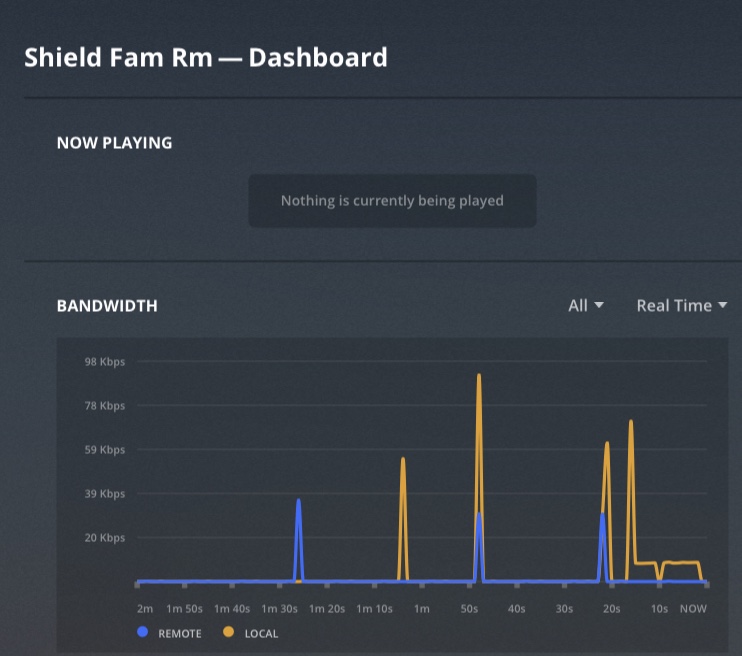
I have no dashboard on the TV with Shield TV. I do have my libraries on the top row, but that’s it.
I can get the complete dashboard for the same server on the web clients, both on Windows and Chrome OS. It takes a long time to show up, but eventually it does. But on the Shield itself, nothing other than the library tabs.
I am running the latest versions of the server and client.
Any insights would be greatly appreciated.
Thanks
The dashboard does not show on any clients like the fire stick, TV, Roku or Shield as they are just players. It should appear on most browsers on the computer or mobile devices along with the ability to modify other server settings.
That is strange, because once in a while, I do get the information. Below the library buttons which form the top row, I get a section of “recently added” both for movies and TV. But 90% of the time, I only get the library buttons.
I have more than 6 TB across 8 libraries that all show up correctly in all my players. Only Nvidia Shield is different. About 90% of the time I only see the Library buttons.
I am not referring to that. I am talking about the section with the libraries on the top row and below should be sections of “on deck” “recently added” etc.