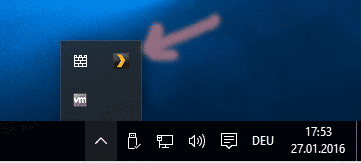
If it’s shown to you as “unclaimed and not secure”, it means that this server is actually still up and running. Either on your local network or even on your local machine.
You need to find where it is running and shut it down permanently/prevent it from auto-starting.
In the case of Windows, check all Windows user accounts. Plex server runs in the user context – which means that it can run in a different Windows user account than your own. log into every Windows user account and check the task tray for the Plex icon.
Do a right-click on it and make sure that
It is not set to auto-start, except under the user account where it is supposed to start up.