Server Version#: 4.146.0
Player Version#: Plexamp 4.12.3, on iOS 18.5
Procedure:
- Grab a hot new mix.mp3
- Add it to the Plex music library folder, scan that library in Plex.
- Track is added to Plex and plays back through Plexamp OK.
- Select the album in Recently Added.
- Click the three dots up top at the album, not track, level.
Plexamp appears to download OK - it’s added to the queue, shows data transferring.
The download tab shows the album available, the duration and filesize.
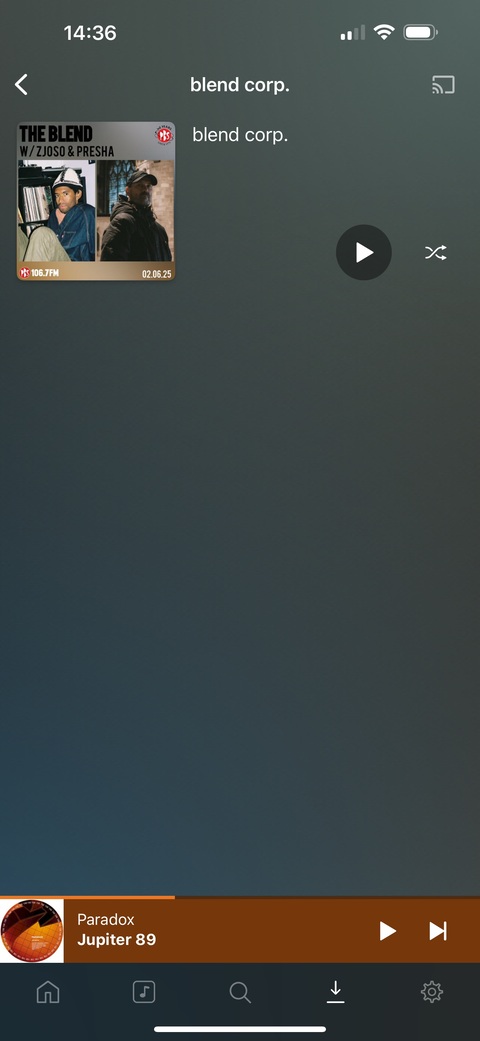
But clicking into the album shows no tracks.
Log attached, where the last action was just that procedure.
Plexamp.log (100.0 KB)
Grabs attached of the “OK” Download tab, but the empty album. I wanna click the tune!
I’ve had this happen relatively often, enough to raise a ticket here.
if I delete the download and re-try, it’ll occasionally bottle out again, but usually work just fine second try.
Could you please take a peek?
Thank you!
Download Tab

Empty Album