ChuckPa
January 31, 2022, 7:40am
21
I do not expect you to have SERVER settings.
Now please do the following
STOP PLEX
Open FileStation
Open PlexMediaServer shared folder
Navigate AppData/Plex Media Server
Right-Click Logs
“Compress to Logs.zip”
Please tell me if you can or cannot do this ?
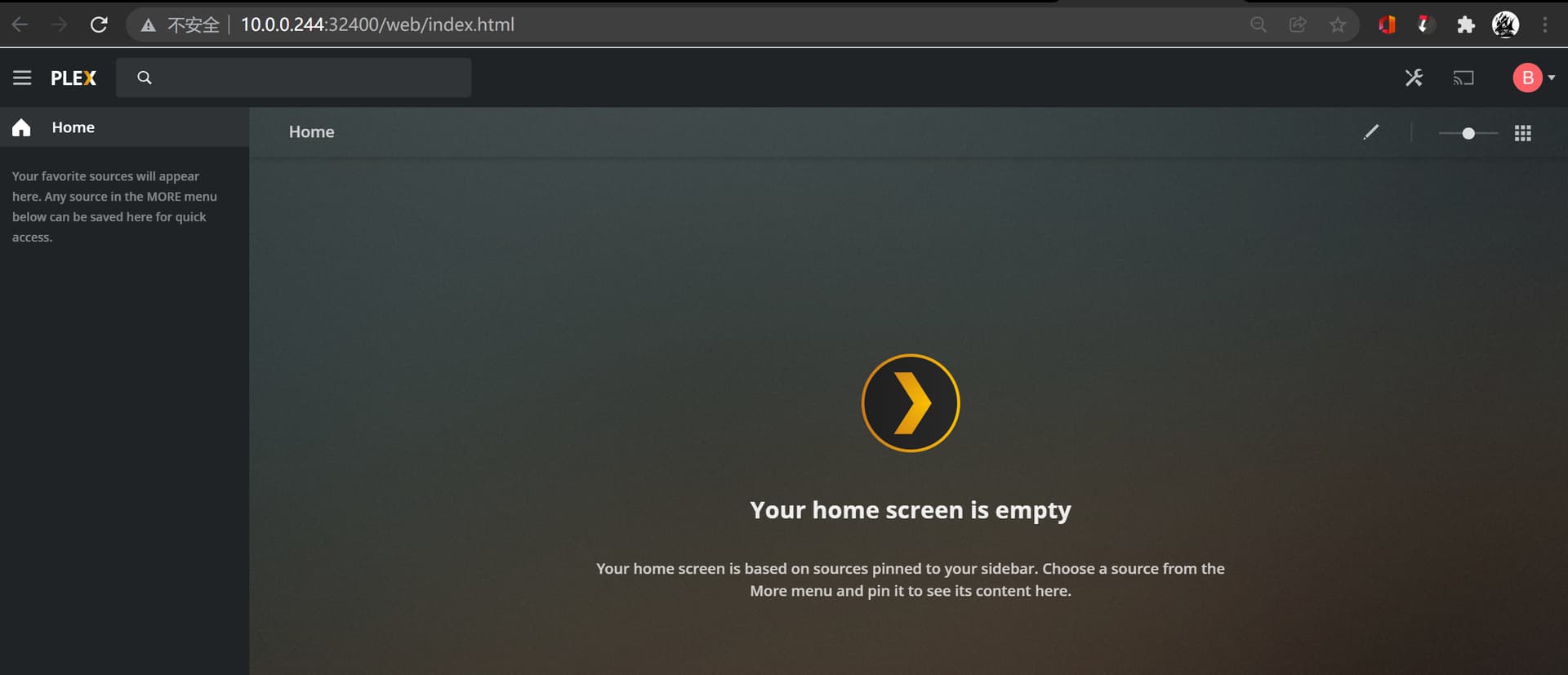
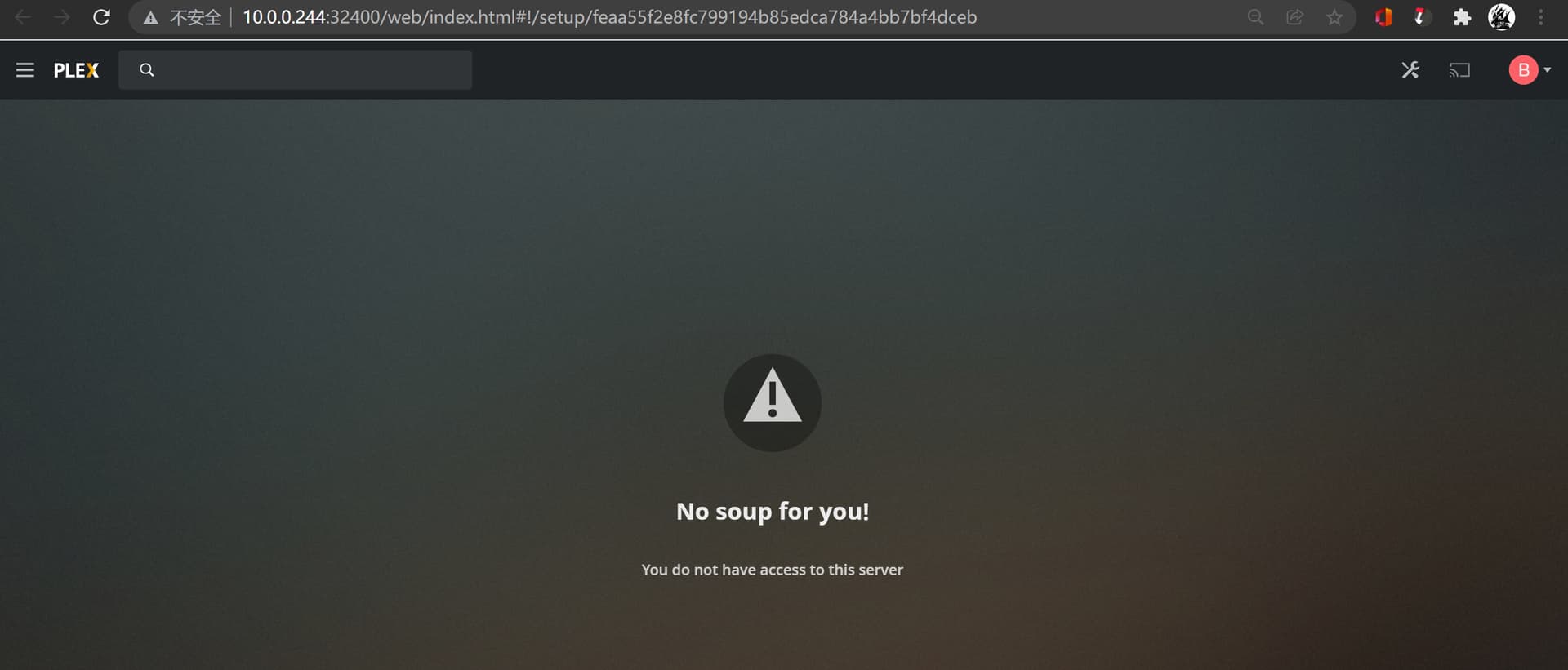
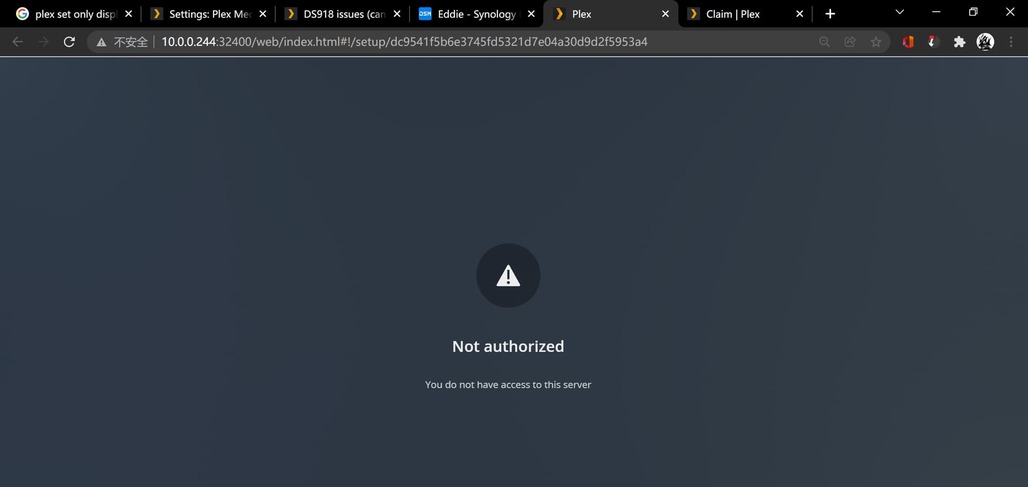
i find the problem: when type 10.0.0.244:32400, it shows
but when type 10.0.0.244:32400/web, then it is the error!
unfortunately the folder is empty( the folder tmp is empty as well.)
ChuckPa
January 31, 2022, 7:47am
25
Thank you.
Now I am understanding.
Uninstall the Plex app
Delete shared folder PlexMediaServer
Reinstall the Plex app – HOWEVER
Choose the “Plex Claim Token” installation option (for lost/new servers)
Click “Get Plex Claim Token” blue link
Your browser will open
Click COPY to copy the token into your browser
Go back to the installer page.
PASTE the token into the window
Click NEXT until the installer starts.
If the networking is correct, It will install the server and then automatically attach it to your account.
It will confirm this by showing your Plex username in the final message.
I think the server is installed but still I cannot visit it.
I can download the logs. pls check them out.
Logs.zip (1.3 MB)
ChuckPa
January 31, 2022, 8:10am
29
Thank you!
I found it.
You are on subnet 10.0.1.x
Jan 31, 2022 15:52:53.521 [0x7fedb2f4cb38] DEBUG - Completed: [10.0.1.103:9341] 200 GET /web/js/chunk-81-a3967500c8ee829f0107-plex-4.69.1.20463-d3adc51.js (6 live) GZIP 1ms 3195 bytes (pipelined: 2)
Jan 31, 2022 15:52:53.523 [0x7fedb279eb38] DEBUG - Request: [10.0.1.103:9340 (WAN)] GET /web/js/chunk-951-bd6027f2056803b476f3-plex-4.69.1.20463-d3adc51.js (6 live) GZIP
The server is on 10.0.0.244
Jan 31, 2022 15:52:50.595 [0x7fedb6ee7258] DEBUG - Network interfaces:
Jan 31, 2022 15:52:50.595 [0x7fedb6ee7258] DEBUG -  * 1 lo (127.0.0.1) (loopback: 1)
Jan 31, 2022 15:52:50.595 [0x7fedb6ee7258] DEBUG -  * 6 ovs_eth0 (10.0.0.244) (loopback: 0)
Jan 31, 2022 15:52:50.595 [0x7fedb6ee7258] DEBUG -  * 7 ovs_eth1 (169.254.175.238) (loopback: 0)
Jan 31, 2022 15:52:50.595 [0x7fedb6ee7258] DEBUG -  * 8 docker0 (172.17.0.1) (loopback: 0)
Jan 31, 2022 15:52:50.595 [0x7fedb6ee7258] DEBUG -  * 1 lo (::1) (loopback: 1)
Jan 31, 2022 15:52:50.595 [0x7fedb6ee7258] DEBUG -  * 6 ovs_eth0 (fe80::211:32ff:fe8a:227%ovs_eth0) (loopback: 0)
Jan 31, 2022 15:52:50.595 [0x7fedb6ee7258] DEBUG - Creating NetworkServices singleton.
You were getting “Not Authorized” because it thinks you’re remote.
Does the server now think you’re authoized? Your logs are not showing me any errors.
It looks like your networking is a mess.
what is this?
Jan 31, 2022 15:53:00.697 [0x7fedb2c86b38] DEBUG - HTTP requesting GET http://10.0.3.59:1900/wps.xml
Jan 31, 2022 15:53:00.792 [0x7fedb2c30b38] DEBUG - [HttpClient] HTTP/1.1 (0.1s) 200 response from GET http://10.0.3.59:1900/wps.xml
thanks so much, I’ve changed my local network sub-net mask from 255.255.0.0 to 255.255.255.0, and everything is fine. I previously set sub-net mask to 255.255.0.0 because my linked devices are already nearly 200s, I want to avoid ip conflicts if devices exceeds 250+.
ChuckPa
January 31, 2022, 8:32am
31
When I need to run the network wide, i will open it up by 1 bit.
192.168.0.0/23
That gives me 192.168.0.x, and 192.168.1.x.
You could do the same if you wanted:
10.0.0.0/23 == 10.0.0.x and 10.0.1.x are same subnet
system
May 1, 2022, 8:40am
33
This topic was automatically closed 90 days after the last reply. New replies are no longer allowed.