DS918 issues (cannot find server)

Server Version#:ds918 dsm7
Player Version#:1.25.4.5468
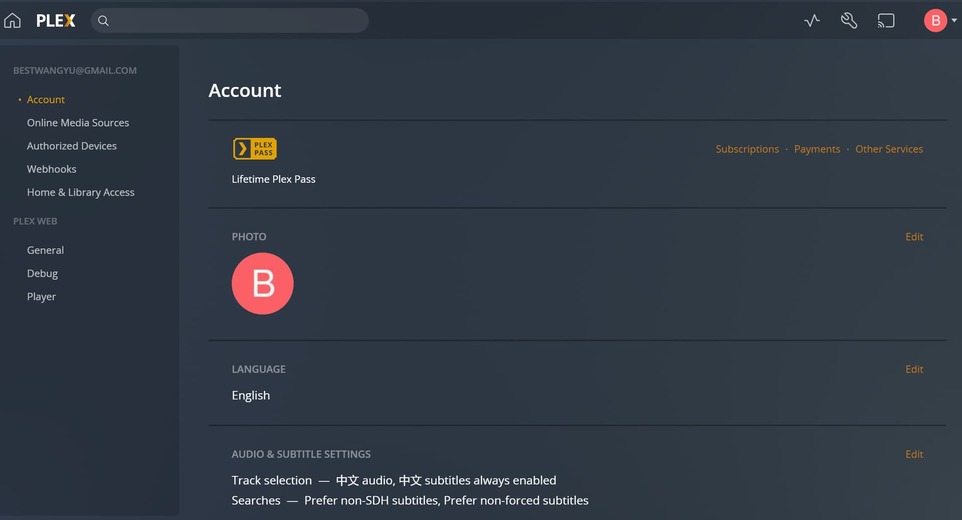
Hi there, when dsm6 everything is ok, but when it came to dsm7, I cannot get access to local resources.(look at the screen shot, no local resources, i’m visiting through local network.)
could anybody tell me what’s the problem?is it related to B cat-IP addresses?

wh

10.0.0.244 is it local ip of your NAS?

Yes it is my local ip. my gateway is set to 10.0.0.1.

looks like an incomplete server installation
how did you install it?

I install it manually PlexMediaServer-1.25.4.5468-989df2310-x86_64_DSM7.spk from plex.tv.
I just uninstall and reinstall again, same issue.

left side screen if you click + Your Media ?

yes this is what i’ve clicked.
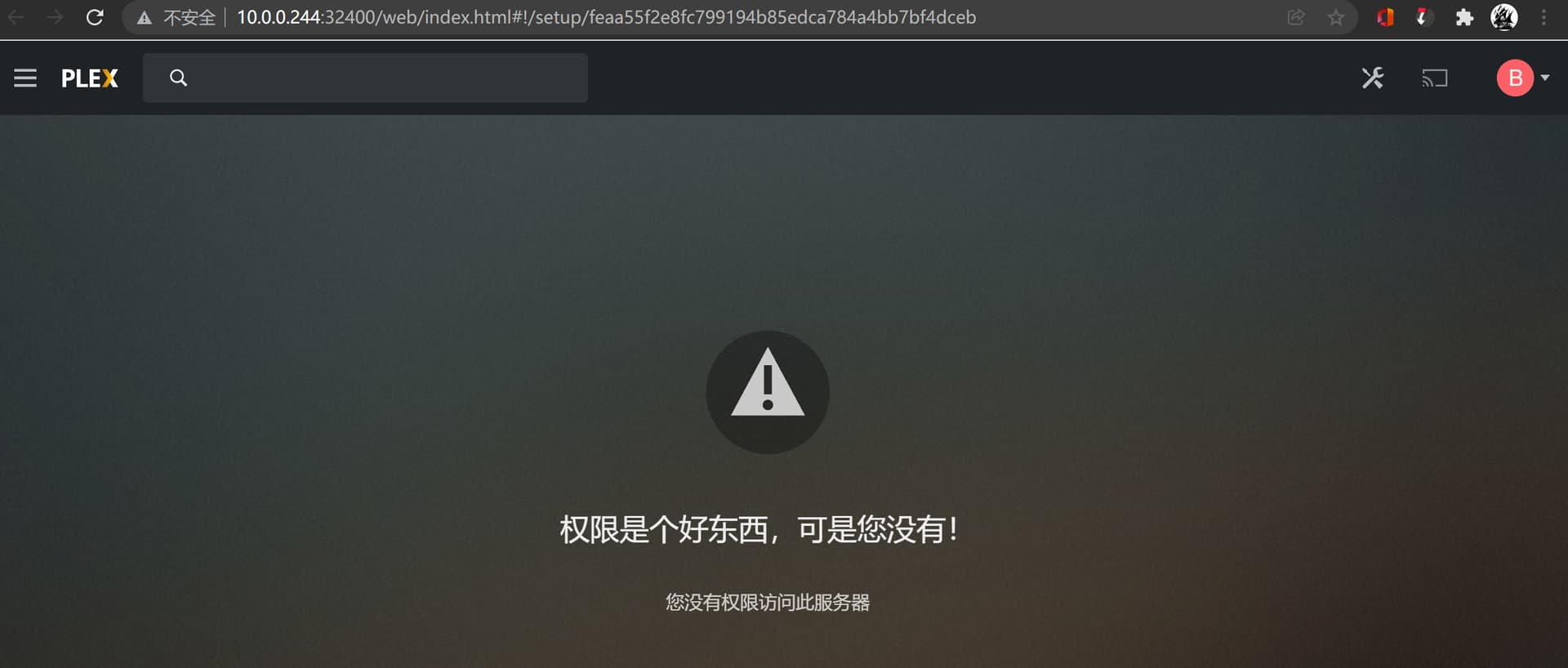
btw, if i directly click the PMS icon, it shows i was not authorised, like below, the address is with a series of lettes and numbers :


but if i directly input 10.0.0.244:32400 in my chrome, it is the screen shot i’ve shown before(cannot see any settings with local server)

Have you got any media files on your NAS? or it empty?

Can you go into your plex account via any browser?

of course, full of 30T+ videos, the infuse works fine. and PMS worked fine when it was dsm6.x.

i can get into my account, you can see the upper right of my screenshot.

it should not be the account issue, as i logout and register new accounts the problem remain the same.

typing in chrome LocalIPadr:32400/web - you are in your local Plex server
when you go into your account via browser https://www.plex.tv/ sign in - you can see all your servers (if they exist)

When I look at the account for @bestwangyu_gmail_com , the only server I see has not been seen in 9 months.

VERSION  1.21.0.3744-D87012962
CREATED OVER 2 YEARS AGO 
LAST SEEN 9 MONTHS AGO

Is there a different account I should be looking for ?

If you are now using a version higher than 1.22.3.4973, then you will be able to get the current logs from the PlexMediaServer shared folder → AppData / Plex Media Server / Logs.

Please make a ZIP file and attach it

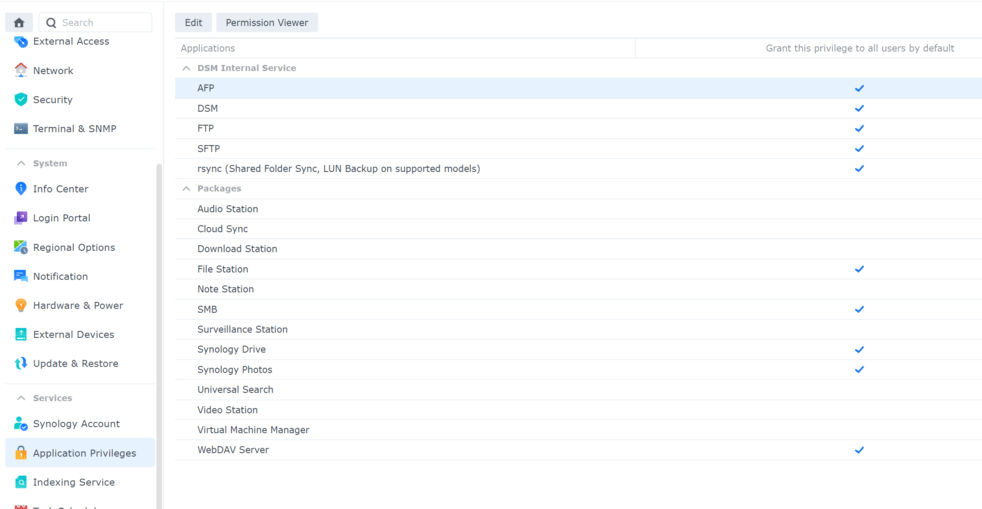
no this is the one. since my nas upgraded to dsm7 the plex is not working anymore. also I notice PMS is not listed in this app privileges, is it right?

debug.txt (48.3 KB)

PMS will not be listed in Application Privileges.

Synology is still giving out the BETA package. Until such time as they accept our PRODUCTION package, it will not be listed.

Which version of PMS is installed ?

you have given me the WEB logs.

I need the SERVER logs

Settings - Server - Troubleshooting - Download logs .

If the server is not responding / Not authorized, I need you to manually create a ZIP file

In FileStation, navigate PlexMediaServer/AppData/Plex Media Server
Right-Click LogsCompress to Logs.zip

Download that ZIP file

Attach it here.

it seems that the web interface is good (as i can visit 10.0.0.244:32400, and I can visit plex.tv and be directed to https://app.plex.tv/desktop/#!/ (actually 10.0.0.244:32400? ) when clicking open plex in the upper right.
BUT the plex server is not actually running on my local NAS.

If you can type

http://10.0.0.244:32400/web

AND the plex/web app loads

THEN Plex is running on that machine.

Please manually grab the logs ZIP file.
It won’t let you get them frrom the GUI until you are authorized.

sorry, there is no settings-server option…