Server Version#: 1.14.1.5488
Player Version#: 3.81.1
I would be extremely grateful for any advice. I connected a WD NAS and a Synology NAS to a TP-link router (which was in turn connected to my home router) and copied across all my media. I then removed the WD NAS as well as the tp-link router. My Synology DS918+ is now connected directly to my home router. My PC is also directly connected to this router. My TV is connected via wifi.
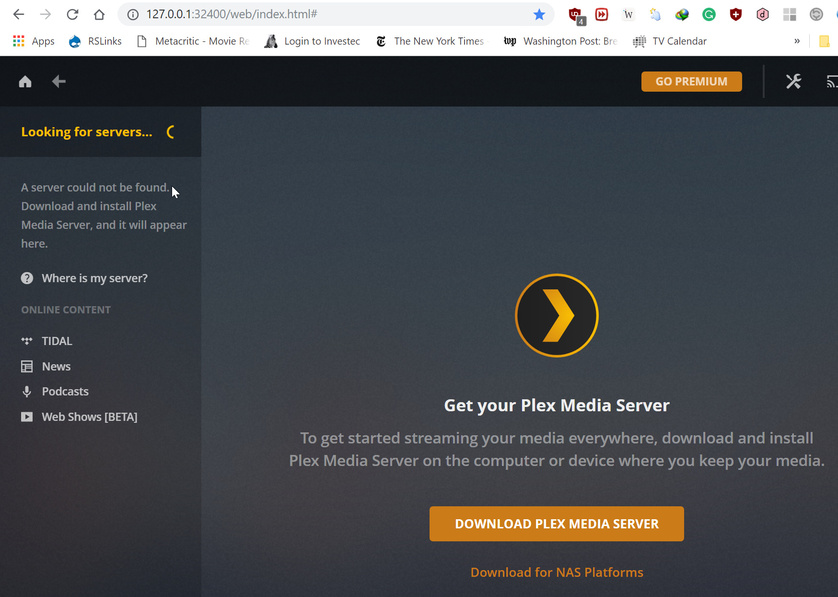
When I try logging into my desktop plex server it tells me “looking for servers” and suggests installing plex server, which i have tried several times.
If I try logging into my DS918+ Plex server it tells me that there is an unclaimed server and asks me to claim it - which i try to now avail.
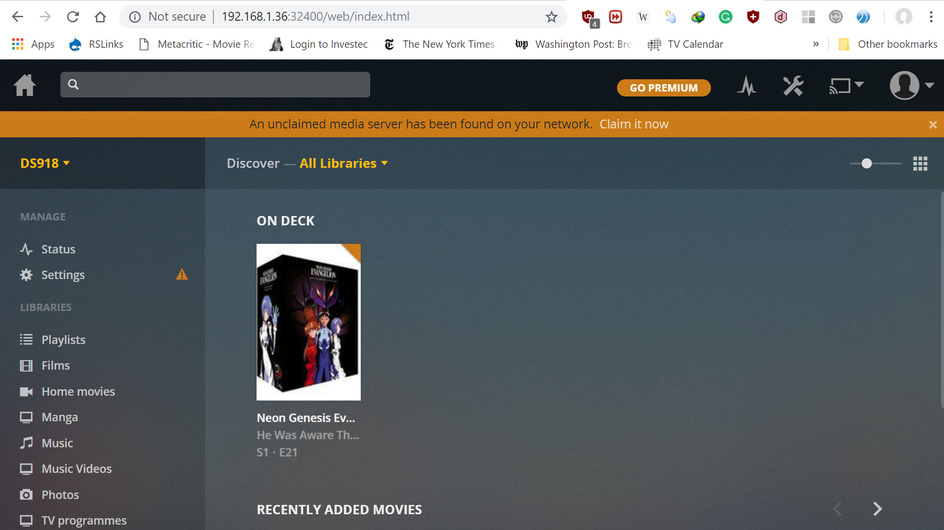
However, i can access my media from the plex server on my pc.
When i try and access either server from the plex player on my tv it sees neither.
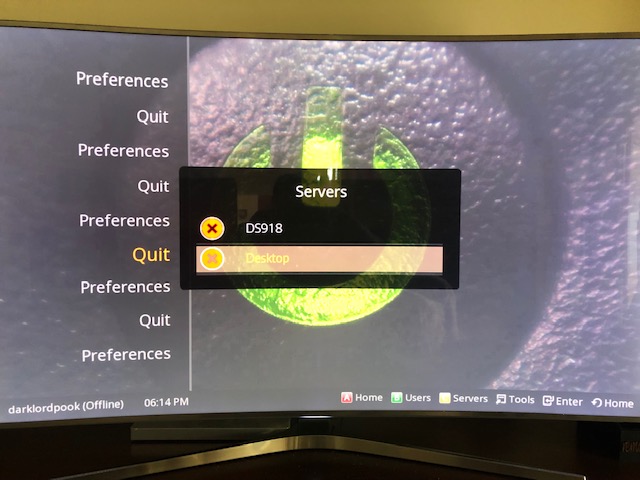
When i try and access the DS918 via another option on the TV, the media is there.
Here is a picture of how my media is set up, in case it helps.

Networking is definitely not my strong suite. I would be extremely grateful if anybody has any suggestions on how to fix this. I am also including the server logs if it helps.
Thank you.Plex Media (2.2 MB)
