DS920+ Cannot see HW transcoder option

Server Version#: 1.28.2.6151.7000 on DS920+ running DSM7.1-42261

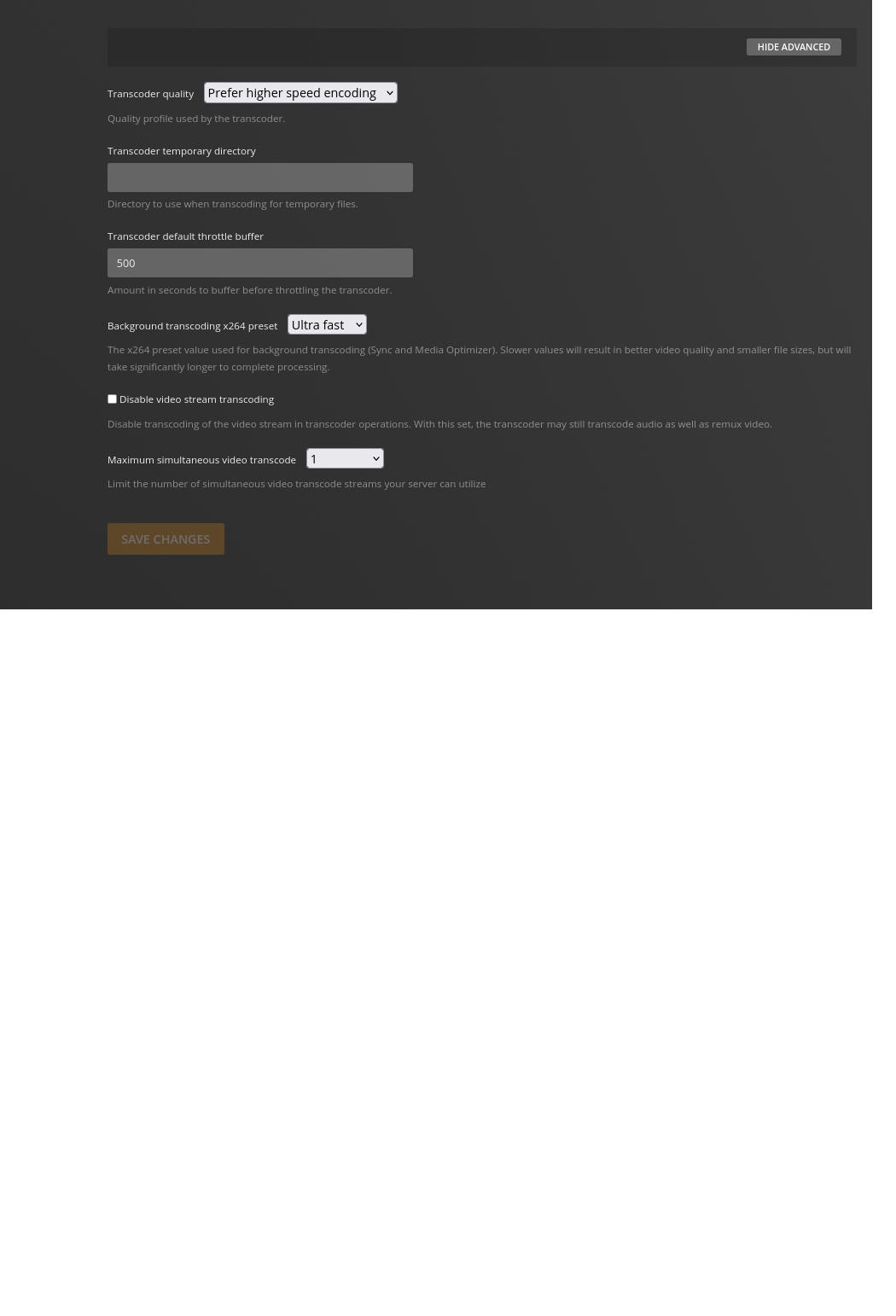
I just bought the subscription and that shows okay under my account. Logged in and out, started and stopped the server but no sign of the HW transcoder option in the settings. I see it should still be possible without creating another instance in Docker. Anything else I can check / do to get this enabled?

Under setting → general, does it show that you have logged in/claimed the server?

@ian.blakeley_outlook.com

Have you restarted PMS since your purchase?

(PMS queries your account at startup to obtain account features)

I can’t see any option there. It shows me as logged in.
https://www.dropbox.com/s/fqtyf5rc0wwh1vu/server-general.PNG?dl=0

Yep. Stopped and restarted the application.

How do you have the docker container configured?

@ian.blakeley_outlook.com

The DS920+ will Hardware Transcode already with the Native App right now.
You don’t need docker.

As warning – There’s a few docker container definitions out there which advertise hardware transcoding but fail to provide a working spec or how-to

All this aside —

If you’re wanting tone mapping, can you wait a few more days?

(I promise some really cool stuff is coming)

I don’t use Docker for Plex. It is apparently not required.

Except I do not see the option. I am not using Docker, I see and can use Plex on my network. I noticed last night if I go to https://app.plex.tv/desktop/#!/settings/account then I now no longer see my server I did use to before I bought the pass but I cannot say the two event coincide since I’ve not checked for a while usually using the local address albeit I recently had to reauthorise my Roku and that worked.

I’ve sometimes seen servers become disconnected during PlexPass upgrade.

This is easily resolved.

  1. stop PMS
  2. Uninstall the package - use the KEEP (first radio button) option
  3. close all browser windows
  4. Open again to the LAN IP of the Syno http://LAN.IP.of.Syno:5000 (desktop)
  5. Package Center
  6. Manual Install the same Plex SPK file again - EXCEPT
    – Install Using Claim Token option
    – Click “Get Plex Claim Token”
    – New browser tab will open
    – COPY the claim token
    – Return to the installation tab
    – PASTE the token in the small window on the form
    – NEXT - NEXT - Done
    – Let it install

When complete, It will respond by confirming “Claimed by: YourPlexUsername”

If it returns blank then the root problem is PMS not talking to Plex.tv (NAS issue)

Otherwise, Open PMS normally

EDIT: I have an outstanding cosmetic bug in the installer.
It will sometimes claim “success” but your username will be blank.
I know what that is and will be fixing it in my next update to the Synology package.

Great. Thank you. I now see those transcoder options and the server is listed in my devices.

update: nevermind, I just found another thread about this and after some testing it is working very well on my 920+

I keep seeing you elude to some cool new feature, but haven’t seen anything in the release notes. Any update on when we should see this “really cool stuff”?
@sap995

Manually install PMS 1.29.1 (PlexPass).

You will now have hardware tone mapping support on all Intel 64 bit CPUs which are capable (Intel J3455 and above)

1 Like

The latest I am seeing is 1.29.0.6244 I do have the pass switch toggled or is it a matter of wait a bit

@ian.blakeley_outlook.com

There is a problem with the MacOS systems. 1.29.1 was withdrawn until it can be resolved.

Here is what we have for Synology

Thanks. Is that the 32bit version? Just my previous downloads are tagged x86_64.

PEBKAC’d. Link updated :man_facepalming:

This topic was automatically closed 90 days after the last reply. New replies are no longer allowed.
