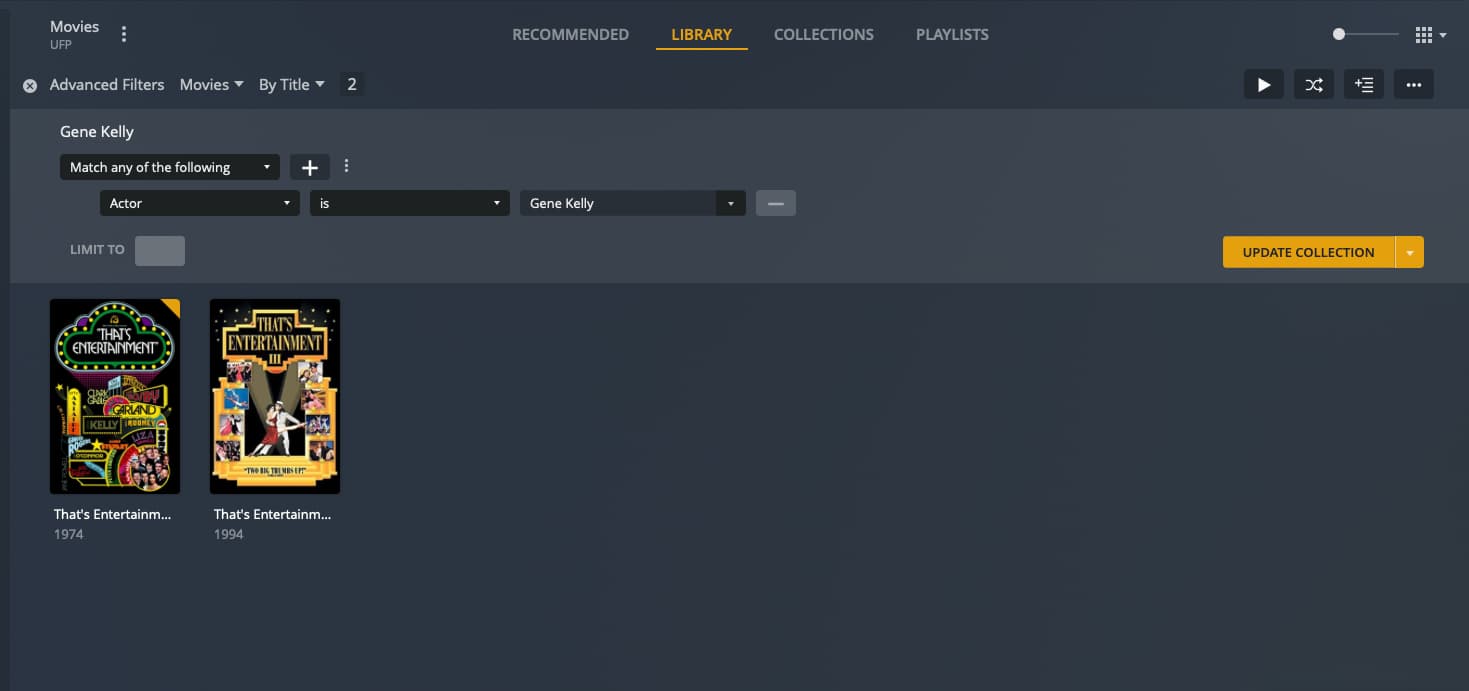
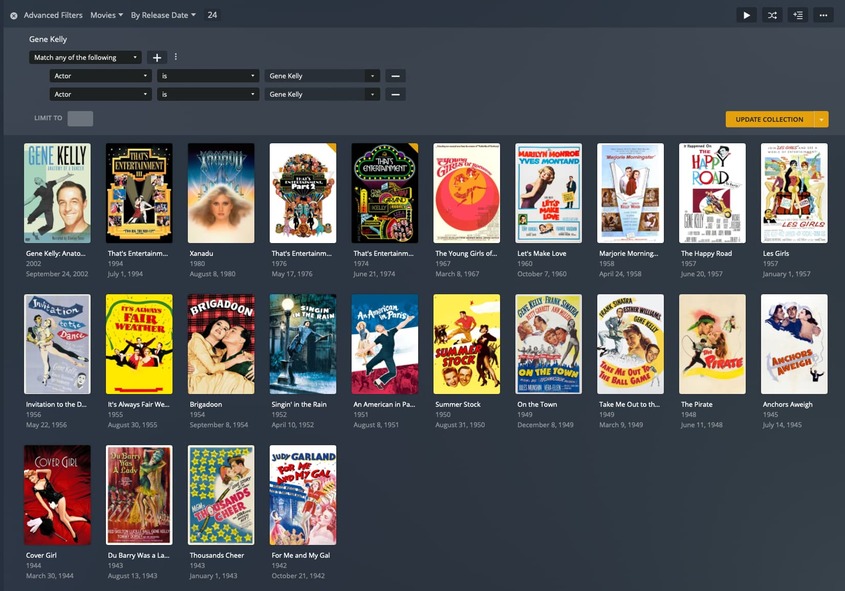
Actually they weren’t matched because one wasn’t in the database, but now appears to be so I matched that one. So that movie no longer matches the odd filter.
For “That’s Entertainment III”, when I matched it, it joined with “That’s Entertainment” as a “part” of the original movie (they are separate files released decades apart. The three films are named:
That’s Entertainment! (1974).m4v
That’s Entertainment 2 (1976).m4v
That’s Entertainment! III (1994).m4v
I tried renaming the third one to an Arabic number, but Plex kept combining it with the first one as a part. So I removed them both, optimized the database, then added the third one back in to the library before the first one (the other way around kept combining them as well). Now they both match the filter with the second copy of the name.
The first one is matched and the second one isn’t. Not sure if this is progress or not. 
Please look at the Plex media info XML of these movies.
There is a guid="... property (the one which appears first, with lower-case g)
Please copy the content of these properties into here.
And after optimizing the database, a few other smart collections have broken.
Deleting either one of those filters and re-adding it, fixes the issue.
That is expected, as the ID numbers of these persons probably have been replaced after the metadata refresh.
@OttoKerner I created the folders and matched the names so that ancillary issue is resolved. I did the fix match and refresh metadata, but when I went to edit the collection, the name had changed to the ID again.
The first film still matches one name and the other two match the other name. I checked the XML for each and saw they all see match the correct guids for IMDB and the same for the actor.
That's Entertainment! (1974) - IMDb
https://www.imdb.com/title/tt0072272/
<Guid id="imdb://tt0072272"/>
<Role id="212275" filter="actor=212275" tag="Gene Kelly" role=""/>

That's Entertainment, Part II (1976) - IMDb
https://www.imdb.com/title/tt0075323/
<Guid id="imdb://tt0075323"/>
<Role id="212275" filter="actor=212275" tag="Gene Kelly" role=""/>

That's Entertainment! III (1994) - IMDb
https://www.imdb.com/title/tt0111408/
<Guid id="imdb://tt0111408"/>
<Role id="212275" filter="actor=212275" tag="Gene Kelly" role=""/>
The second actor ID is now no longer present in your database. That’s why you don’t see a name for it anymore. Just remove this filter condition using the – right of it.
Optimizing your database might recreate/update the index tables which are used for this filter.
Yes, I’ve done that a few times now. After the latest metadata refresh and fixing those three films, one still remains where Gene Kelly has a different actor ID.
It’s the first movie in the upper left that’s the only one matched by the second filter. I’ve done the Fix Match and all the other things mentioned here. So I removed that movie to test and the duplicate Gene Kelly was gone.
None of this solves the issues with other actors though.
Please determine the guid of this outlier movie. (the one with a lower-case g)
You can only diagnose them in the same way as we did with the Gene Kelly movies.
I’m not sure if I should start a new topic or not because it’s not clear if this new issue is related. I have a collection of films where the smart filter is any film where the actor is Bruce Lee. I created the filter and it works fine. Then a scheduled cleanup or other process runs at some point later and the name “Bruce Lee” changes to “212680”. Naturally that means all the films are removed from the collection and it’s empty.
I checked the XMLs for these films and they all have the same line in them for Bruce Lee:
<Role id="204659" filter="actor=204659" tag="Bruce Lee" role="" thumb="https://metadata-static.plex.tv/5/people/52e04644cb64dced9c75186a56ce5ca1.jpg"/>
I searched all the XMLs and this number doesn’t appear in any of them. So something is causing the smart filter for the collection to change to this seemingly random number, which causes the collection to be empty. I have two other collections that have the same problem,
It’s the same issue. The actor has got a new ID number, so that the old filter is now pointing at a wrong ID number.
The only way to solve this is to delete the old filter and create a new one (which then will be pointing to the new ID).
OK so I think I figured out what’s happening in my libraries. If the file name doesn’t have the film year in it, it doesn’t matter if you use “Fix match” or not, the ID for an actor will always be different from the ID of the same actor for a film that’s automatically matched by having the year in the file name. It appears that “Fix match” sorta works, but only until the metadata is refreshed (either automatically or manually) and then a new ID is assigned to the actor that Plex couldn’t match. This means you could fix it every day, but the automatic cleanup will break it by changing the ID every day. The “Fix match” doesn’t save between metadata refresh/cleanups so you MUST ensure that Plex identifies your film correctly at the moment it’s added to your library. Because if it doesn’t and defaults to the file metadata, you will have duplicate actors, directors, etc.
The problem is there’s no way to tell what films are correctly matched and which aren’t unless you manually check the XML on every one of them. Ugh. Or is there another “hidden” way or workaround to handle this? It seems like a lot of work to make sure Plex is behaving the way it should.