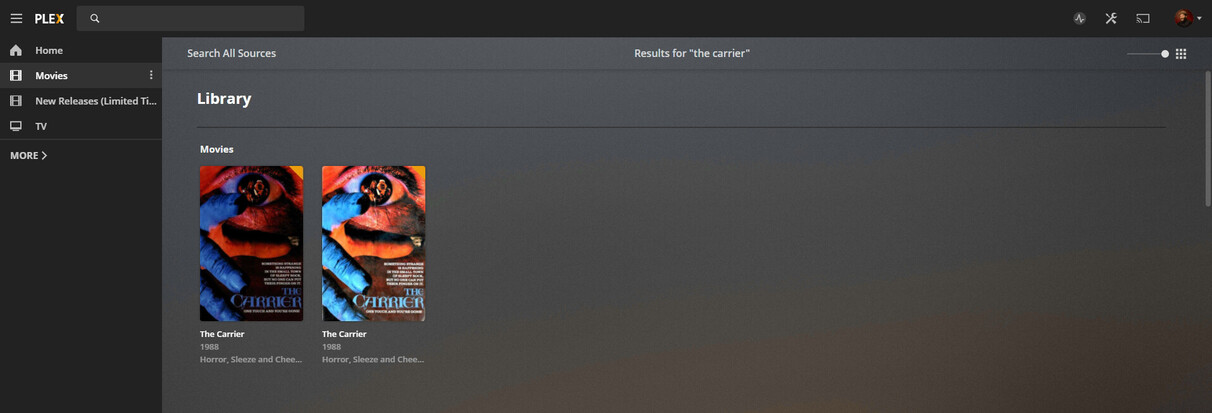
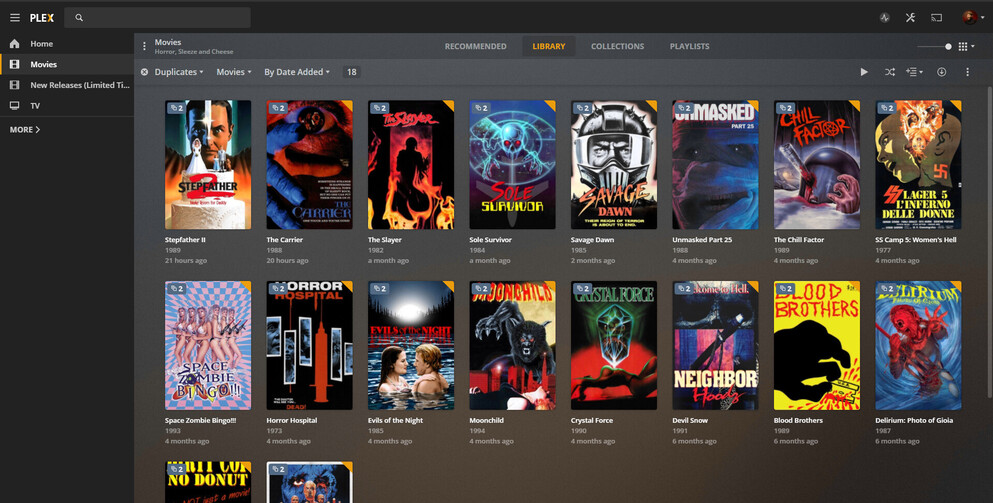
Why would these not meet the duplicate filter and group together?
I’ve attempted to do a manual library scan to see if it would pick them up but it did not resolve the issue. This is an incredibly important feature to those with large libraries. Is there any way to resolve this issue?
The filter only looks in one library. If you have two “movies” libraries (as your screen shot is suggesting), then it won’t recognize a movie as duplicate if one copy is in each library.
This would make more sense given that the majority of my films were added using the older agent and now these newly added films were searched and found using the new agent.
Is there a way to re-scan the existing files with the new agent and update them so that the films group?
I understand that. All four of these files are in the ‘Movies’ library. The ‘New Releases’ is it’s own physical folder and library on the server. The library name is clearly shown above the search results. Had they been in two different libraries they would have been separated in the search results and not side by side.
You can merge the two items into one by selecting both (the small circle in the top-left of the poster when you hover over it) and then choosing “Merge” from the “More” menu at the top-right of the screen. I believe you’ll need to be in the “Library” view of your library to do this.
Just keep in mind @OttoKerner 's advice here; Plex will retain the view history (and other metadata) from the item which is selected first.
I found a solution by running a full library ‘Refresh Metadata’ and then it used the new agent to refresh the data and then got duplicates identified again.