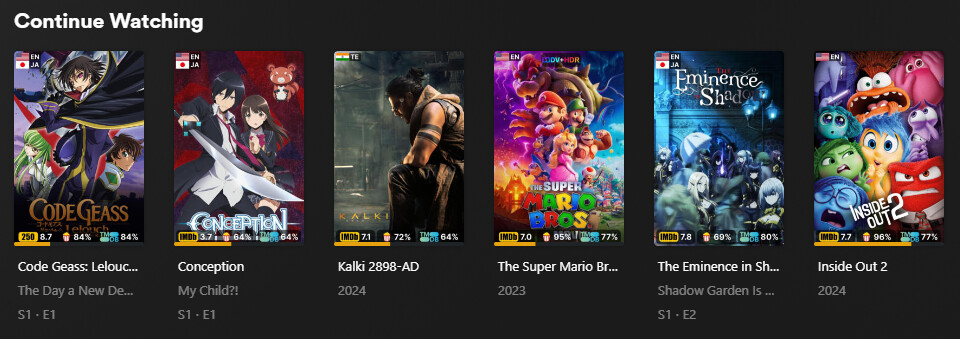
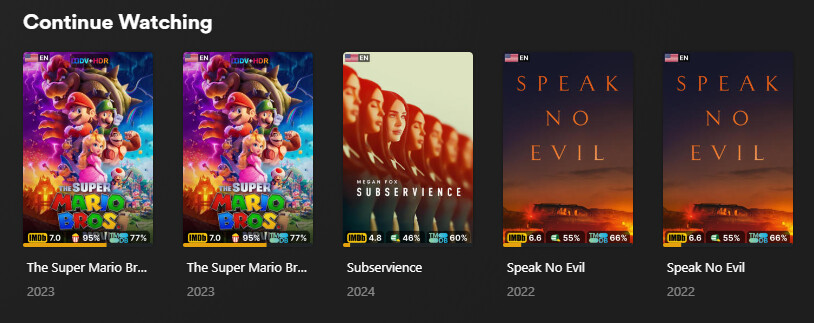
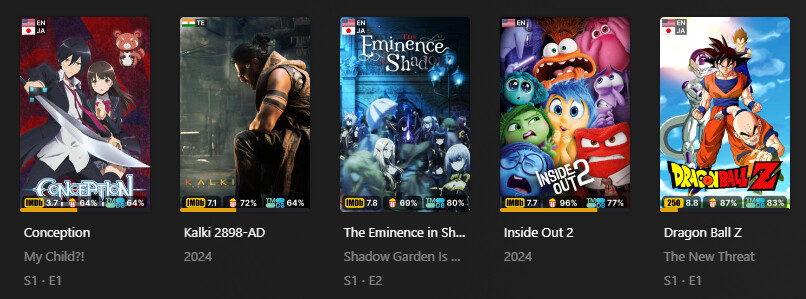
I know I’m going to be told that I’m not supposed to have the same movie in two libraries, but I’ll post this picture anyway. This is what mine looks like. The people who have 4K libraries should know what I’m talking about.

I have a Kids library, a Foreign library, and a main Movies library. The main Movies library includes movies from the Kids and Foreign libraries. I have it this way for various reasons. The main reason is that the collections can’t span to other libraries. And yes, I know that if you give the collection the same name, they’ll show up under that collection. But they don’t show up when you pin the collection to the Recommended page.
I have collections in the Movies library for New Releases and Trending, and because the Kids and Foreign movies are also inside the Movies library, those movies will show up in the collection “row” in the Recommended page. So they’re combined into one row.
Problem
Since the same movie is in more than one library, it will show a link to that movie for every library it’s in. You can tell this by clicking on each of the duplicates, and the heading will be different. One will show that it’s under Movies, and the other will show it’s under Kids/Foreign.
Proposed Solutions:
- Option #1: Just filter out duplicates in the Continue Watching by using the SQL “unique” property.
- Option #2: Insert data in the Continue Watching (or play history table) table about the library the user played that movie from. That way, you will know what item and library should be displayed in the Continue Watching.
Conclusion
I know this is such a niche problem, so I don’t expect it to be addressed, but I gotta try.