Hello,
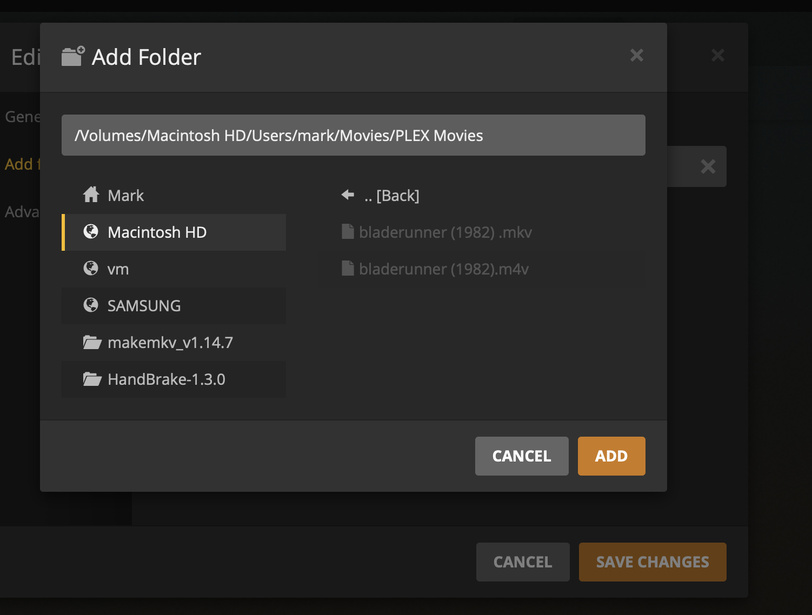
i’m new to plex and I’m trying to rip my dvd’s to add to my plex. i have tried using Handbrake and makeMKV which have converted the files to M4V or MKV files but if acmes my plex library they are greyed out and can’t access them. I’m using a Mac Os.
I should add add that i hopefully have used the correct naming procedure bladerunner (1982) .mkv or bladerunner (1982) .m4v
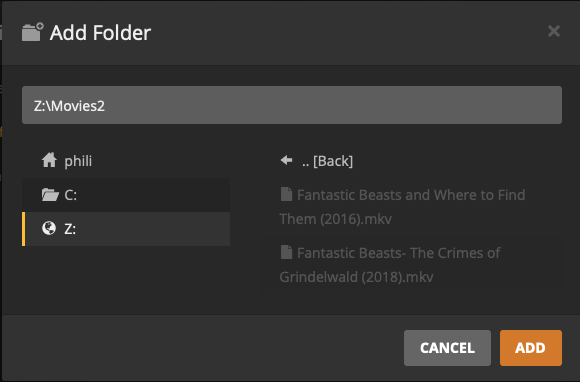
Can you provide a screenshot of where you’re seeing them greyed out? It’s normal that they’d not be selectable when you’re setting up your library folders, as you’re just telling PMS in which folders to search for media. For example, this is completely normal:
Once you get to that part of the setup, just click Add and it will scan the folder for items to add to the library. And your filenames appear to be fine.
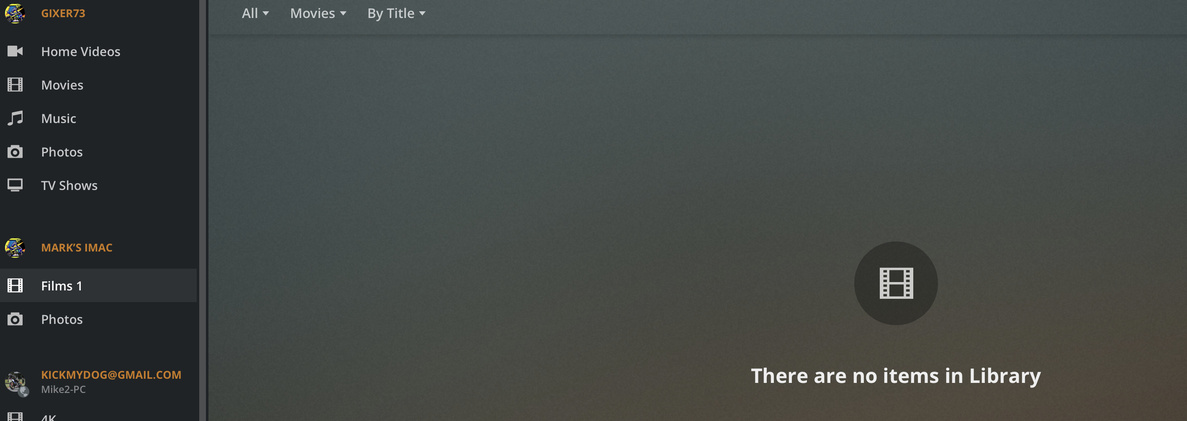
Try forcing a manual scan of your library. Hover the mouse over the mouse in the side panel, click the three vertical dots on the right, and select Scan Library Files. If that doesn’t help, grab your server logs and post them here (Settings -> (Manage) Troubleshooting -> Download Logs).
Oh, and I didn’t notice the extra space in "bladerunner (1982) .mkv before. You’ll want to remove that, though I don’t think it’s causing this problem.
Did you click add in the first screenshot?
Like @pshanew mentioned, in the first screenshot the file would be greyed out.
You need to click Add at the step and after you do that it will scan the files and add them to your server and they will then be available.
Going forward, after you add new files you would then want to rescan the library.
To do that from the web client you hover over the library name then click on the 3 vertical dots and click Scan Library Files.