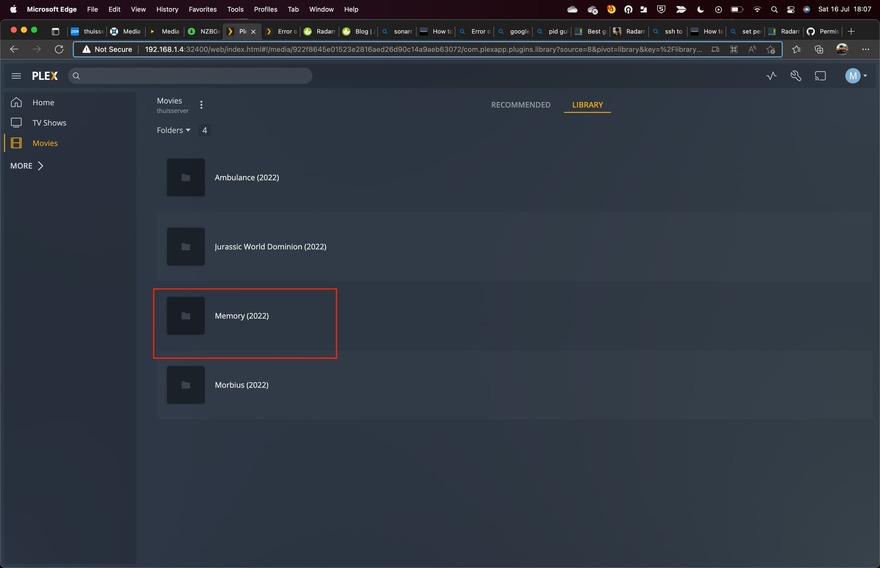
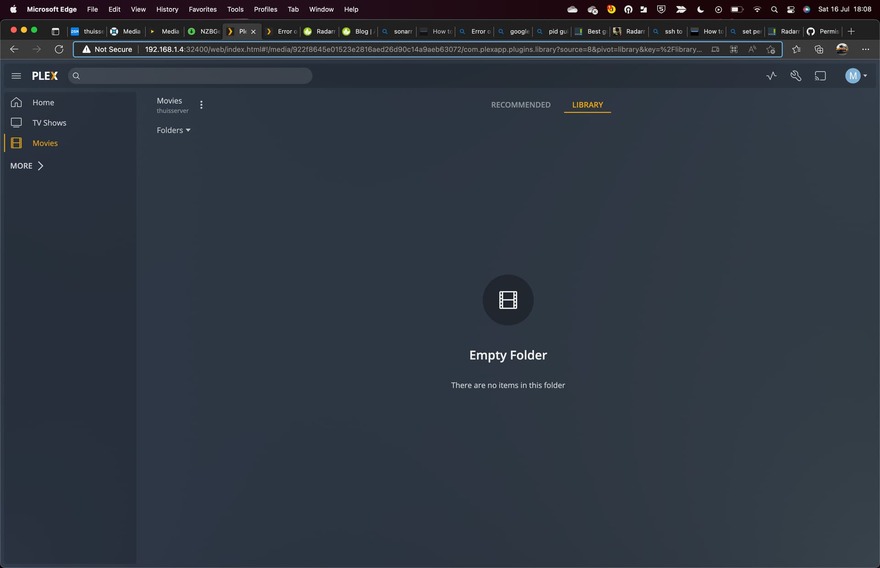
Hopefully you guys can help me out. Im having troubles all of sudden that my plex server cannot open/access my new downloaded movies trough radarr on my Synology NAS. All other existing movies and new downloaded Series with Sonarr are getting reconized, but new movies downloaded are not.
I have taken a look at the logs for the movie and its looks like this:
Jul 16, 2022 14:23:37.451 [0x7f2a8999db38] DEBUG - Scanner: Processing directory /volume1/media/downloads/completed/Movies/Memory.2022.1080p.AMZN.WEB-DL.DDP5.1.H264-EVO (parent: yes)
Jul 16, 2022 14:23:37.473 [0x7f2a8999db38] ERROR - Error opening file ‘“/volume1/media/downloads/completed/Movies/Memory.2022.1080p.AMZN.WEB-DL.DDP5.1.H264-EVO/Memory.2022.1080p.AMZN.WEB-DL.DDP5.1.H264-EVO.mkv”’ - Permission denied (13)
Jul 16, 2022 14:23:37.473 [0x7f2a8999db38] ERROR - Error opening file ‘“/volume1/media/downloads/completed/Movies/Memory.2022.1080p.AMZN.WEB-DL.DDP5.1.H264-EVO/Memory.2022.1080p.AMZN.WEB-DL.DDP5.1.H264-EVO.mkv”’ - Permission denied (13)
Does anybody have in clue.?
What have i done?
Reinstalled Plex Media Server running on my Synology NAS DSM 7
Checked and reconfigured the permission on the shared folder
Made sure that under System internal user that Plex has RW
I’m clueless right about now in how to solve this.
Errno 13 is Permission denied meaning the user running radarr is not able to read that file or possibly not able to read inside one of the directories in the filepath. As this appears to be the completed downloads folder for radarr I would check the permissions on that file and all the directories above it by logging into the Synology using ssh (sorry I’m an old Linux guy from way back - not sure of the GUI way) doing something like:
ls -l /volume1/media/downloads/completed/Movies/Memory.2022.1080p.AMZN.WEB-DL.DDP5.1.H264-EVO/Memory.2022.1080p.AMZN.WEB-DL.DDP5.1.H264-EVO.mkv
ls -l /volume1/media/downloads/completed/Movies/Memory.2022.1080p.AMZN.WEB-DL.DDP5.1.H264-EVO
And verify that the user running radarr has actual read/write permissions. You could even do something like:
sudo -u <user that radarr runs as> touch /volume1/media/downloads/completed/Movies/Memory.2022.1080p.AMZN.WEB-DL.DDP5.1.H264-EVO/file
To see if that user can create that file.
Also, as your download client - radarr is just the manager of searching for movies using the configured indexers and handing off the download to your download client, finally moving the downloaded file into place - I would also check the setting of whatever download clients you use to make sure they are not creating the file with permissions issues.
User PlexMediaServer isn’t able to read the files.
The username the downloaded movies writes with doesn’t grant permission for PlexMediaServer to read them.
There are two steps to resolving this:
In the downloading tools, make sure the final permissions mask is set to 755. (755 gets applied to directories and 644 gets applied to files which allows PlexMediaServer to read them
To fix those already written.
Re-apply the permissions to existing files in the shared folder(s) containing media.
I find it weird because it always use to work, and nouw all of a sudden it doesnt work for only the movie part. All my movies and series (different folders) are all stored in 1 shared drive. So if this problem occurs for the movie, why not for my series part?
The weird thing in this log for me is once my movie is downloaded my download client moves it automatically from/media/download/completed/Movies to media/Movies. So why is it looking all of a sudden to the completed path?
@ChuckPa, as I read the OP he was talking about a path that had downloads/completed in the path. I, therefore, assumed that the problem was with either radarr or the download client and not PMS itself. Technically radarr and the download client could be running as any user. Granted PMS itself may have permission problems but the error seems to be generated by radarr itself.
@m_fa0 check your radarr settings. Here are my settings: